Page 51
Flymaster Live C User Manual
Waypoints
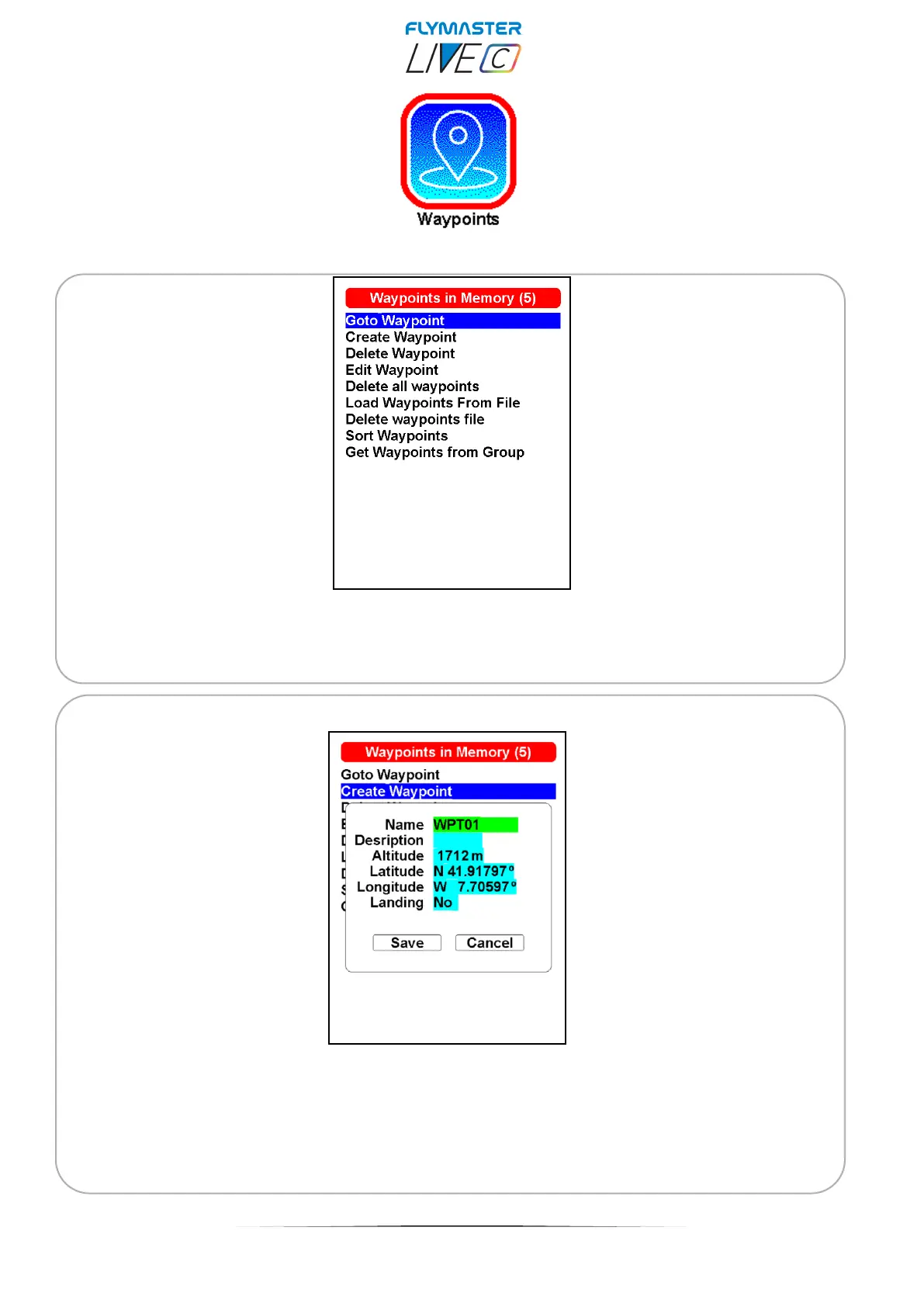
Go to waypoint - Forces navigation to the selected waypoint. This overrides the task
navigation.
Create Waypoint -This menu allows the user to add a new waypoint to the waypoint list.
If the GPS is fix, then the co-ordinates and altitude used for the waypoint are based on the
current position. If “Landing” is set to YES, the waypoint will be considered as a landing
place, and can be listed in “Nearby landings” feature.



 To Next Page