Page 53
Flymaster Live C User Manual
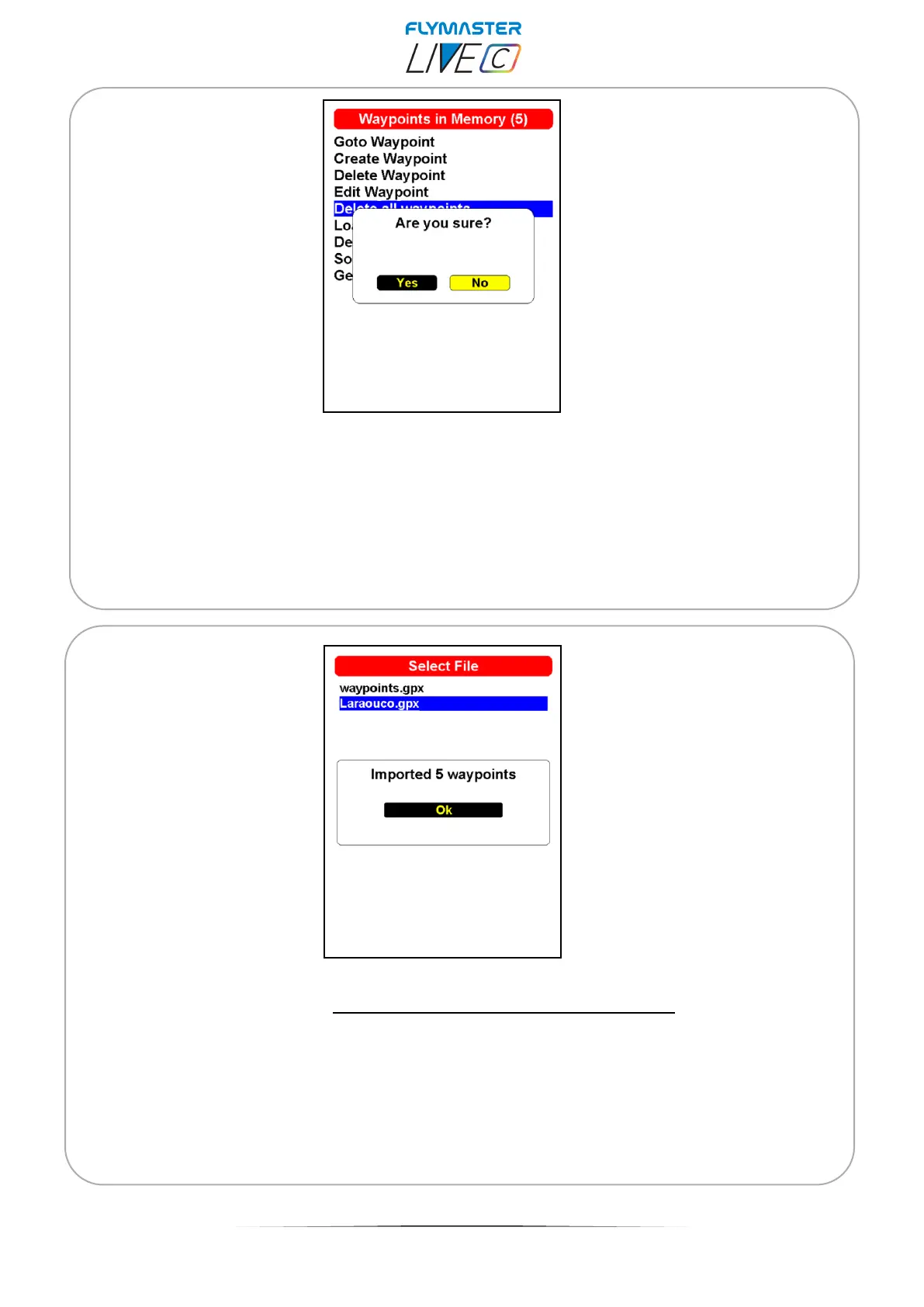
Delete all waypoints - It is possible to delete all waypoints on the LIVE C from the
waypoints list. All waypoint will be removed from the waypoint list. If a waypoint is in use in
the active Task, the task will be preserved. Any saved task will be kept. Also the waypoints
file will not be changed.
Load waypoints from file - You can load waypoints into the list from a file. Just copy a
waypoints file to the SD card using Flymaster instrument Manager, of a known extension
(GPX, GEO, WPT, CUP, etc). When selecting and pressing ENTER in the "Load Waypoints
from file", the points will be loaded into the list.
If you try to import waypoints from a file with the same name as some that already
exist in the instrument, they will not be imported. In case of doubt, it is important to
always check that the names are not duplicated and that the waypoints do not
already exist in the instrument.



 To Next Page