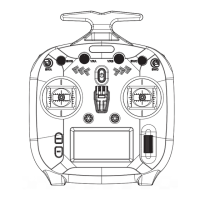
FS-ST8
Digital Proportional Radio Control System
10
6.1 Transmitter settings
There are 11 function menus in TX SET menu: MODEL, TRAINER, STICK MODE, CALIBRATION, SYSTEM SETTINGS,
TIMERS, SWITCH SETTINGS, FIRMWARE UPDATE, ABOUT, HELP CENTER, MORE and FACTORY RESET.
In the main menu, press MENU to enter the function menu. Selec TX SET by scrolling Scroll Wheel and press Scroll
Wheel to enter.
6.1.1 TX SET - MODEL
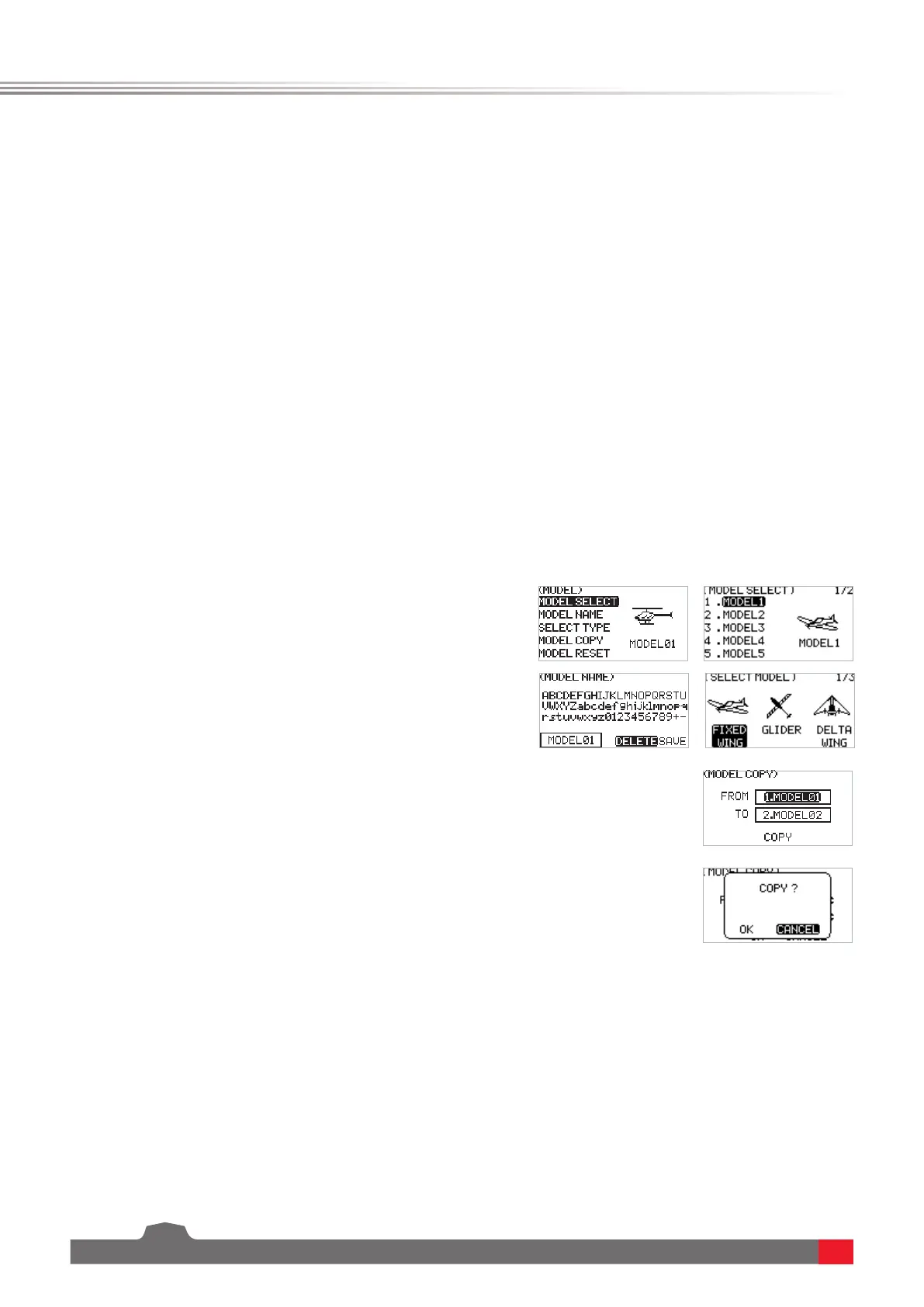
The MODEL menu is used for model management. It includes ve options: MODEL SELECT, MODEL NAME, SELECT
TYPE, MODEL COPY and MODEL RESET.
SELECT MODELThetransmittercansaveupto20setsofmodeldata,andyoucancalloutonesetofmodeldataat
anytimeanduseitasneeded.
MODEL NAMEThenameofthemodelyouselectcanbeeditedandchanged.
SELECT TYPE Toprovideatotalof9dierenttypesofmodels,anditcoversmostofkindsofthemodels.
MODEL COPYIfyouhaveanewmodelthatisthesameorsimilartothemodelyouusedbefore,youcanusethis
functiontomakeacopyforquicksetting.
MODEL RESETItmeansthatthisfunctionwillresetallthesetvaluesofthemodelparametersandrestorethefactory
settings.
Function settings:
1. IntheMODELmenu,selectthefunctionbyscrollingScroll
WheelandpressScroll Wheeltoenterthecorresponding
next-levelmenu.
2. IntheMODEL SELECT menu,scrollScroll Wheeltoselect
anappropriatemodelandpressScroll Wheel toconrm,
thenpressEXITtosave.
3. InMODEL NAMEmenu,scrollScroll Wheel toselectan
appropriatealphabetornumber.UseDELETEtodelete
therelatedcharacters.Tosavethesettingsbypressing
ScrollWheelwhileSAVEisinselectingstate.Itsupports
upto8characters
4. InSELECT TYPEmenu,scrollScroll Wheeltoselectan
appropriatetypeandpressScroll Wheeltonish.
• IftheHelicopterisselected,aswashsettingmenu
comesalongwithit,selectanappropriateswash,then
pressScroll Wheeltonish.
5. InMODEL COPYmenu,scrollScroll Wheeltoselectthe
modelforFROMandTOrespectively,thenselectCOPY
andpressScroll Wheel,apop-upmenucomealongwith
it.SelectOKandpressScrollWheeltoconrm.PressEXIT
tosaveandexit.
6. ForMODEL RESET,selectOKandpressScroll Wheelto
conrminthepop-upmenuappeared.


 To Next Page