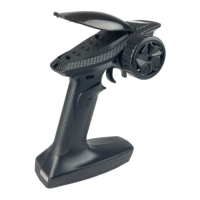
FS-ST8
Digital Proportional Radio Control System
20
6.4 General settings
Used to set or adjust the general functions which are commonly use inculding MONITOR, REVERSE, END POINTS, CH
SPEED, AUX CH, TRIMS and MIXES.
In the main interface, press MENU to enter the function menu. Select GENER MENU by scrolling Scroll Wheel and
press Scroll Wheel to enter.
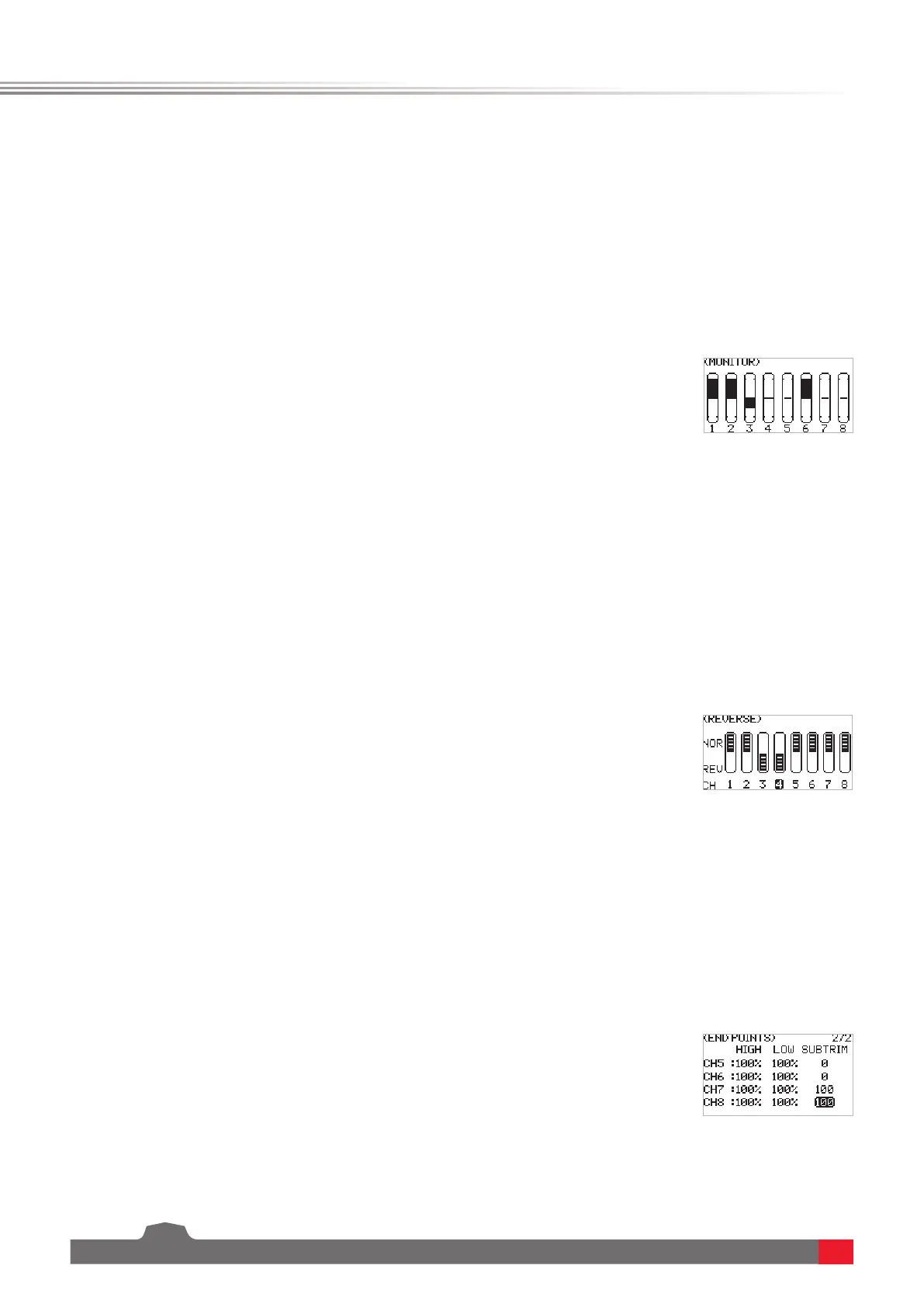
To display the realtime output status of all channels, you can mpnitor the current output status of all channels.
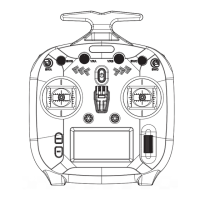
You can perform the reverse processing of the output data of one channel or more channels. This function is used in
the debugging of a model.
Models may follow dierent standards in the design. In the assembly and debugging of a model, if you nd that the
operation model is opposite to the required direction, for example, the model goes to the left when you want the
right direction, the output signal direction of the transmitter needs to be adjusted at this time. The function is used
to adjust the action direction of output signals of each channel.
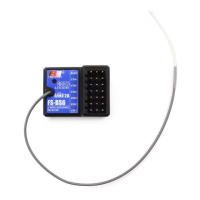
Adjust the travel amount of the servo output. This function is used in debug. This function can be used to set the
travel of the HIGH, LOW and SUBTRIM at both ends of the channel respectively.
When the model is designed, there are changes in the size of the structure and the specication may not be unied.
In addition, there may be dierent sizes of operator's habitual actions. The servo travel function can be used to set
the travel amount required for each channel to adjust the corresponding structure for the best match, to obtain the
required operation eect. For example, you want to operate that the turning action is not so large, you can adjust
the value of the direction channel at both ends to be smaller. In this way, the turning action should be smaller, with
less likely to be tailspin.
6.4.1 GENER MENU - MONITOR
6.4.2 GENER MENU - REVERSE
6.4.3 GENER MENU - END POINTS
Function settings:
SelectMONITOR andpressScroll Wheel toenterthemnitoringmenu.
Note: There is another hidden function on menu: Channel test.Press and hold
the Scroll Wheel in this menu. The system will prompt "Comrm access channel
test?". Select OK and pressScroll Wheel toente. All channels will be output in
one direction.It is convenient to detect whether the corresponding channel is
normal. This function can also be used in the distance test.
Function settings:
1. SelectREVERSE andpressScroll Wheel toenter.
2. Selecta channel you want to set andpressScroll Wheel tosetNOR(normal)
orREV(reverse).PressEXITtosaveandexit.
3. Carryoutatesttoconrmthatthedirectionsofservosaresameasyour
requireddirection.
Function settings:
1. SelectEND POINT andpressScroll Wheel toenter.
2. Selectan item you want to set selectanappropriatevaluethenpressScroll
Wheel.PressEXITtosaveandexit.



 To Next Page