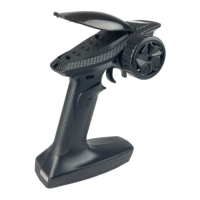
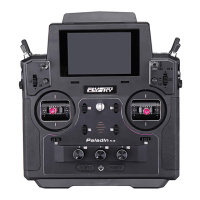
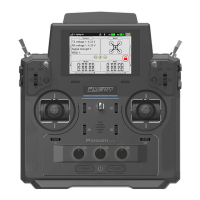
FS-ST8
Digital Proportional Radio Control System
18
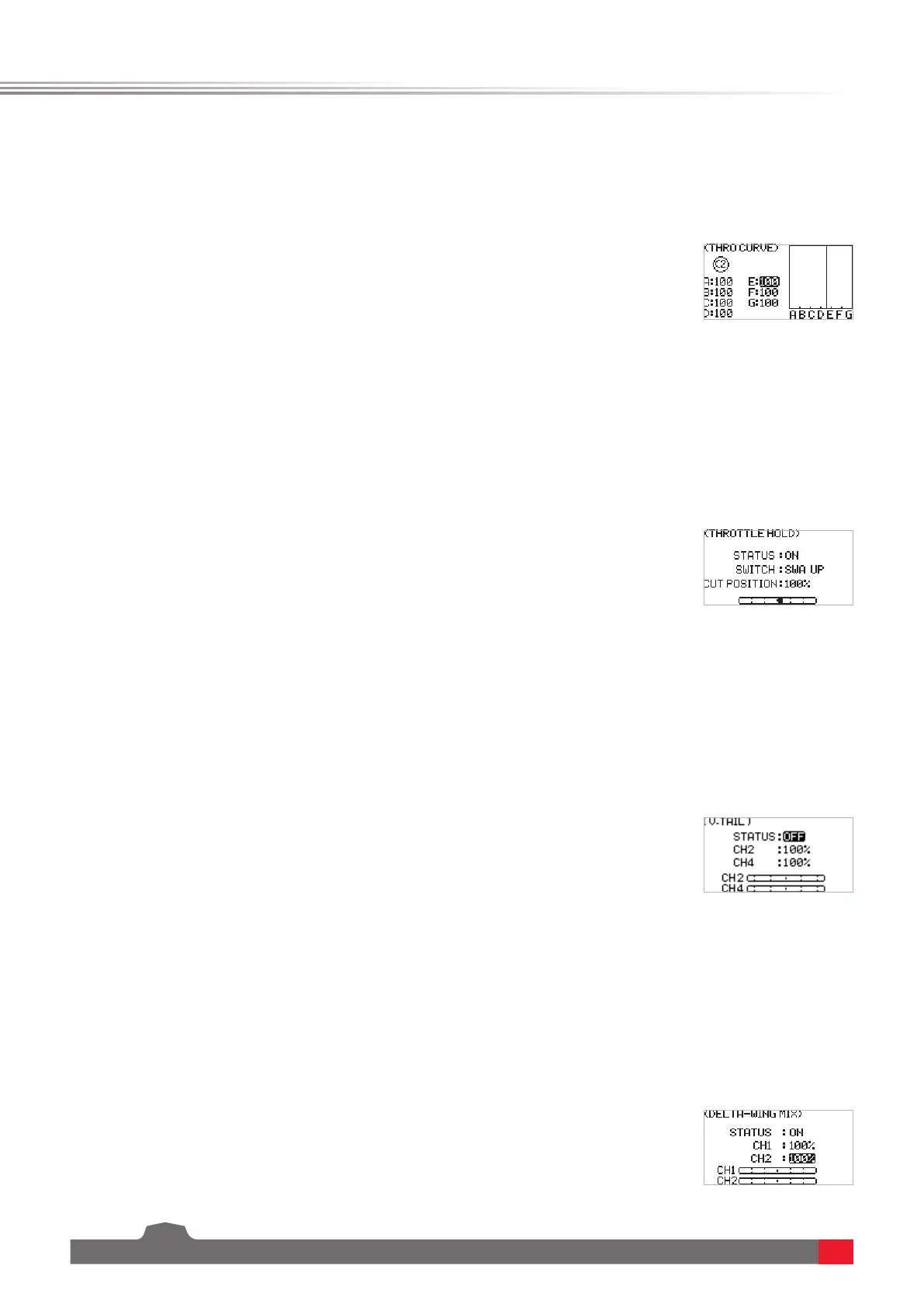
It is a function specically for throttle channel to achieve the perfect match between throttle output and motor or
engine. It can be set individually in dierent ight conditions, with 7 dynamic adjustment points throughout the
travel. You can set freely to achieve the best control eect on the throttle.
This is a common function used for adjustment and trimming. This is also a function used before take-o and during
landing, for keeping the normal output of other channels while the throttle channel output is completely locked,
so as to obtain a safe working state. You can set whether to enable the function, whether to set the status switch, or
whether to set the lock position.
This function is set for some specic aircraft models, for example, xed-wing aircraft with V-tail. You can perform
mixing control for both channels in the same direction and reverse direction.
This function is set for some specic aircraft models, for example, delta-wing aircraft with two ailerons. Use this
function to make the aileron to perform the function as an elevator.
6.3.3 MDL SET - THROTTLE CURVE
6.3.4 MDL SET - THROTTLE HOLD
6.3.5 MDL SET - V-TAIL
6.3.6 MDL SET - DELTA-WING MIX
Function settings:
1. SelectTHROTTLE CURVE andpressScroll Wheel toenter.
2. Selecta point you want to set andpressScroll Wheel, thenselectavalue
youwanttosetandpressScroll Wheel to conrm.PressEXITtosaveand
exit.
Function settings:
1. SelectTHROTTLE HOLD andpressScroll Wheel toenter.
2. SetON orOFFtoturnonorturnousingScroll Wheel.
3. Setaswitch.Inthemenu,selectaswitchanditscorrespondingposition
tonish,oryoucantogglethecorrespondingphysicalswitchonthe
transmittertonish.
4. SetCUTPOSITION,selectanappropriatevaluethenpressScroll Wheel.
PressEXITtosaveandexit.
Function settings:
1. SelectV-TAIL andpressScroll Wheel toenter.
2. SetON orOFFtoturnonorturnousingScroll Wheel.
3. SelectthechannelandselectanappropriatevaluethenpressScroll Wheel.
PressEXITtosaveandexit.
4. Carryoutatesttoconrmthatthetransmitterfunctionsnormallyafteritis
set.
Function settings:
1. SelectDELTA-WING MIX andpressScroll Wheel toenter.
2. SetON orOFFtoturnonorturnousingScroll Wheel.
3. SelectthechannelandselectanappropriatevaluethenpressScroll Wheel.
PressEXITtosaveandexit.
4. Carryoutatesttoconrmthatthetransmitterfunctionsnormallyafteritis
set.



 To Next Page