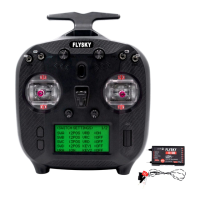
FS-ST8
Digital Proportional Radio Control System
12
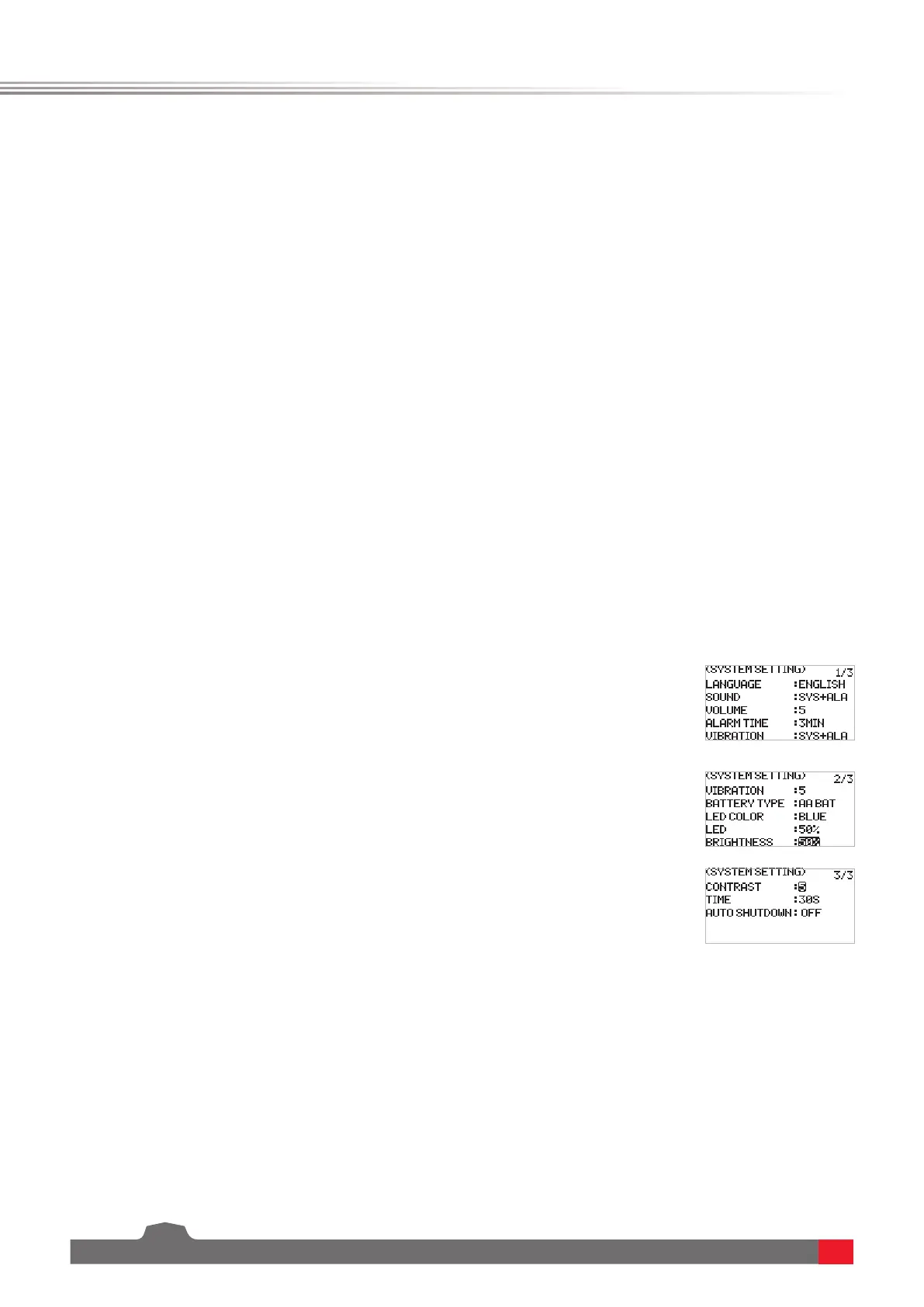
The system setting function is used to set the transmitter system, including setting the language, sound, volume,
alarm time, vibration, vibration grade, battery type, LED color, LED, brightness, time of backlight and autoshutdown.
6.1.4 TX SET - SYSTEM SETTING
Function settings:
1. SelectSYSTEM SETTING andpressScroll Wheel toenter.
2. Selecta function you want to setandpressScroll Wheel,theselected
boxisashingnow.
3. Selectan appropriateitemand pressScroll Wheel tonish.PressEXIT
tosaveandexit.
LANGUAGETosetthesystemlanguage,includingChineseandEnglish.
SOUNDTosetthesoundforsystemandalarm.SYS+ALAmeansthesame
soundforsystemandalarm.
VOLUME Tosetthevolumeofthesound.
ALARM TIME Tosetthetimeoftheidlealarmorwhethertoenablethe
idlealarmfunction.
VIBRATION Tosetthevibrationofthesystemandalarm.SYS+ALAmeans
thesamevibrationforsystemandalarm.
VIBRATION GRADE Tosetthevibrationgradeofthesystemandalarm.
BATTERY TYPETosetthebatterytype.
BAT ALARMTosetthevoltageaccordingtothebatterytype.
LED COLORTosetthecoloroftheLED.
LEDTosetthebrightnessoftheLED.
BRIGHTNESSTosetthebrightnessoftheLCD.
CONTRASTTosetthecontrastoftheLCD.
TIMETosetthetimeofthebacklight,namelyhowlongthescreentakes
toturnowhennotinuse.
Note: Leaving the screen on for longer will use more power and as such may lead to
reduced battery time.
AUTO SHUTDOWNTosetthetimeofautoshutdownorturnoit.


 To Next Page