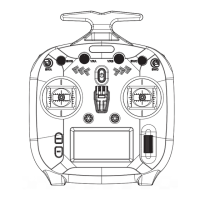
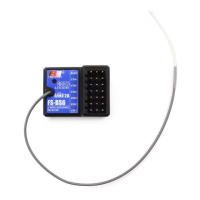
FS-ST8
Digital Proportional Radio Control System
24
8. DIY Customization
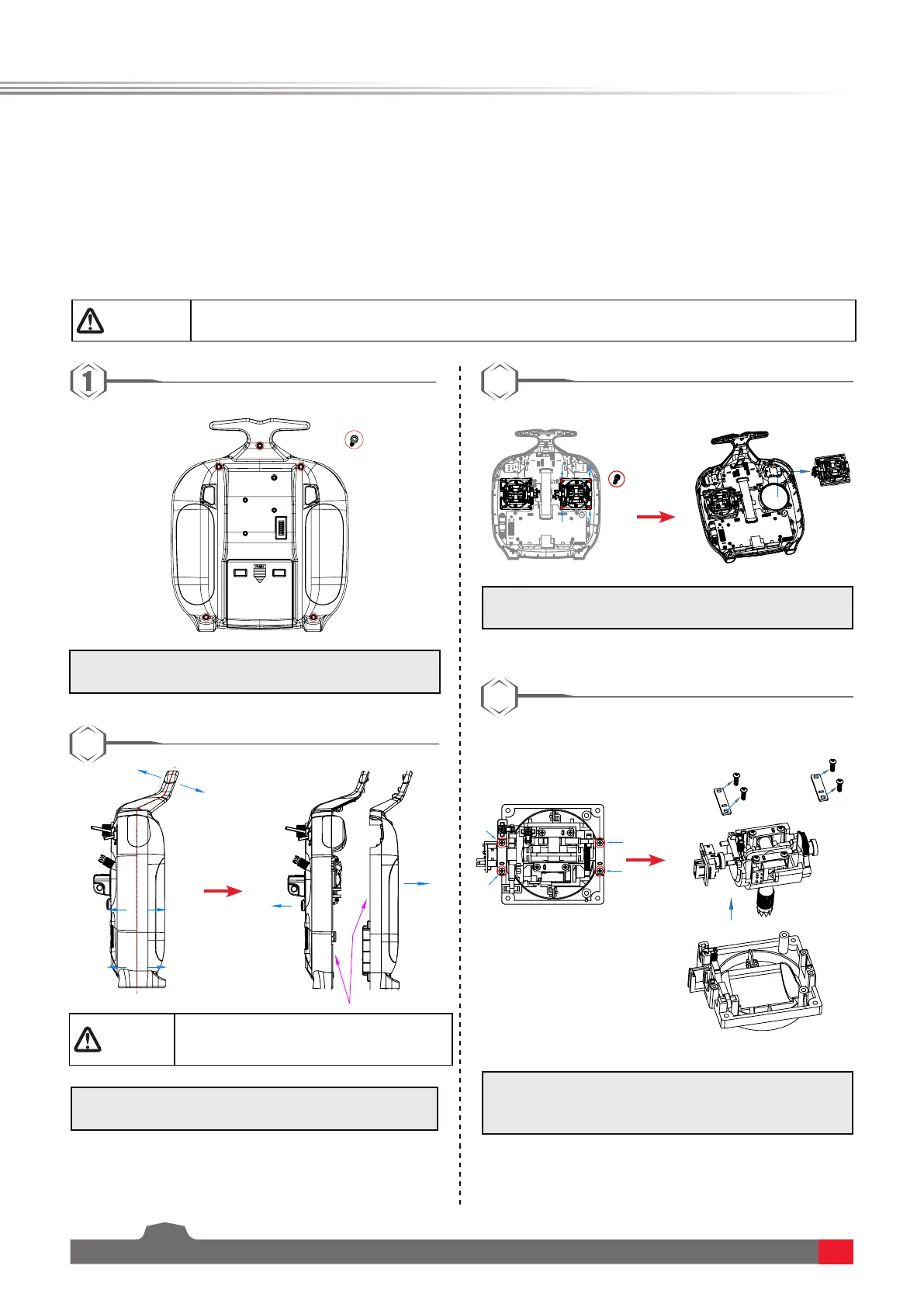
FS-ST8 transmitter has two sticks in the factory settings, and one is the self-return stick. To use the non-self-return
stick, please follow the steps below to replace the self-return stick to the non-self-return stick. The throttle spring
includes two types: setback spring and non-setback spring (the installation steps are the same).
The system can be recongured to change stick placement, mount mobile stand,RF adapter or SMA antenna.
8.1 Throttle Bracket Installation
x5
Attention
• This operation is only for the self-return stick.It is forbidden to disassemble the non-self-
return stick.
1.Useascrewdrivertoremovethe5screwsmarked
inred.
3.Loosentheassemblyscrewsshownaboverst,
thenremovethegimbal.
4.Loosentheassemblyscrewsshownaboverst,
thenremovetheplateassembly.Becarefulto
ensurenodamagetocables.
2
4
2.Carefullypullthefrontandbackcoversapart.Be
carefultoensurenodamagetocables.
Note:Thethrottlespringinstallation,swappinggimbals
requiresthatthetransmitterbedisassembledand
reassembled.Theinstructionswillonlybeprovidedhere,
therestrefertothedescriptionshere.
3
Caution
• Be careful to ensure no damage to
cablesor destroy the terminal block.



 To Next Page