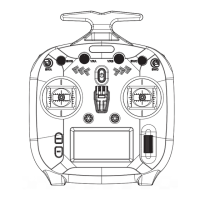
FS-ST8
Digital Proportional Radio Control System
14
Used to display the system information, such as hardware version, etc.
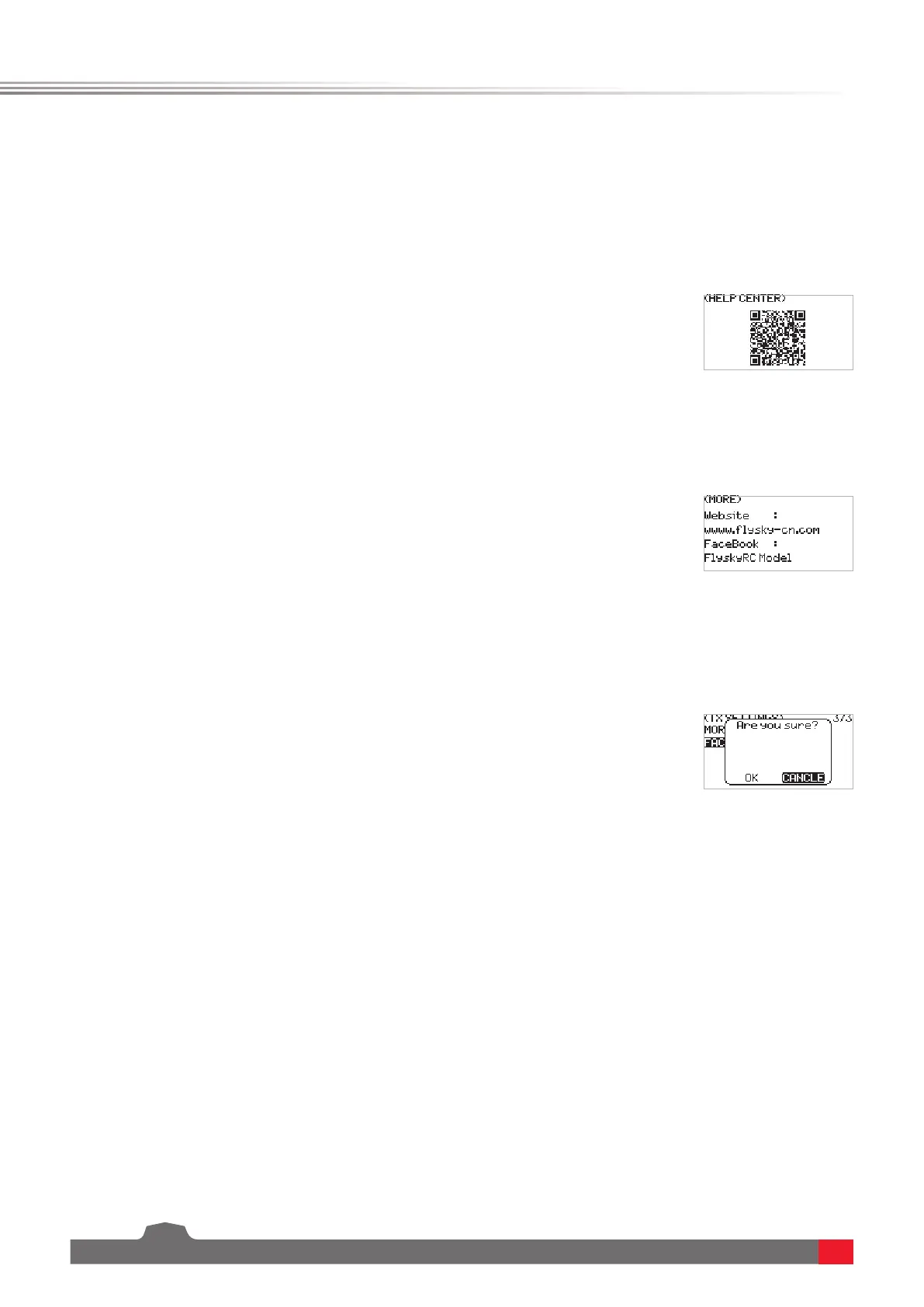
To obtain the user manual via this function.
To obtain the website and FaceBook via this function.
Used to restore the entire transmitter system to the factory settings in case a number of parameters are adjusted
incorrectly during operation.
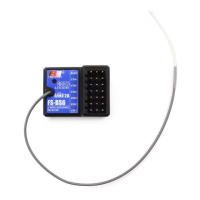
The ex-factory bind settings of the transmitter and receiver are completed successfully. If you want to use a new
receiver, please bind the transmitter and the receiver before use.
6.1.8 TX SET - ABOUT
6.1.9 TX SET - HELP CENTER
6.1.10 TX SET - MORE
6.1.10 TX SET - FACTORY RESET
6.2.1 RX SET - BIND SETTINGS
Function settings:
SelectABOUT andpressScroll Wheel toenter,thenyoucanviewtherelated
information.
Function settings:
SelectHELP CENTER andpressScroll Wheel toenter,thenyoucanviewthe
relatedinformation.
Function settings:
SelectMORE andpressScroll Wheel toenter,thenyoucanviewtherelated
information.
Function settings:
1. SelectFACTORY RESET andpressScroll Wheel toenter,thenapop-upmenu
appears.
2. SelectOKandpressScroll Wheel tonish.
6.2 Receiver settings
The RX SET(receiver setting) menu provides a number of function setting menus to allow you to set up the
receiver system in all aspects. That is, BIND SETTINGS, FAILSAFE, SENSOR, RF SETTING, i-BUS SETTINGS, SENSOR
CALIBRATION.
In the main menu, press MENU to enter the function menu. Select RX SET by scrolling Scroll Wheel and press Scroll
Wheel to enter.
BINDToputthetransmitterintobindmode.
OUTPUTItprovidestwocombinedoutputmodes,youcanchoseoneofthePWM/S.BUS,PPM/i-BUS,PWM/i-BUS
andPPM/S.BUS.
Note:The receiver can output PPM signal via CH1 and i-BUS signal via SERVO/S.BUS interface. It also can input i-BUS signal via SENS
interface.



 To Next Page