Original User Guide | Impulse Evo pedelec Version 2 US-47
4. Use the
/
buttons to select the 'Device Settings' option.
5. Conrmwith
.
6. Use the
/
buttons to select the 'Drive' option. The selected item is
shown on a black background.
7. Conrmwiththe
button. You arrive at sub-menu 2.
8. Use the
/
buttonstoselectthe'RideProle'option.Theselected
option is shown on a black background.
9. Conrmwiththe
button.Youhaveaccessedtherideproles.
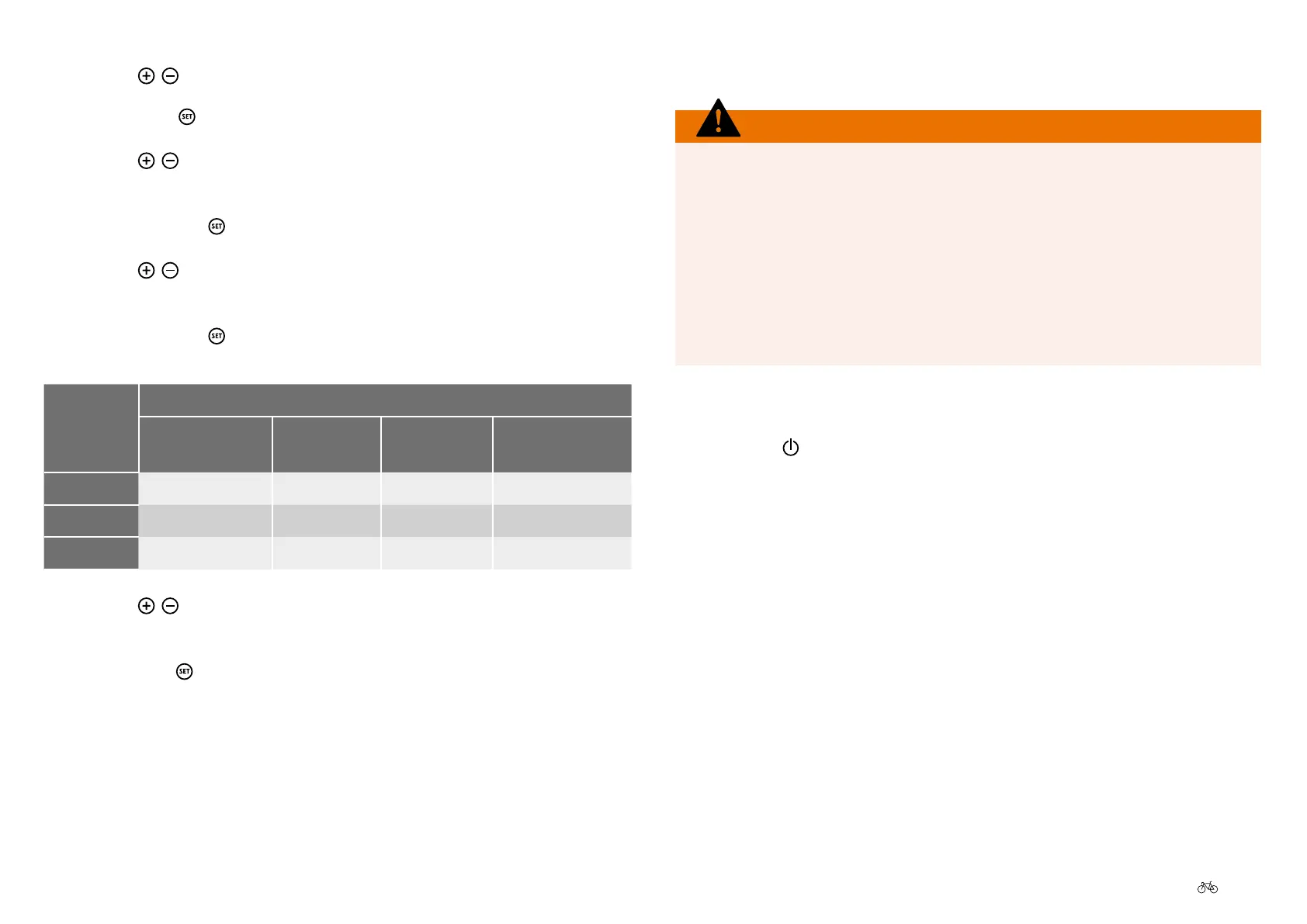
Ride
prole
Properties
Power on
start-up
Power
delivery
Maximum
power
Power
consumption
Relax
Low Low Low Low
Regular
Medium Medium Medium Medium
Dynamic
High High High High
10. Use the
/
buttons to select the desired option
which is highlighted in black.
11. Pressing the
button returns you to sub-menu level 2.
5.10 Switchingothepedelec
WARNING
Only ride the Pedelec when you can safely reach the brakes 3.6.2
Braking, Page US-27. Your Pedelec does not have an Emergency stop
button. You must activate the brakes to stop the cycle quickly in a
dangerous situation. The maximum brake force is greater than the
propulsion force possible. This means stopping is guaranteed at all
times by pressing the brakes. Note that the drive system does not
disable automatically after braking. Switch the drive system to idle
after braking.
On the control unit
1. Press the
button on the control unit for 1 second. The goodbye
screenappearsandtheImpulseEvosystemswitcheso.
Via the battery
1. Brieypressthebatterybuttontwice.



 To Next Page