US-86 Original User Guide | Impulse Evo pedelec Version 2
9.4.3 Leisure time
The route planner specially for leisure and tourist activities.
Where possible, this option gives preference to:
» Signposted,ocialthemedbiketrailsandlong-distancebikepaths
» Easily accessible, paved surfaces
» Secondary routes
» Attractive countryside and landscape
10. Impulse Evo Smart display
*
Takealookatourlm:
https://youtu.be/PBwtDXuTzz8
10.1 Show route
To display a route on your Evo Smart display,
you can connect the display to a smartphone.
10.1.1 Technical requirements
Youneedasmartphonewiththefollowingspecications:
Wireless technology
BTLE (Bluetooth Low Energy) 4.0, BTLE 4.1
Operating system
iOS ≥7
Android ≥4.3.3
Installed app
Impulse E-Bike Navigation 9.3 Installation, Page US-84
10.1.2 Show route
WARNING
Make sure the smartphone and smartphone charger cable are securely
attached, otherwise they can get caught in rotating parts, which can
cause serious falls. Ask your dealer for a suitable smartphone holder.
1. Enable Bluetooth on your mobile phone.
2. Switch on the pedelec 6.3.1 Switching on the pedelec, Page US-51.
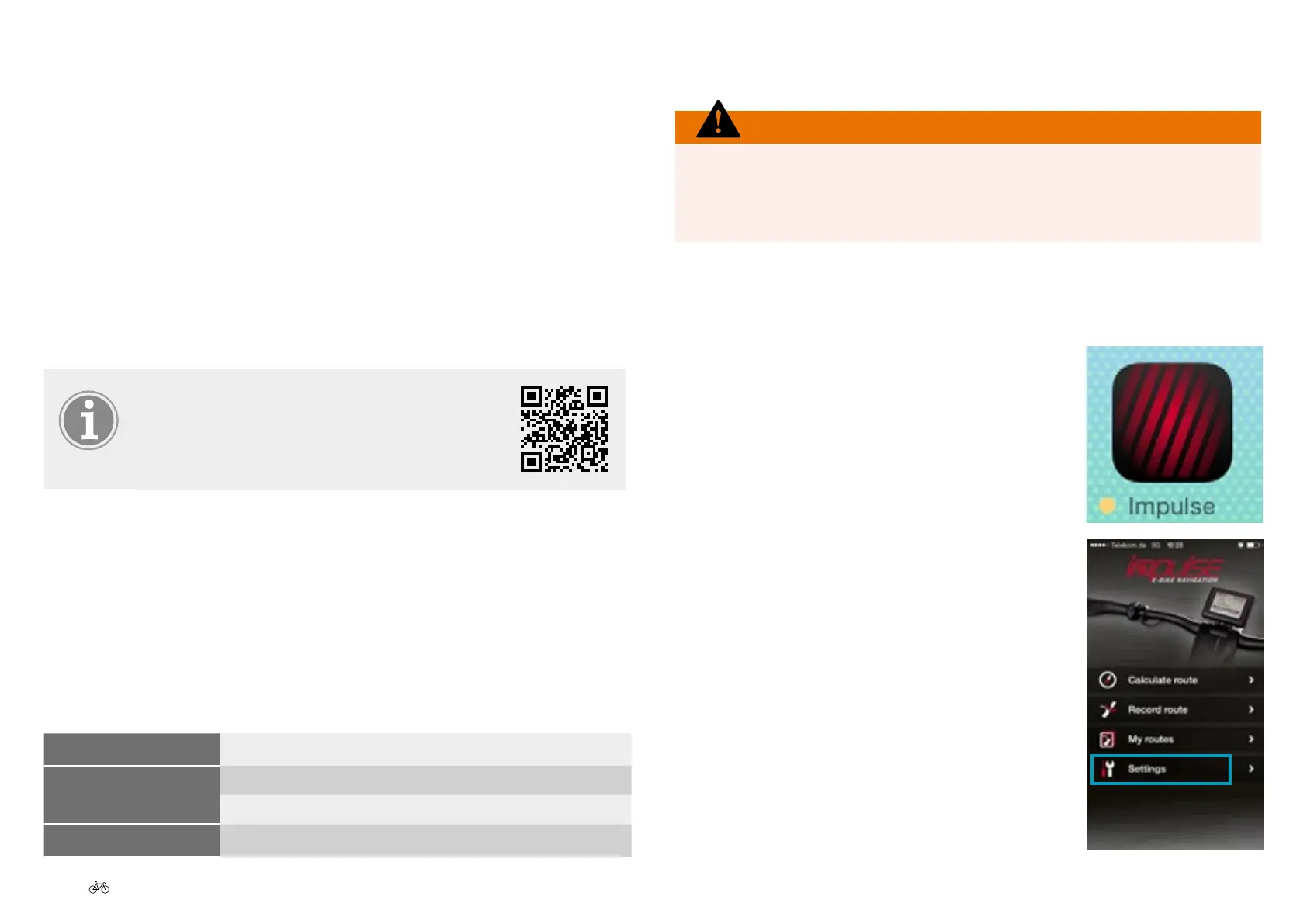
3. Open the Impulse E-bike Navigation app.
4. Go to "Settings".
*depending on model



 To Next Page