Original User Guide | Impulse Evo pedelec Version 2 US-63
6.4.2.13 Light reserve
Path: Settings | Device settings | Drive | Light reserve
When enabled, the light reserve function reserves some of the battery
power for the long-term lighting function. This light reserve remains
available for two hours after the assist power has ended. This function is a
default setting and can be disabled.
1. In the main menu, navigate to the option "Light reserve" as described
under 6.4.1 Configuring settings in the main menu, Page US-55 :
2. Select "Yes " or "No" using the
/ buttons. The selected option is
displayed on a black background.
3. Ifyouhaveconrmedwith
, you will return to sub-menu level 2.
WARNING
Leave the light reserve enabled. This prevents lighting and the
Impulse Evo system from stopping simultaneously. If you are cycling
in unfavorable lighting conditions (fog rain, dusk, darkness) there is a
risk of not being seen – and consequently of serious accidents.
6.4.2.14 Shift sensor
Path: Settings | Device settings | Drive | Shift sensor
The shift sensor detects gear changes and interrupts the motor assist for
a fraction of a second. This enables smoother and quicker gear changes
especially with a hub gear. This reduces material wear when changing gear
on the pedelec. The higher the value selected, the longer the interruption
to the motor assist and the more time the gear has to change.
1. In the main menu, navigate to the option "Shift sensor" as described
under 6.4.1 Configuring settings in the main menu, Page US-55 :
You can choose between:
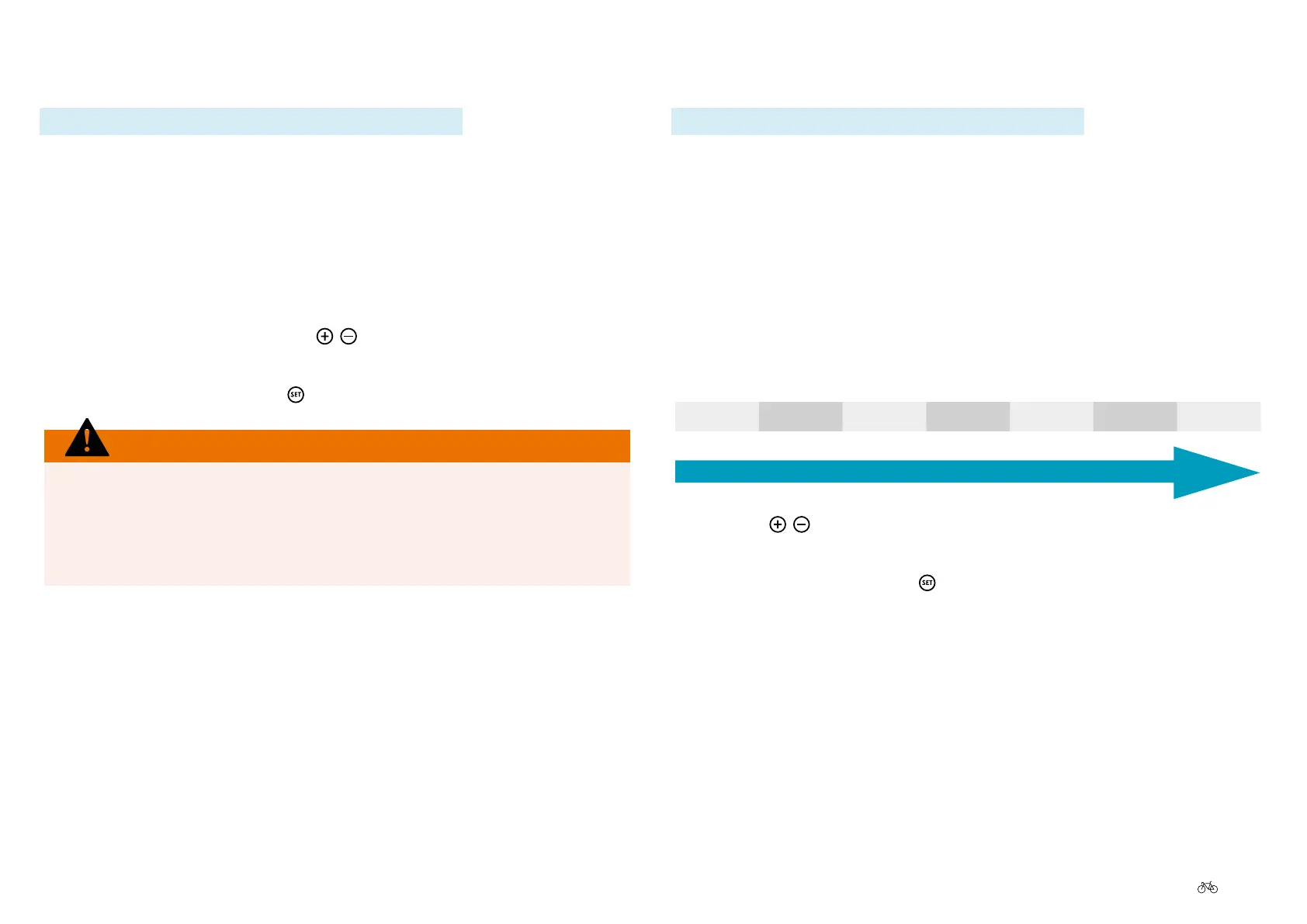
O 50 ms 100 ms 150 ms 200 ms 250 ms 300 ms
Short interruption
Long interruption
2. Use the
/ buttons to select the desired option. The selected option
is displayed on a black background.
3. Ifyouhaveconrmedwith
, you will return to sub-menu level 2.



 To Next Page