US-60 Original User Guide | Impulse Evo pedelec Version 2
You can choose between:
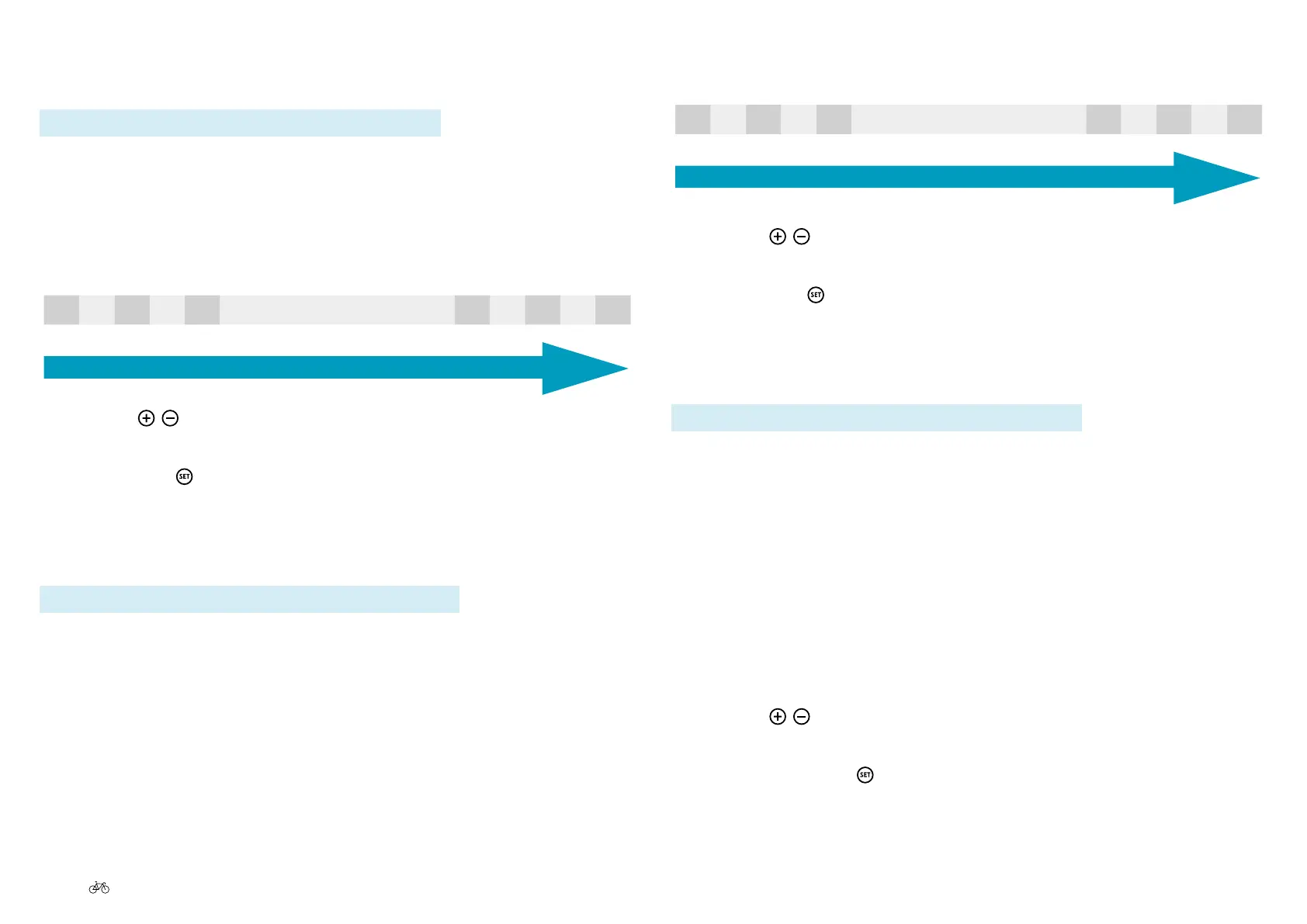
-5 -4 -3 -2 -1 Standard +1 +2 +3 +4 +5
Low brightness
High brightness
2. Use the
/ buttons to select the desired brightness level.
The selected brightness level is displayed on a black background.
3. Pressing the
button will return you to the sub-menu 2 level.
6.4.2.6 Language
Path: Settings | Device settings | Display | Language
The option "Language" allows you to select the language in which the
display text appears. You can choose between:
» deutsch » español
» english » italiano
» français » suomi
» nederlands » dansk
1. In the main menu, navigate to the option "Language" as described
under 6.4.1 Configuring settings in the main menu, Page US-55.
2. Use the
/ buttons to select the desired language.
The selected language is displayed on a black background.
3. Pressingbrieyon
will return you to the sub-menu 2 level.
6.4.2.4 Contrast
Path: Settings | Device settings | Display | Contrast
You can adjust the contrast of the display to improve legibility:
1. In the main menu, navigate to the option "Contrast" as described
under 6.4.1 Configuring settings in the main menu, Page US-55 :
Choose between:
-5 -4 -3 -2 -1 Standard +1 +2 +3 +4 +5
Low contrast
High contrast
2. Use the
/ buttons to select the desired contrast level.
The selected contrast level is displayed on a black background.
3. Pressing the
button will return you to the sub-menu 2 level.
6.4.2.5 Brightness
Path: Settings | Device settings | Display | Brightness
You can adjust the brightness of the display to improve legibility:
1. In the main menu, navigate to the option "Brightness" as described
under 6.4.1 Configuring settings in the main menu, Page US-55 :



 To Next Page