Original User Guide | Impulse Evo pedelec Version 2 US-43
5.3 Switching ON the pedelec
Do not turn on the pedelec while driving it. Otherwise
this may cause the motor to stop or you won’t receive full
assistance.
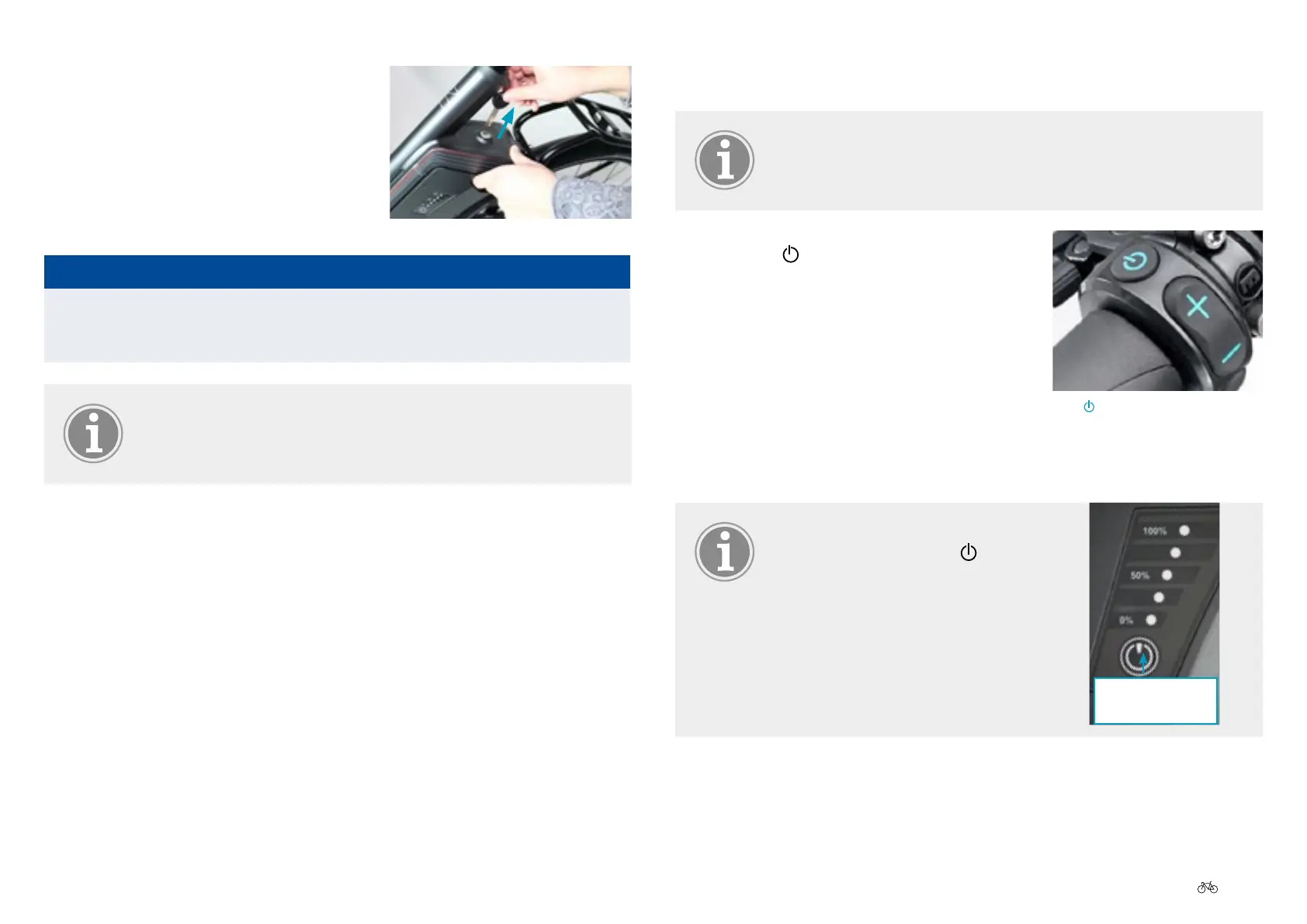
1. Press the
button on the control unit for
1 second. The display lighting comes on
for about 30 seconds. The bike lighting
also switches ON. After a few moments
a welcome screen appears followed by
the start menu. If you have an Impulse
Evo system with a back pedal brake the
screen shows: "Please start pedaling".
Youcancongureothersettingsfromthe
start menu.
If the system does not switch ON
despite pressing on the
button,
press the battery button for 1
second. The pedelec will switch on.
If it still does not switch ON, check
the battery 7.3.1 Display panel,
Page US-73.
Battery
button
Press button
4. Remove the battery key from the
battery lock. The battery is now
locked.
NOTICE
Itisrecommendedthatyouremovethekeytopreventitbreakingo
and getting lost.
Make a note of the key number on the sales receipt or proof
of purchase. You can order a replacement with this number
if you lose the key 11.2 Battery, Page US-95.
Lock battery



 To Next Page