US-54 Original User Guide | Impulse Evo pedelec Version 2
6.3.6 Favoritedisplaysettings
0.0
mph
0.00 m
Trip
ECO
00:02
87 mi.
00.00.00
Trip Time
0.0
mph
0.00 m
Trip
00:02
140 mi.
00.00.00
Trip Time
0.0
mph
0.00 m
Trip
00:02
00.00.00
Trip Time
SPORT
POWER
m
140 mi.
m
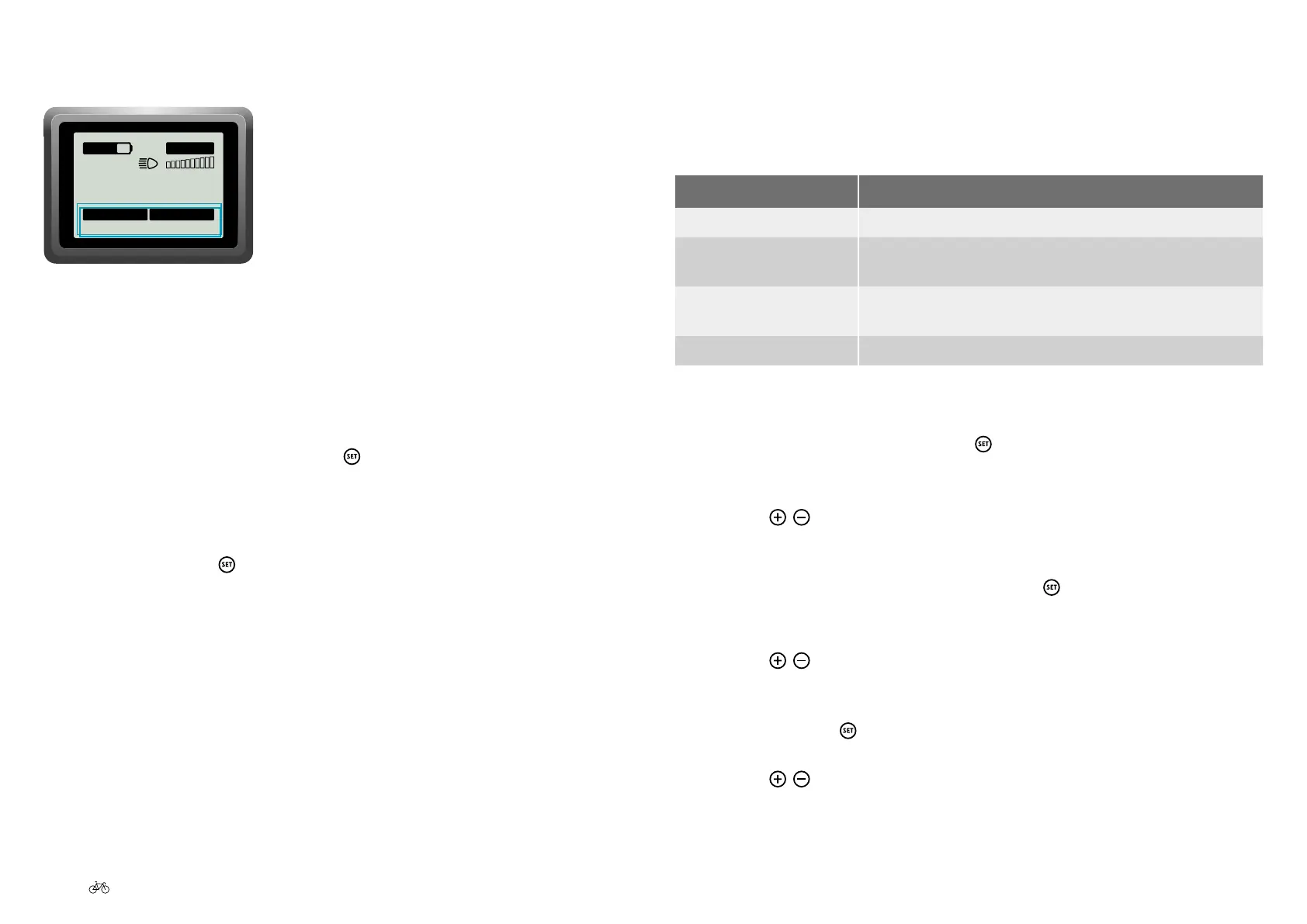
Favorite display settings
6.3.6.1 Displaying favorite settings
If you are in the start menu and want to change to other favorite settings
proceed as follows:
1. While in the start menu, press the
button for three seconds. If you
have selected several favorite settings in the start menu 6.3.6.2
Preselecting favorite settings, Page US-54, the next favorite is now
displayed.
2. Keep pressing the
button until the desired favorite setting is
displayed.
6.3.6.2 Preselecting favorite settings
You can select which of the following favorite settings you want displayed
in the start menu:
Display Meaning
Trip (in km) Trip (ex. day trip, short trip) in kilometers.
Trip duration (in
00:00:00)
Duration of trip (ex. day trip, short trip) in hours, minutes and
seconds.
Trip Ø (in km/h) Average speed in kilometers per hour, reached during the trip
(ex. day trip, short trip).
Total km (in km) The total number of kilometers driven.
You can select all or just one of the available options. Proceed as follows:
1. While in the start menu, press the
button for three seconds. You are
now in the main menu.
2. Use the
/
buttons to select the 'Settings' option. The selected item
is shown on a black background.
3. Toconrmyourselection,brieypressthe
button. You have arrived
at sub-menu 1.
4. Use the
/
buttonstoselectthe'RideProle'option.Theselected
item is shown on a black background.
5. Conrmwiththe
button. You are now sub-menu 2.
6. Use the
/
buttons to select the 'Favorite Settings' option. The
selected item is shown on a black background.



 To Next Page