Original User Guide | Impulse Evo pedelec Version 2 US-87
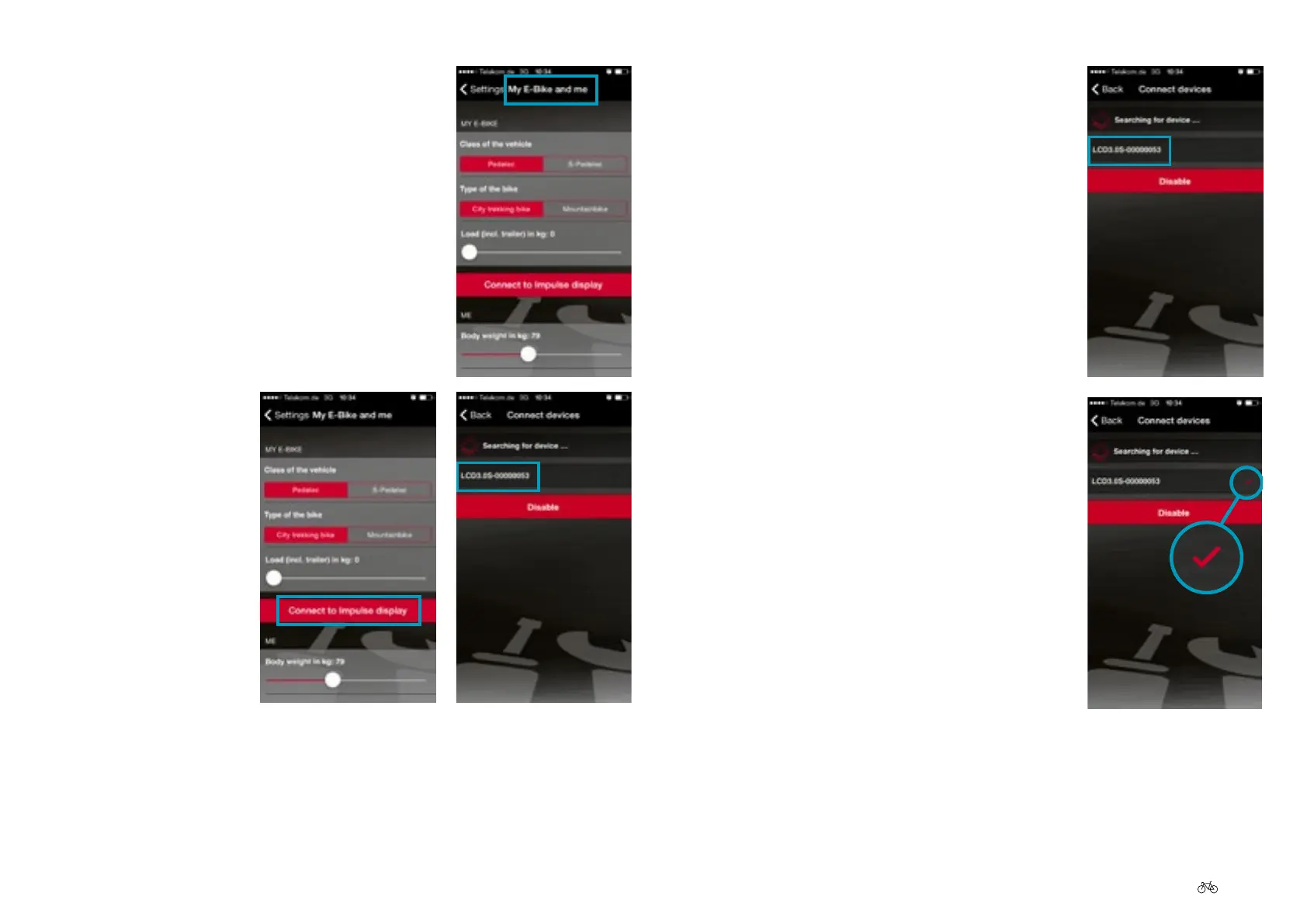
5. Select "My e-bike and I".
6. Select "Connect to
Impulse display". The
app starts searching
for the pedelec. After
a short time all
Bluetooth-capable
pedelecs are
displayed in the form
of a number
combination.
7. Select the pedelec that you want to connect
to your smartphone. The number of your
pedelec is on the back of the display. It is an
8-digit serial number. Use the last digits of
the number.
8. Once you have selected the desired pedelec it
is shown with a red tick-mark. The
smartphone is now connected to the pedelec.



 To Next Page