Model FT3
Introduction | 15
Introduction
8/10/13 09:53
ITot = 7034691.2
F1 AND F4 keys pressed
at the same time
8/10/13 09:53
ITot = 7034691.2
8/10/13 09:53
ITot = 7034691.2
8/10/13 09:53
ITot = 7034691.2
Data log Rec #1
Data log Rec #2
Data log Rec #30
Data log Rec #31
Use the F2 key to move to
the next record,
Use the F1 key to move
back to the previous one.
Use the F4 key to exit to
normal mode
F1 AND F3 keys pressed
at the same time
Date / Time
8/10/13 8:29:36
Use the F4 key to exit
to normal mode
Date and Time
refreshed every second
Data log Record # is displayed
for 1 second
Record # 1 is the latest data,
Record #31 the oldest
F2 KeyF1 Key
Note: Seconds displayed only if
there is enough room on display
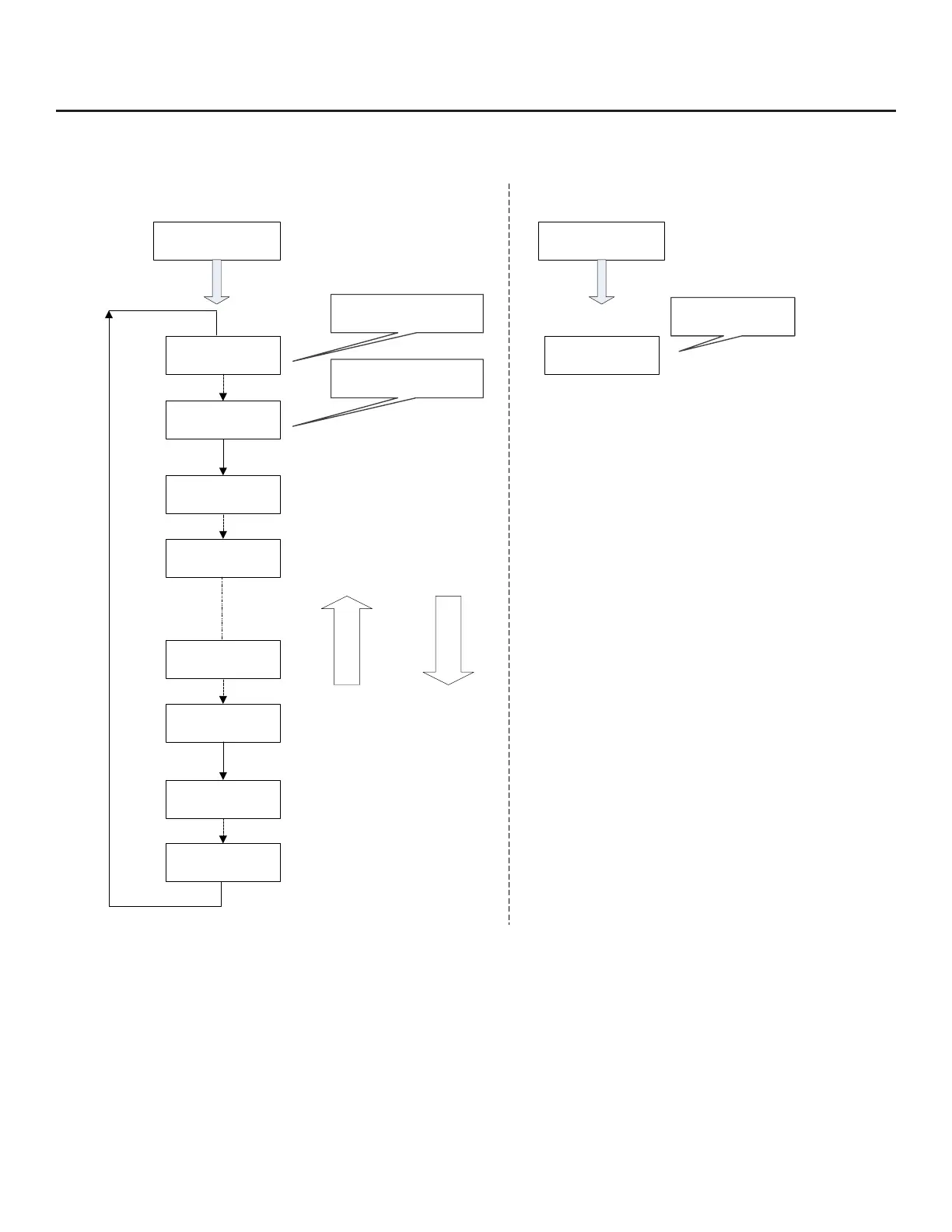
Fig. 1.8: Viewing Data Logger Records from the Front Panel



 To Next Page