DATA LOG
CLR STR TIM EXIT
Data log = ON
NXT OK
ON
OFF
Day Int = 0
CHG OK
Hour Int = 0
CHG OK
Min Int = 1
CHG OK
Set Interval?
YES NO
Day Start = 0
CHG OK
Start Time = ON
NXT OK
ON
OFF
Hour Start = 13
CHG OK
Min Start = 5
CHG OK
Set Start Time?
YES NO
Date / Time
Set View EXIT
Year Set = 13
CHG OK
Month Set = 10
CHG OK
Day Set = 7
CHG OK
Hour Set = 10
CHG OK
Min Set = 5
CHG OK
Sec Set = 0
CHG OK
Set Date / Time?
YES NO
Date / Time
8/10/13 8:29:36
Display
Date and
Time
every
second
until F4 is
pressed
Set Interval
Set Start Time
Set Time
View Time
1-31
0=default
0-59
0-59
0-30
0-24
0-60
All entries in “Set Interval”
are converted into a minute
interval counter.
When “Start Time” is
detected, the interval is
reloaded to re-sync in the
event that the power has
been lost. Day entry set to 0
is the default. For a midnight
re-sync, all values should be
set to zero.
Clear Log?
YES NO
Level 1
Level 2
Time will
be set
when the
YES key is
pressed
SET I/O
INP OUT LOG EXIT
DATA LOG
INT STR TIM EXIT
Model FT3
Introduction | 14
Introduction
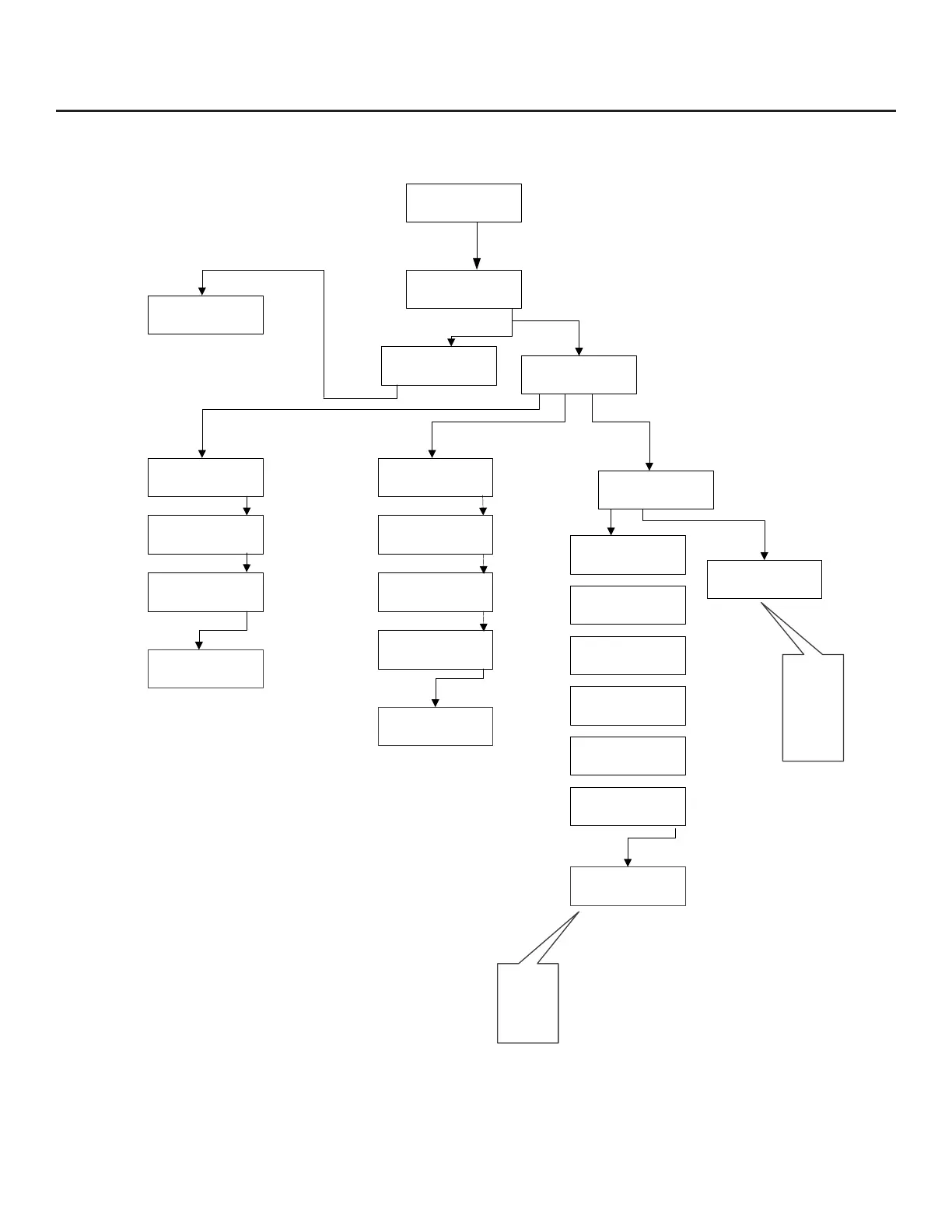
Fig. 1.7: FT3 Menu Tree - Accessing Data Logger Functions from the Front Panel



 To Next Page