EasyManua.ls Logo

Fox Thermal FT3 - Page 13

Default Icon
140 pages
Print Icon
To Next Page IconTo Next Page
To Previous Page IconTo Previous Page
Loading...
ZERO PIPE TEST
VER SET PRM EXIT
SET ZRO Ref?
YES NO
VERIFY ZRO?
YES NO
Level 1
Process Zero and
Stable? EXIT YES
Verifying ZRO
Diff=x.xx T=xx
Diff=x.xxx %
Pass OK
Process Zero and
Stable? EXIT YES
Setting ZRO ref
ZR=x.xxxxx T=xx
Ref=x.xxxx
OK
Level 2
Display
alternates
between
the 2
screens
Displays count
down timer
(T=xx)
Displays
“Pass” or
“Fail”
Test=300 sec
CHG OK
ZERO CHK MENU
PIP BTL EXIT
DIAGNOSTIC
CALV ZRO EXIT
Verifying CAL-V
Cal=xxx T=yyy
Verifying CAL-V
Please Wait
CAL-V=0.51
Pass OK
Display alternates
between the 2
screens until the
test is completed
in about 4
minutes. Pressing
the F4 key will
abort the test
“Pass” or ”Fail”
result is displayed
at end of test.
CAL
VER EXIT
Flo:Go to zero
NXT EXIT OK
Hold Value
Go to zero
Take Control
off-line EXIT OK
Level 2
Level 1
Verifying ZRO
Sd=x.xe-xx T=xx
ZERO BTL TEST
VER EXIT
VERIFY ZRO?
YES NO
Level 1
Process Zero and
Stable? EXIT YES
Verifying ZRO
Diff=x.xx T=xx
Diff=x.xxx %
Pass OK
Display
alternates
between
the 2
screens
Displays “Pass” or
“Fail”
Verifying ZRO
Sd=x.xe-xx T=xx
Flow Parameter 1 Menu, p. 10
NOTE! Some menus will only be available with a level 2 password.
Model FT3
Introduction | 13
Introduction
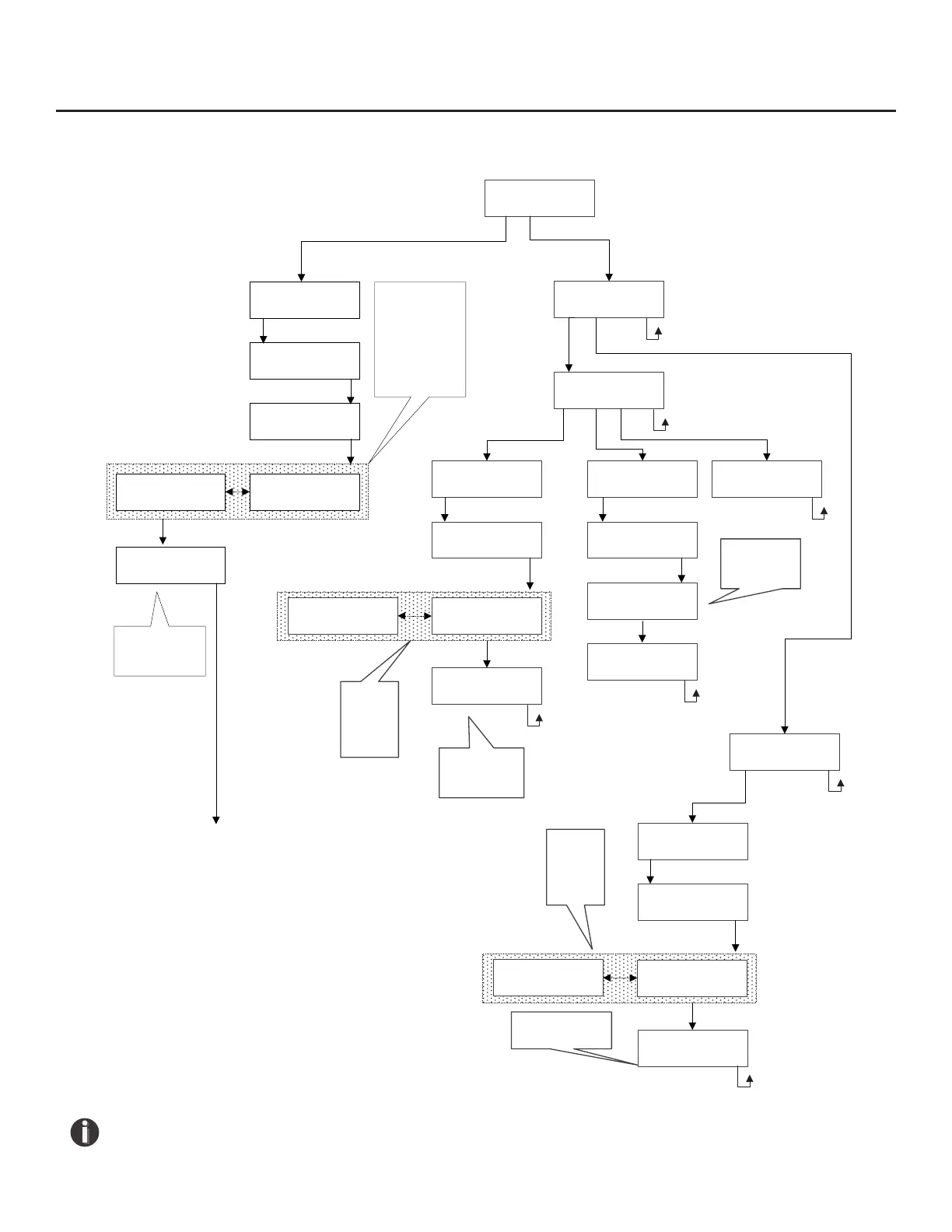
Fig. 1.6: FT3 Menu Tree - Diagnostic Tests Menu

Other manuals for Fox Thermal FT3