Accessing Flow Parameters and Alarm Settings
The FLOW PARAMETER 1 menu is used to set various ow parameter values. They are: Flow cuto,
pipe diameter, lter, high and low alarm for ow and temperature.
NOTE! The parameters in this menu are set to the customer specications at the factory. They
should only be changed when changing the application of the ow meter.
F1 F2 F3 F4
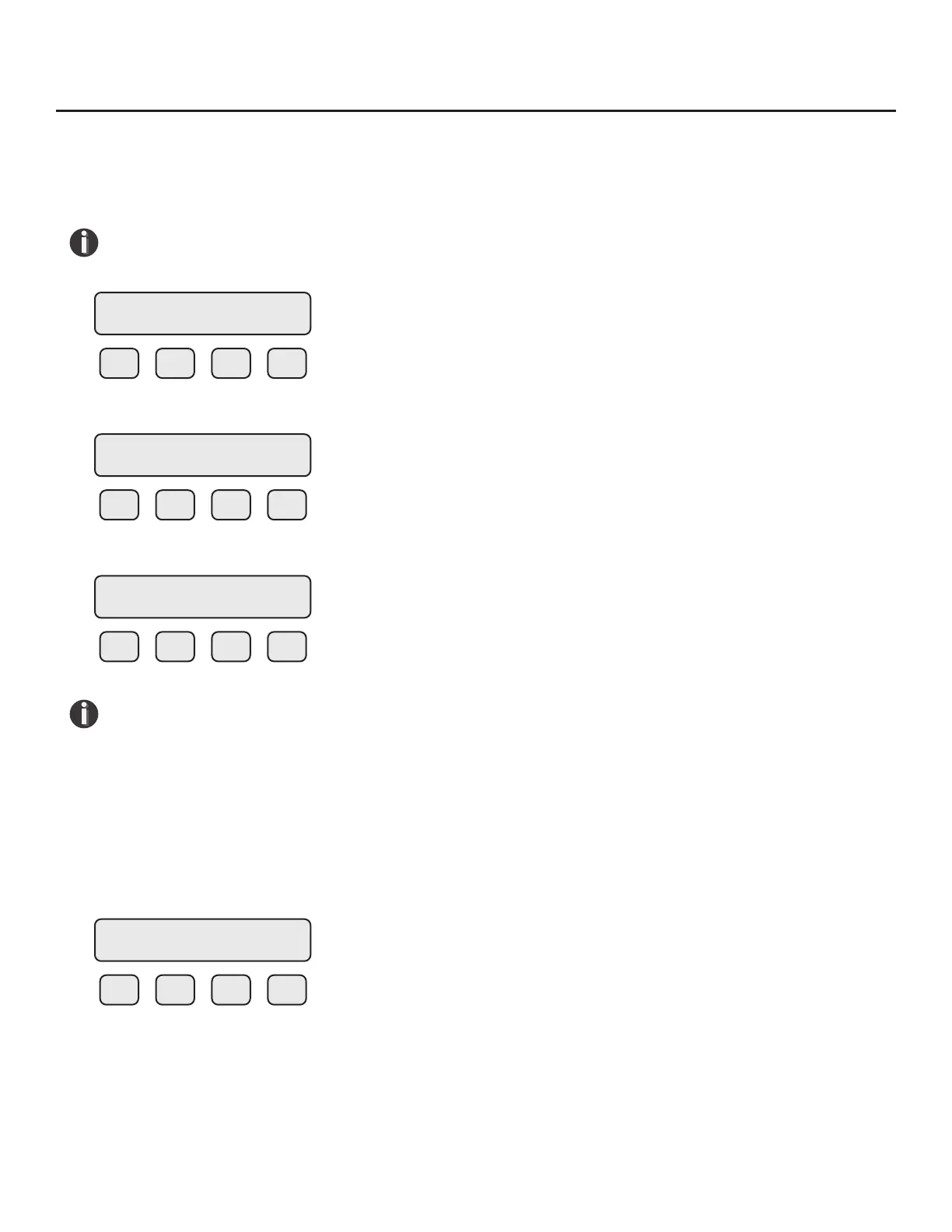
The FLOW PARAMETER 1 menu is accessed from the SET PARAMETERS menu by pressing FLO (F2):
F1 F2 F3 F4
Then press PRM (F3):
F1 F2 F3 F4
NOTE! The CAL and SPC function key will only appear and be accessible from a Level 2
password.
Then press PRM (F3). This will move into settings for ow cuto, pipe diameter, and lter value.
These settings will be followed by the high and low alarm settings for ow rate and/or temperature.
Programming Flow Parameters
Flow Cuto
The rst parameter is Flow Cuto:
F1 F2 F3 F4
Enter the value for the ow cuto and then press OK (F4). When the ow rate falls below the ow
cuto, the ow meter will display a ow value of zero.
SET PARAMETERS
I/O FLO DSP EXIT
FLOW PARAMETER 1
DGN UNT PRM EXIT
FLOW PARAMETER 2
CAL SPC PRM EXIT
CUTOFF = 2.0 SCFM
CHG OK
Operation | 67
Model FT3
Operation



 To Next Page