Setting Field Baseline for In Situ Zero CAL-CHECK
™
Tests
After calibration of every FT3 meter, a lab technician sets the factory baseline for Zero CAL-CHECK
™
tests. If you are planning on removing the meter from the process to perform the test, you do not
have to set the baseline; however, if you plan to perform the test in situ (in the pipe) or using a Fox
Thermal retractor, you must set the eld baseline before performing the test.
When the sensor is isolated in zero ow, the FT3 meter is ready to either perform the Zero CAL-
CHECK
™
test or set the eld baseline for future tests.
Starting the Field Baseline Set
After the meter has been installed and wired correctly (see Wiring section of this manual), power on
the meter.
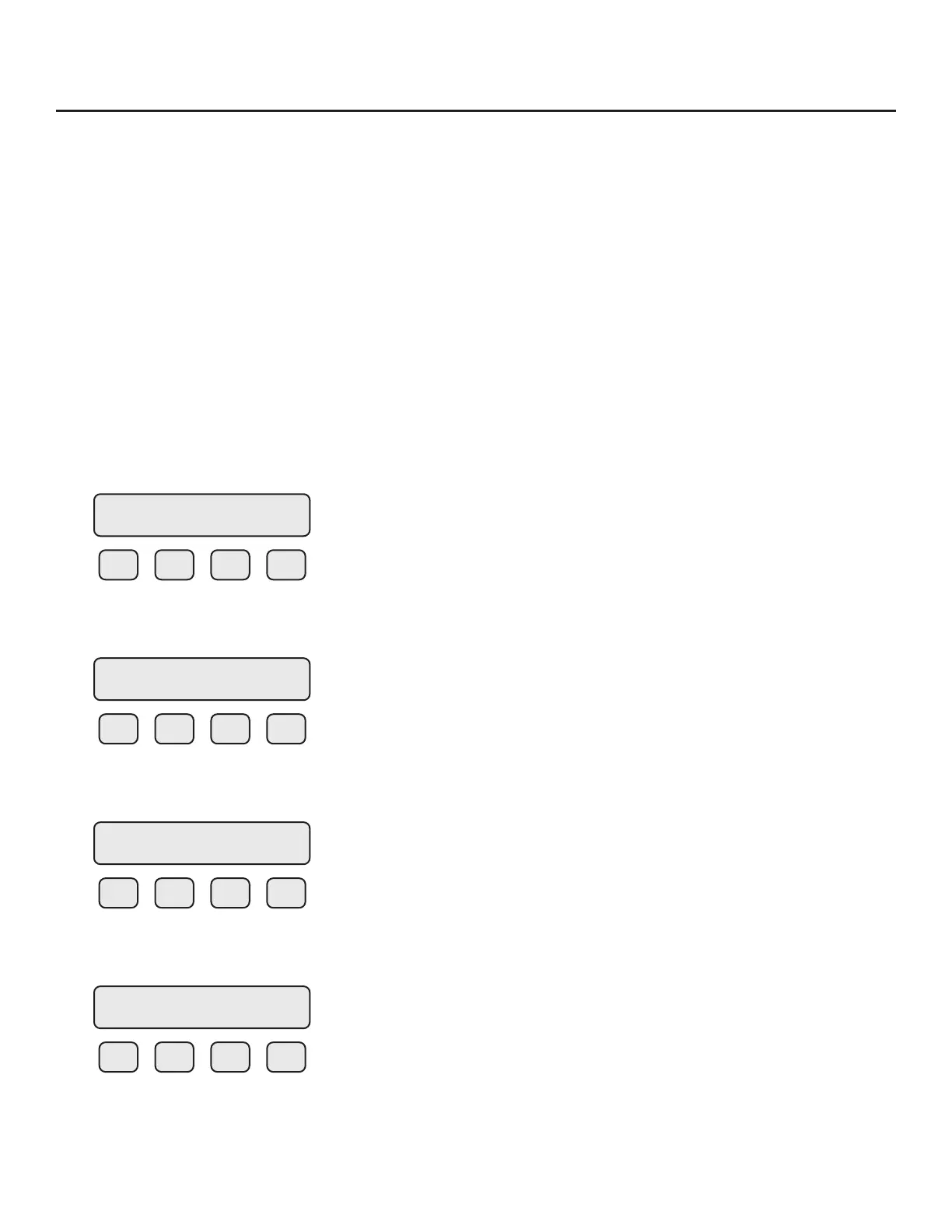
The meter should default to display #1. Press "F1" to program the meter. Press Yes (F1) to set
parameters and you will be prompted to enter the password. Use a Level 2 password (9111). The
display will show:
F1 F2 F3 F4
Press FLO (F2) to go to the FLOW PARAMETER 1 menu.
F1 F2 F3 F4
Press DGN (F1) to go to the DIAGNOSTIC menu.
F1 F2 F3 F4
Press TST (F2) to get to the Diagnostic Test Sub-Menu.
F1 F2 F3 F4
Choose ZRO (F2) for Zero CAL-CHECK
™
.
SET PARAMETERS
I/O FLO DSP EXIT
FLOW PARAMETER 1
DGN UNT PRM EXIT
DIAGNOSTIC
SIM TEST EXIT
DIAGNOSTIC
CALV ZRO EXIT
Operation | 83
Model FT3
Operation



 To Next Page