F1 F2 F3 F4
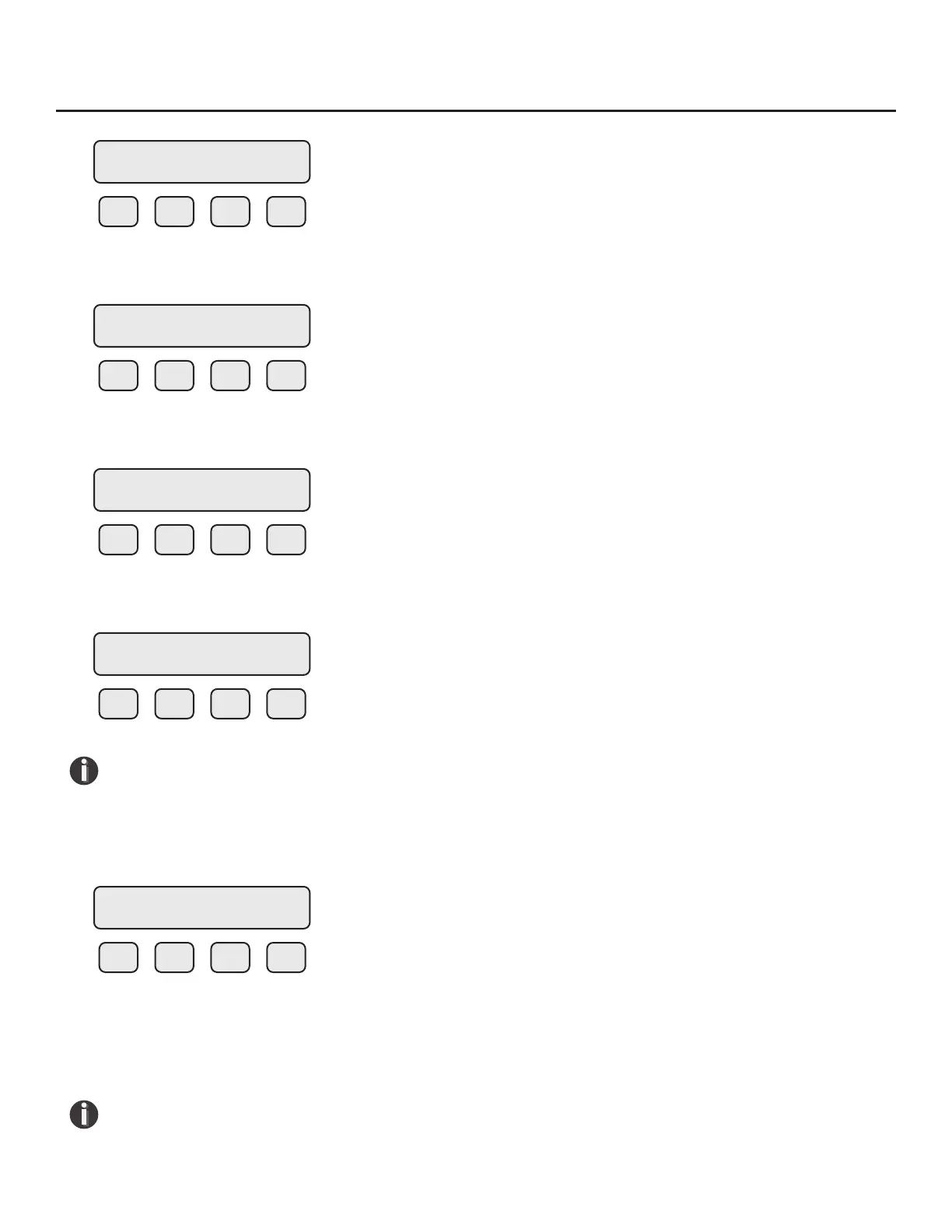
Choose PIP (F1) for in situ Zero CAL-CHECK
™
.
F1 F2 F3 F4
To set the eld baseline, choose SET (F2).
F1 F2 F3 F4
Choose YES (F1) to set the eld baseline.
F1 F2 F3 F4
NOTE! At this point, you must make sure that there is a no ow condition in the pipe (see
"Techniques for Achieving Zero Flow - In the Pipe" on p. 78). Also be sure that the meter
will be stable for the duration of the setting process.
If there is no ow and the meter is stable, press YES (F4). The display will show:
F1 F2 F3 F4
As the meter is setting the eld baseline, the meter will display the reference value for the Zero
baseline (ZR=xx.xxxx) and a countdown timer (T=xx) to approximate the time until the completion of
the set. Depending on the meter conguration, the set may take between 5-15 minutes to complete.
NOTE! Do not interrupt the set by touching the meter or changing conditions in the pipe.
Changing the meter setup may aect the accuracy of the baseline.
ZERO CHK MENU
PIP BTL EXIT
ZERO PIPE TEST
VER SET PRM EXIT
SET ZRO Ref?
YES NO
Process Zero and
Stable? YES
Setting ZRO ref
ZR=x.xxxxx T=xx
Operation | 84
Model FT3
Operation



 To Next Page