At the conclusion of the set, the display will show:
F1 F2 F3 F4
Press OK (F4) to return to the Zero CAL-CHECK™ menu.
The meter may now perform Zero CAL-CHECK
™
tests at the eld baseline at any time.
Performing the Zero CAL-CHECK
™
Calibration Validation Test - In the Pipe
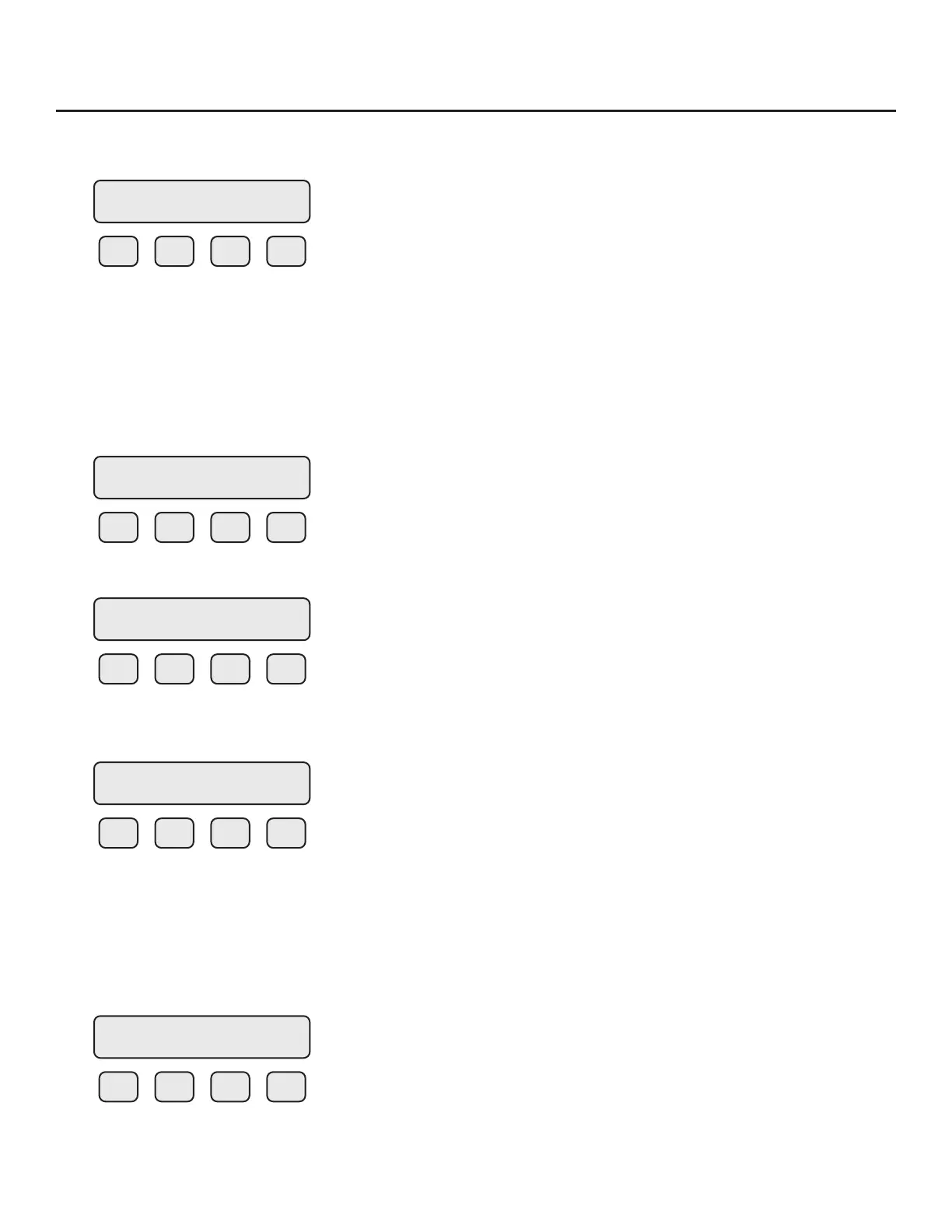
Press FLO (F2) from the SET PARAMETERS menu. The display will show:
F1 F2 F3 F4
Press DGN (F1). The display will show:
F1 F2 F3 F4
Press TST (F2). The display will show:
F1 F2 F3 F4
Press ZRO (F2) to enter the Zero CAL-CHECK™ menu.
If performing the test in the pipe, a "no ow" condition must be met. If performing the test in
the pipe, a "no ow" condition must be created. If performing out of the pipe, the meter must be
removed and the sensor covered by a bottle or the PVC sensor protector.
F1 F2 F3 F4
Ref=x.xxxx
OK
FLOW PARAMETER 1
DGN UNT PRM EXIT
DIAGNOSTIC
SIM TST EXIT
DIAGNOSTIC
CALV ZRO EXIT
ZERO CHK MENU
PIP BTL EXIT
Operation | 85
Model FT3
Operation



 To Next Page