Getting started
16
Using the FOXTEL iQ
Using other FOXTEL Guide features while you are using Live
Pause
While you are using Live Pause, you can use the i-search banner
(see page 11) to find out what is showing now and later.
While you are using Live Pause, you cannot use TV Guide, Box
Office, Active or the Personal Planner. If you want to use these you
must stop (exit) Live Pause.
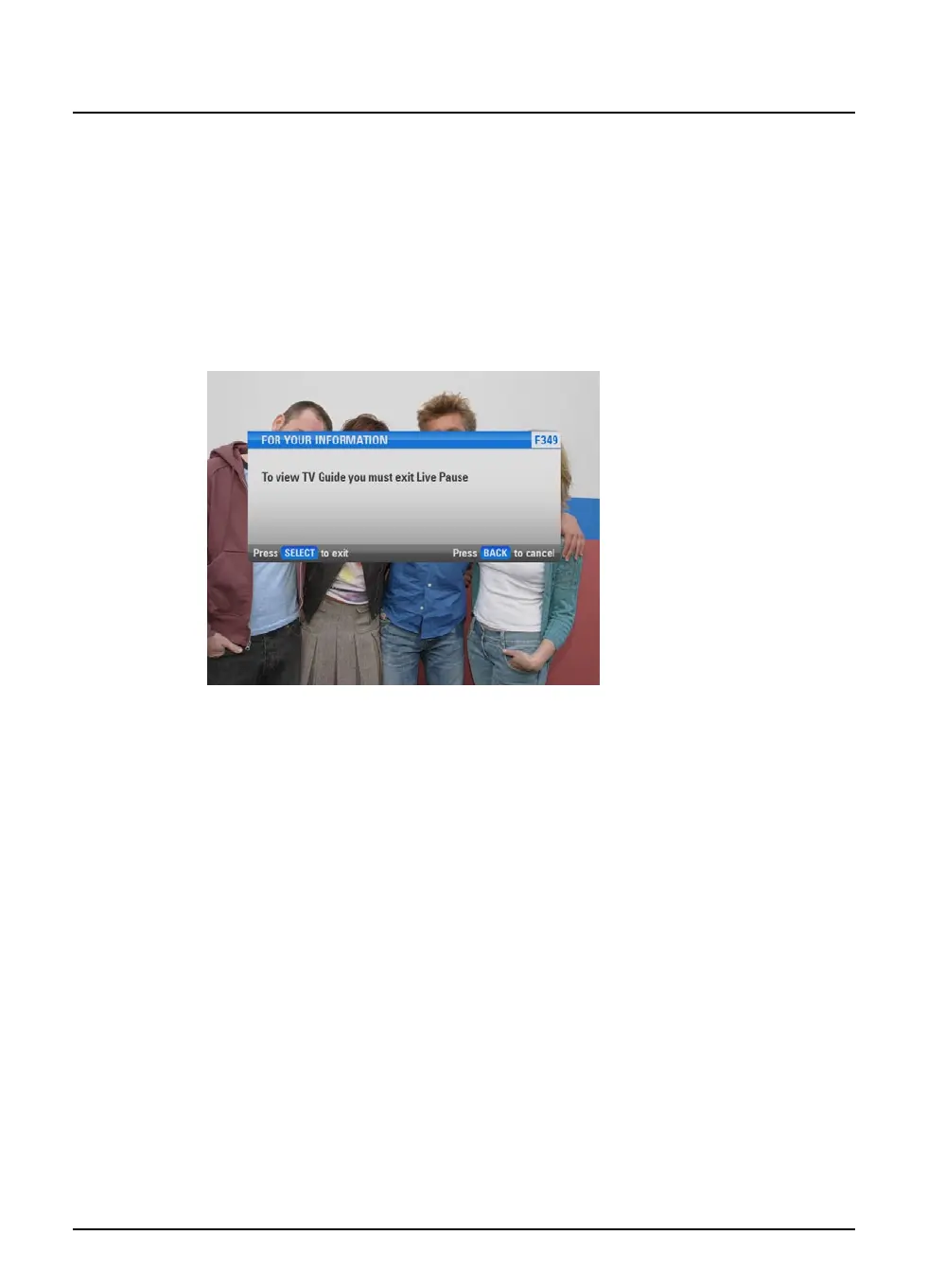
If you select one of these options while you are using Live Pause, a
message displays.
u To continue Live Pause, press back.
u To stop Live Pause (and delete your Live Pause recording)
press select. The screen for TV Guide, On Demand, Active or
the Personal Planner displays.



 To Next Page