FOXTEL Guide
24
Using the FOXTEL iQ
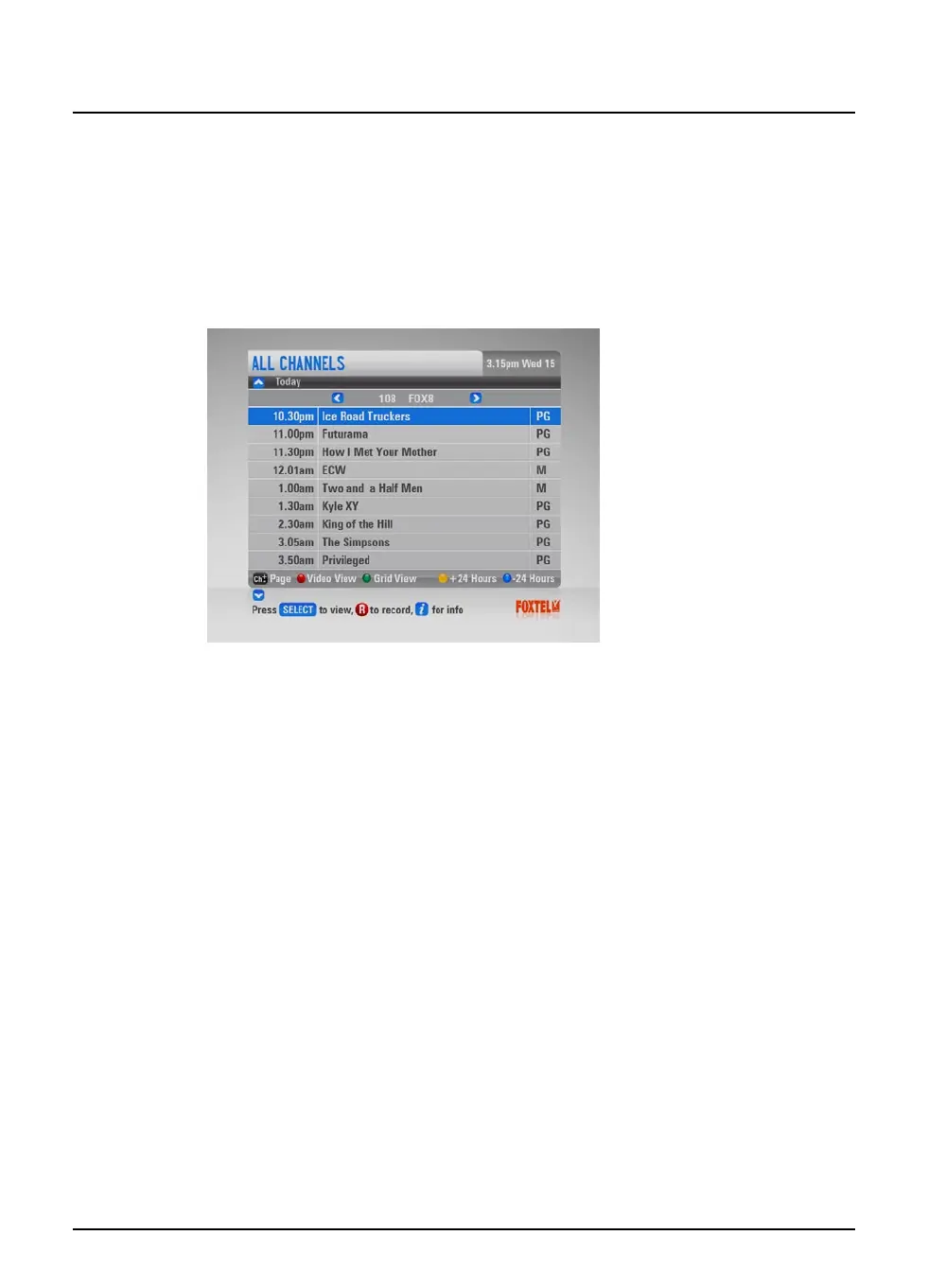
Channel View
If you want to search for programmes one channel at time, you can
search in Channel View.
u To choose a programme by channel view, highlight ‘Channel
View’ then press select (or press the green button within
listings grid).
The Channel View screen appears.
u Listings for a single channel appear vertically. Press L or R to
scroll through the channels.
u To move through the list of programmes press U or D.
u Enter the channel number using the remote control number
buttons to display that channel’s listings.



 To Next Page