Setup
54
Using the FOXTEL iQ
v Using the Setup screens
You use the Setup screens to:
u change your Parental Control settings, to restrict the viewing
and/or purchase of certain programmes, channels and Box
Office programmes;
u change the Personal Planner settings;
u change your FOXTEL settings, to control how the FOXTEL iQ
makes recordings;
u set up recordings for channels without programme listings
(see page 43);
u look at on-screen help on using the FOXTEL service;
u change or view the System Settings.
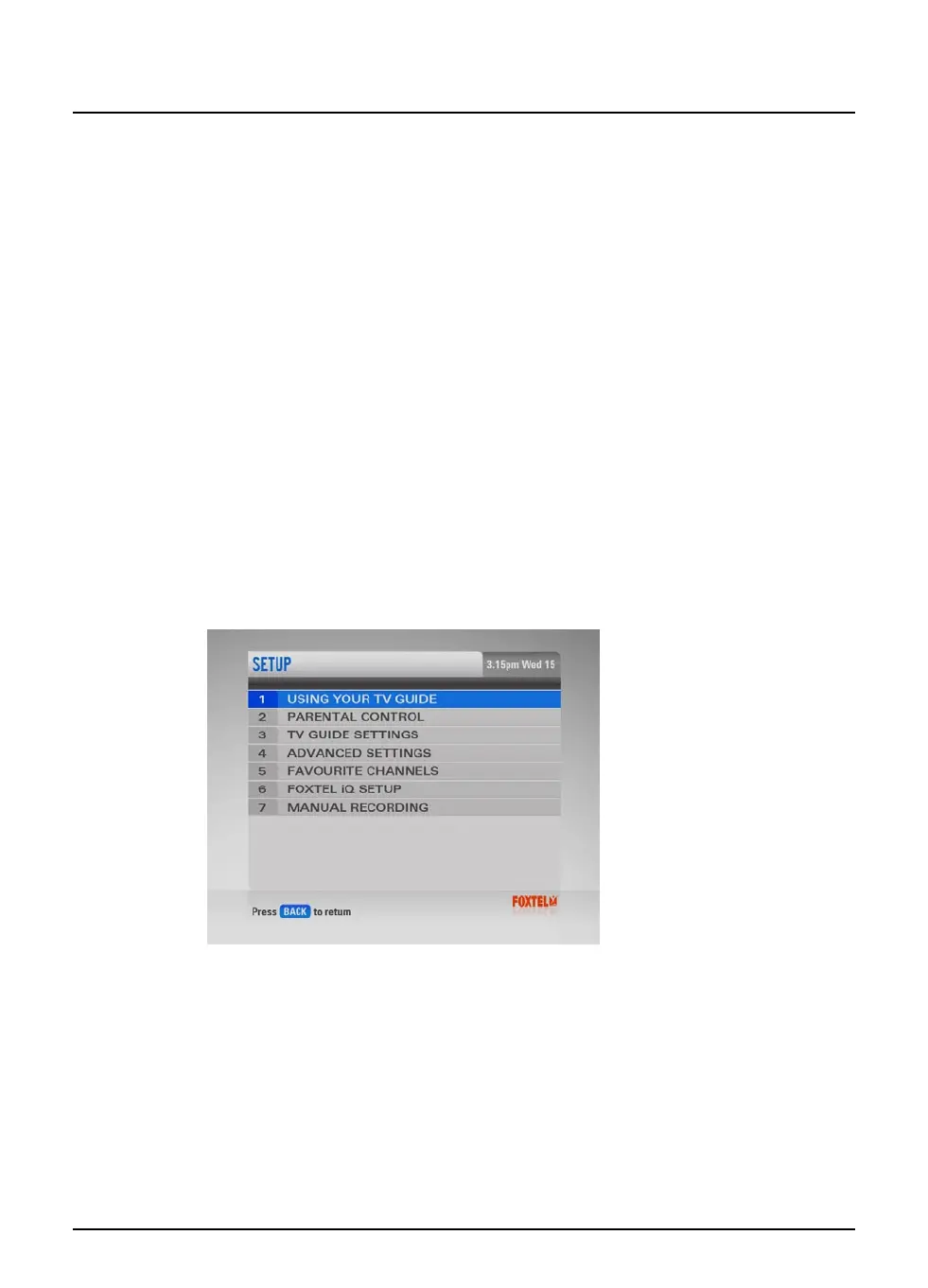
You can display the Setup screens as follows:
1. From a digital TV programme, press active on the remote
control.
The Active menu displays.
2. Highlight ‘Setup’ then press select.
The Setup screen is displayed.



 To Next Page