EXTRA INFORMATION
75
Extra Information
v Replacing the batteries in the remote control
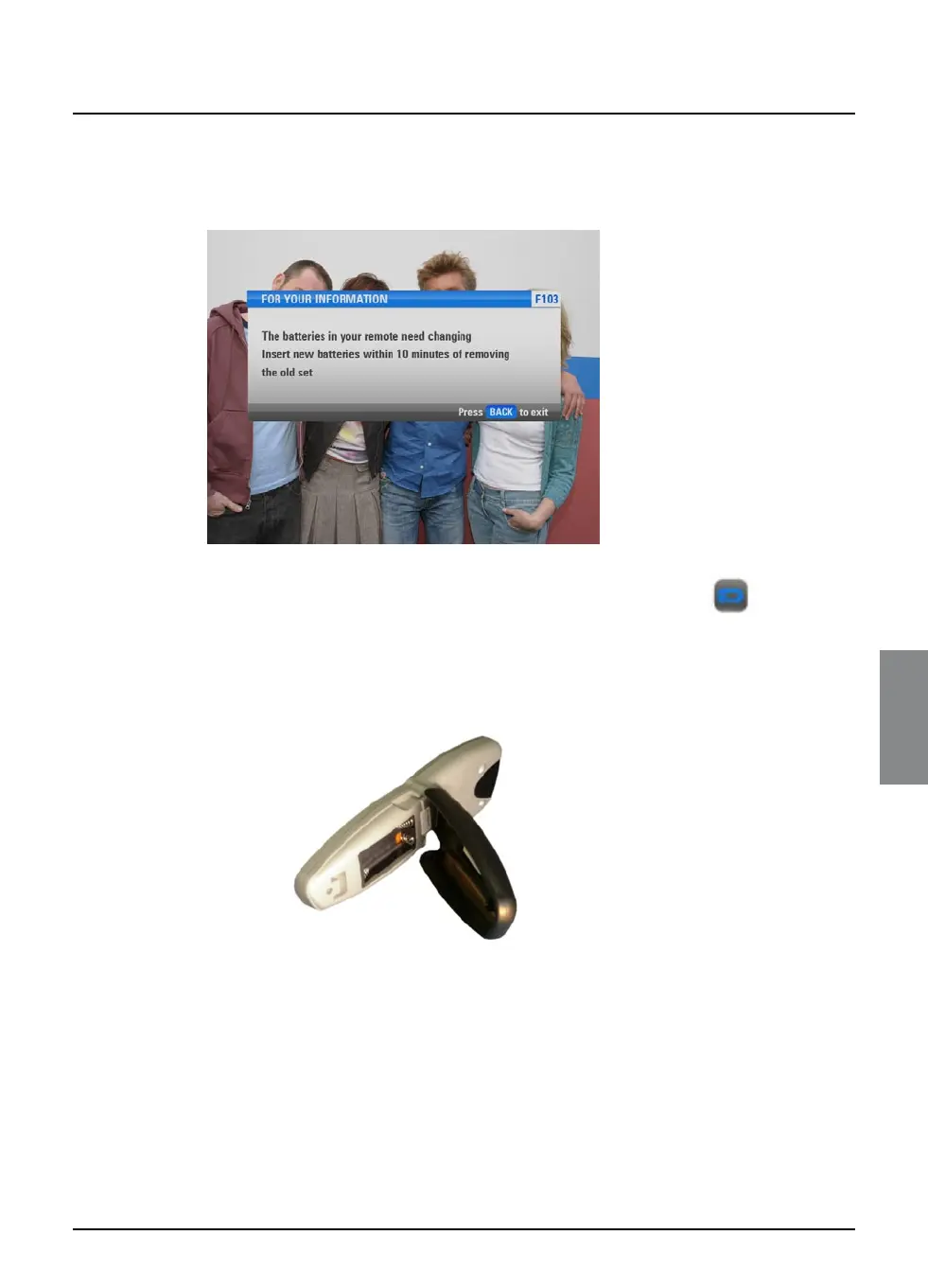
When the batteries in the remote control are running low, the
following message will appear on your TV screen.
To remove the message, press back, then make sure you replace
the batteries as soon as possible. You may also see a ‘low battery’
symbol in the i-search banner (see right).
To replace the batteries, insert two AA batteries as follows:
1. Hold the upper, silver part, of the FOXTEL remote control in
one hand. With your other hand, push the catch on the battery
cover upwards and remove the cover by pulling it outwards.
2. Remove the old batteries.
3. Insert the new batteries. Be sure to match the + and – marks
on the batteries to their respective marks inside the battery
compartment.
4. Replace the battery cover, by inserting the two tabs at the top
of the cover first, then pushing the cover into place.
✘ Don’t leave flat batteries in the remote control.
✔ Replace both batteries at the same time.
✔ Dispose of flat batteries in an environmentally-responsible
way.
low-battery
symbol



 To Next Page