SETUP
61
Setup
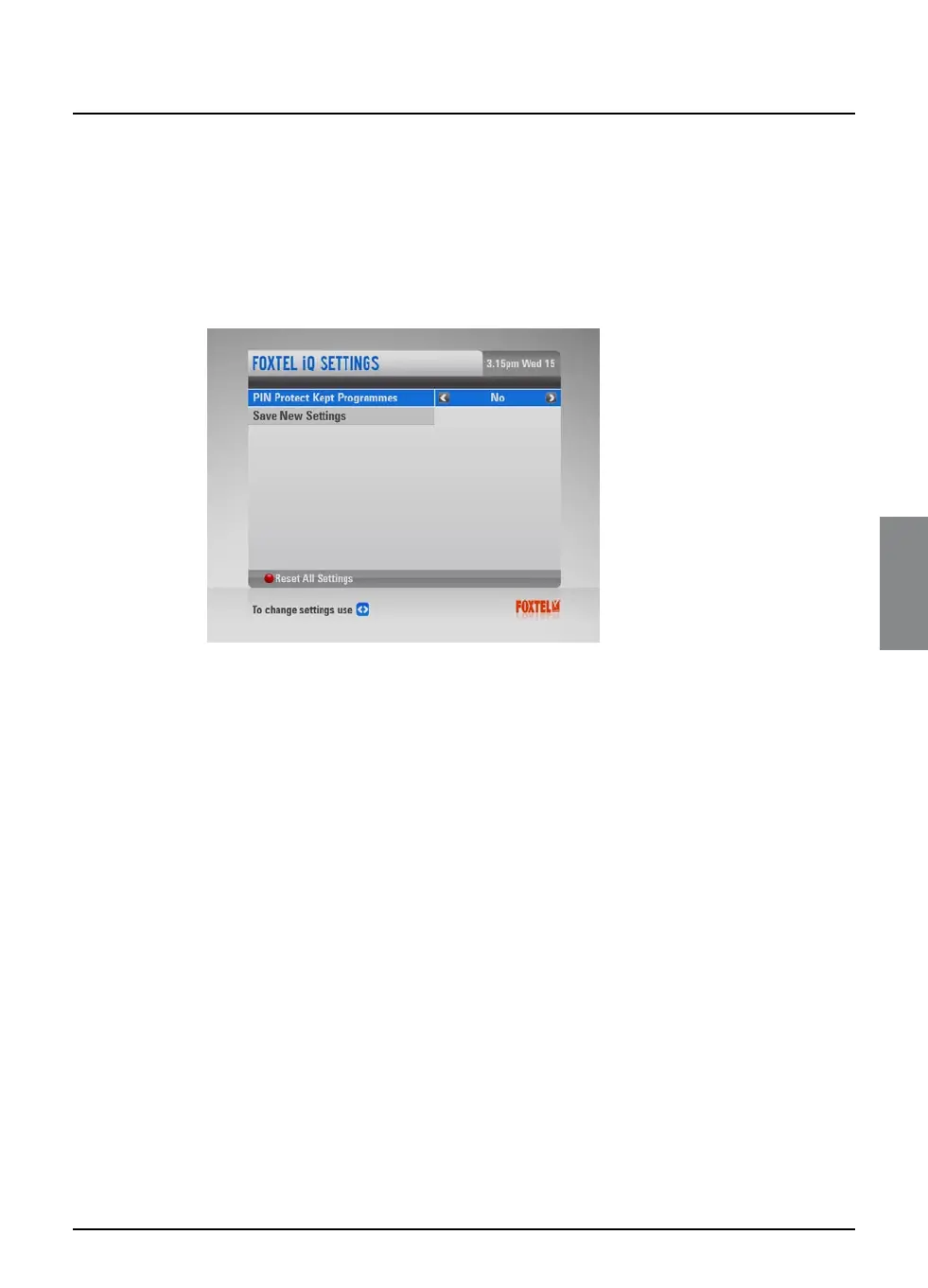
Setting your FOXTEL PIN settings
The FOXTEL PIN Settings screen lets you choose whether or not
you need to enter your PIN to delete a programme that has been
marked to ‘Keep’ in the Personal Planner (see page 32).
1. From the Parental Control screen (see page 55), highlight
‘FOXTEL PIN Settings’ then press select.
The FOXTEL PIN Settings screen displays.
2. On the ‘PIN Protect Kept Programmes’ item, press L or R to
select the setting you want - ‘No’ or ‘Yes’.
If you select ‘Yes’, you must enter your PIN to delete a programme
that has been marked to ‘Keep’ in the Personal Planner. You must
also enter your PIN to remove the ‘Keep’ label from a programme.
3. To save your changes, highlight ‘Save New Settings’ then
press select, or to cancel, press back.



 To Next Page