Setup
66
Using the FOXTEL iQ
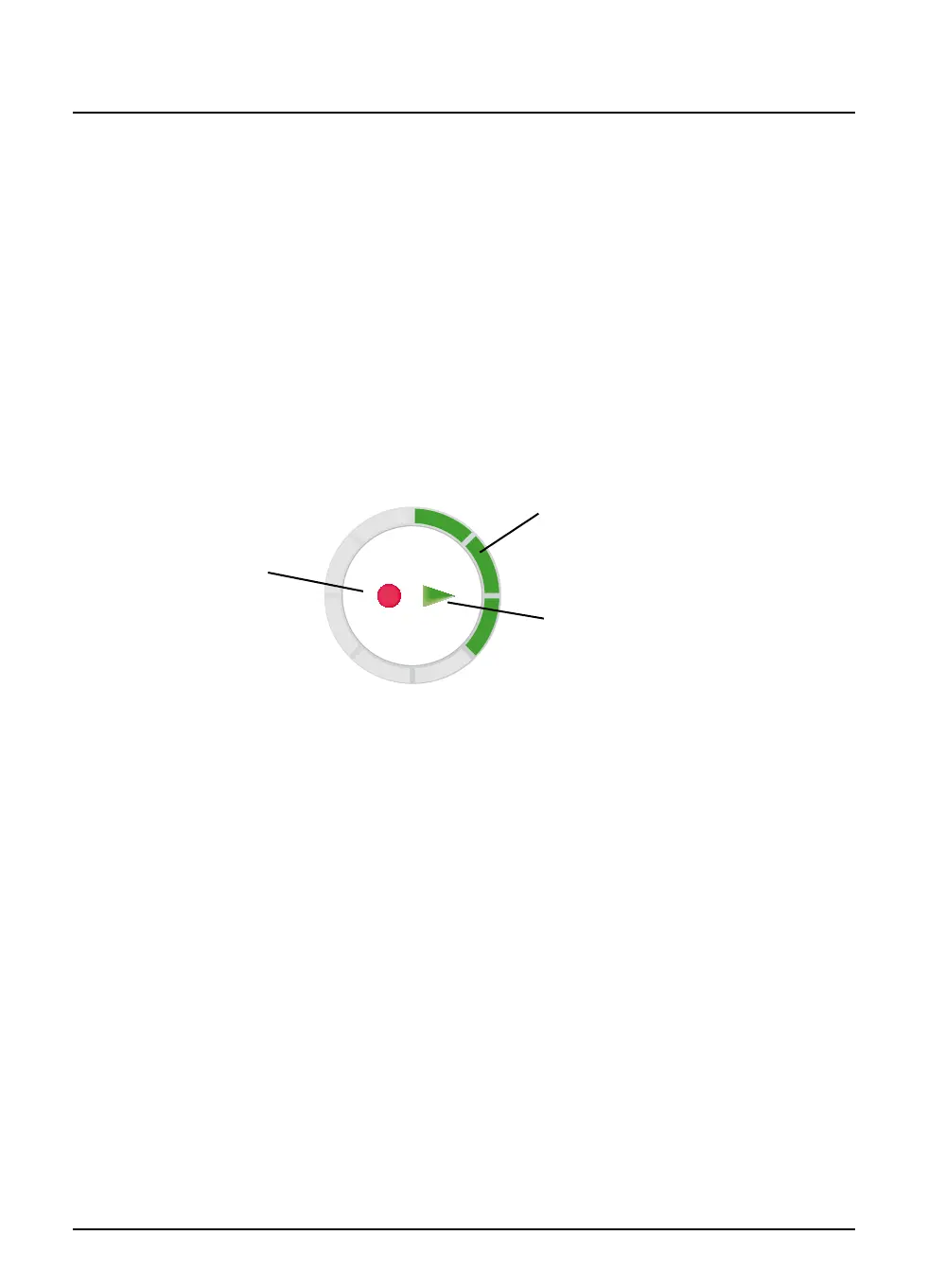
Front-panel recording/playback indicator
You can change the way in which the playback indicator (see below)
on the FOXTEL iQ’s front panel lights up. Three settings are available:
u Standard – the recording, play and/or circular indicators light
up if recording and/or playback is in progress.
u Off – the circular indicator is turned off, but the recording and/
or play indicators light up if recording and/or playback are in
progress.
u Demo – (Demonstration) – all of the indicators light up in a
continuous sequence of operation.
See also page 77.
Playback indicator
play
indicator
circular
indicator
recording
indicator



 To Next Page