Setup
68
Using the FOXTEL iQ
v Using the Advanced Settings
You shouldn’t normally need to change the Advanced Settings
as the FOXTEL iQ should have been correctly setup when it was
installed.
However, the Advanced Settings screens can be useful if, for
example, you buy a new TV and you want to make sure the FOXTEL
iQ makes the best use of the new TV’s features.
1. To use the Advanced Settings screens, press active on the
remote control.
2. Highlight ‘Setup’, then press select.
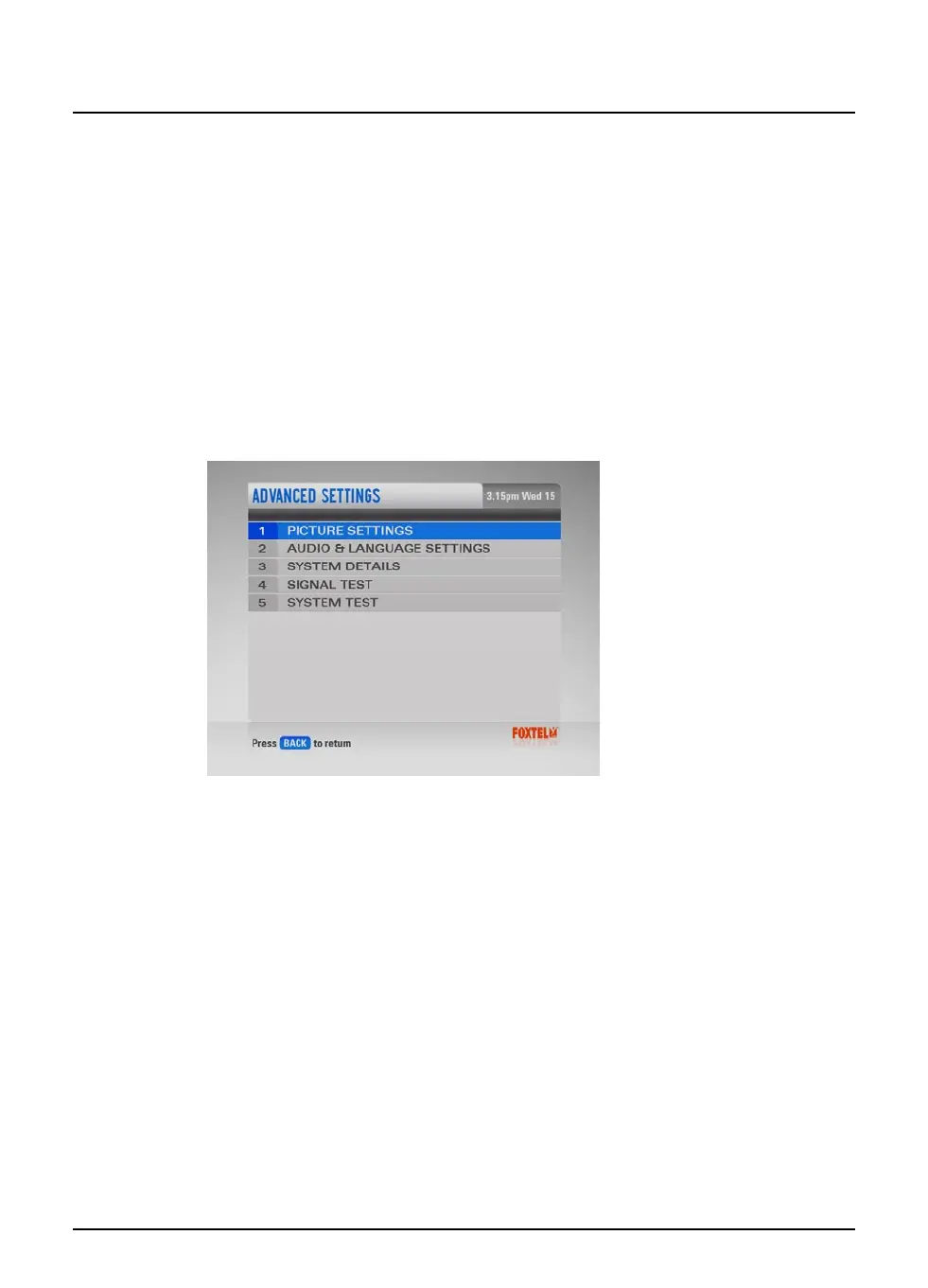
3. Highlight ‘Advanced Settings’, then press select.
The Advanced Settings screen displays on your TV.
4. To display one of the Settings screens, highlight it and press
select.
The details of each screen are described in the following sections.



 To Next Page