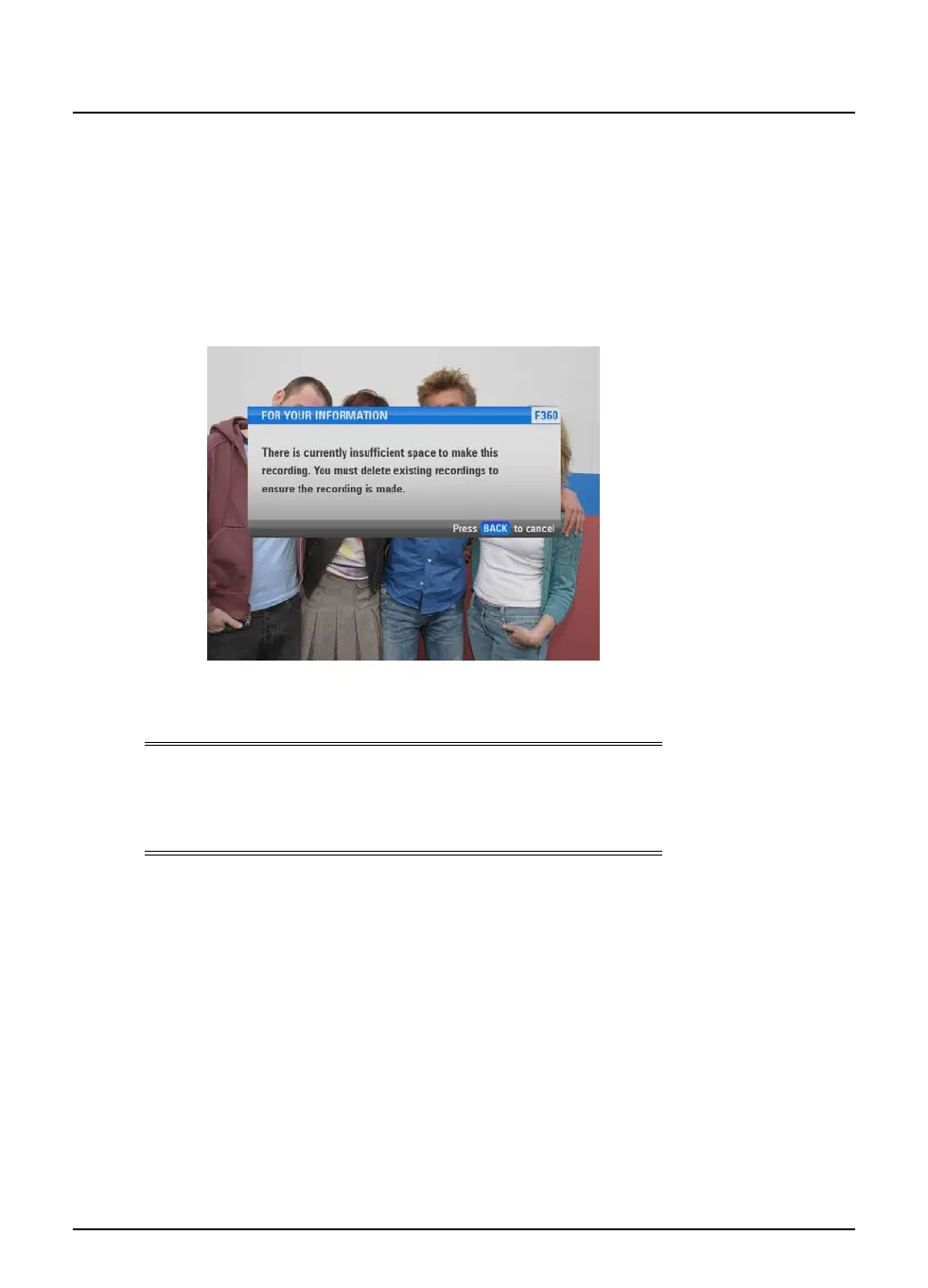
Disk space warning
When you select a programme to record, the FOXTEL iQ checks
whether there is enough disk space to record it. If the disk is nearly
full, the FOXTEL iQ may need to delete some programmes to make
space for the new programme.
Depending on the settings (see page 63), the FOXTEL iQ may do this
automatically. However, if you have set ‘Disk Space Management’
(see page 64) to ‘Manual’, then you will see the following message:
Press back to remove the message, then use the Personal Planner
to delete some recorded programmes (see page 35).
Note
As explained on page 34, you can use the disk space indicator at the
top of the Personal Planner to find out how much of the FOXTEL’s
iQ’s disk space is being used.
42
Using the FOXTEL iQ
Recording programmes



 To Next Page