FOXTEL Guide
20
Using the FOXTEL iQ
Searching by Channel Genre
If you know what type of channel you want to watch, you can
search by channel genre, such as Sport.
u To choose a programme by channel genre, press tv guide,
highlight a channel genre then press select. The listings
screen for that channel genre displays.
You use this screen in the same way as the All Channels screen.
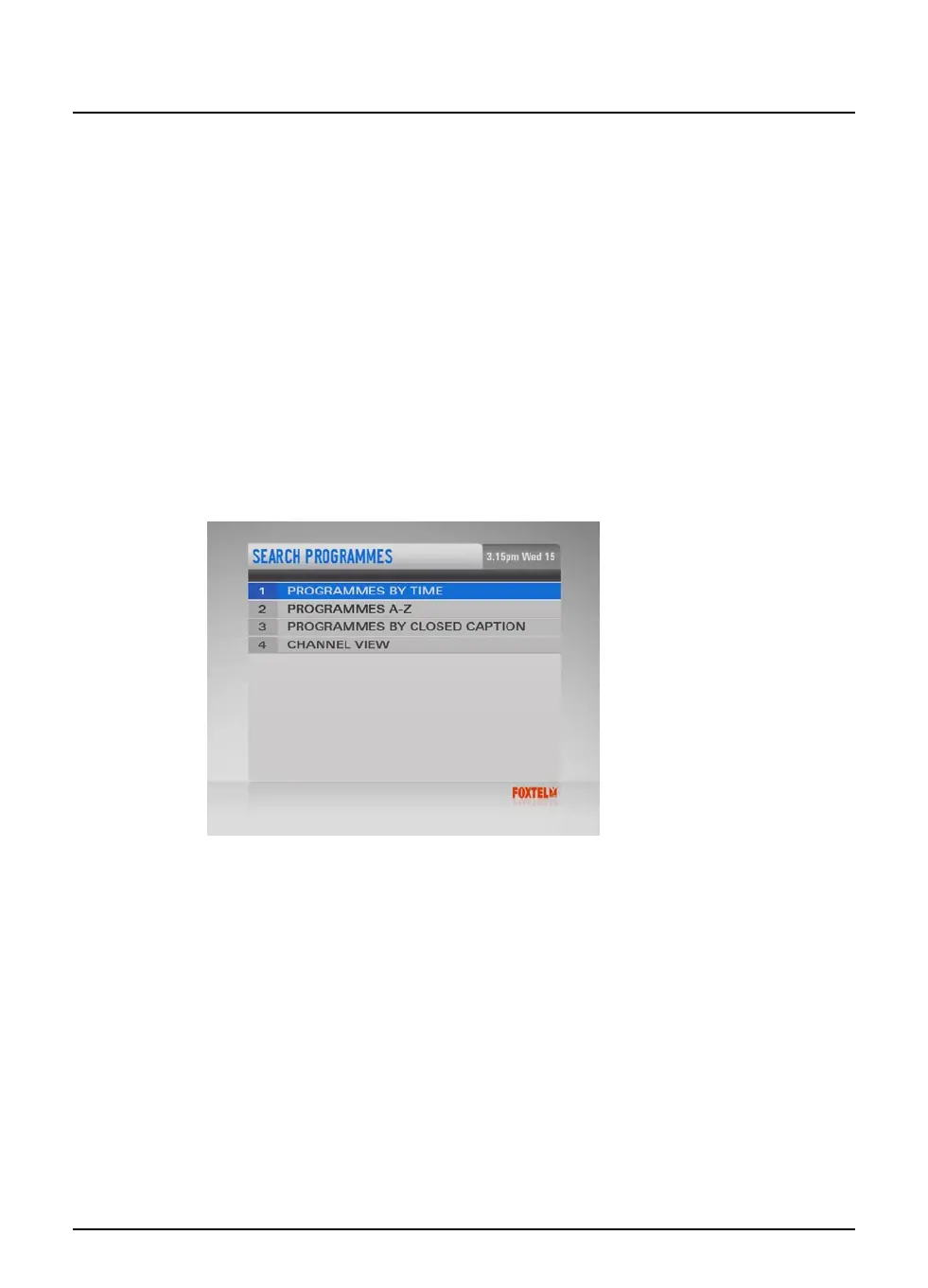
Search Programmes
Programmes can be searched by programme genre sorted by time
or A-Z, programmes can also be searched by Closed Caption.
u To access this area, press tv guide, highlight ‘Search
Programmes’ and than press select.
The Search Programmes screen displays.
Programmes by Time
If you want to see a list of all the programmes showing at a
particular time, you can search in programmes by time.
u To choose a programme by time, press tv guide, highlight
‘Programmes By Time’ and then press select.
The Programmes By Time screen displays.



 To Next Page