FOXTEL GUIDE
23
FOXTEL Guide
Note
A programme may not be listed under the first word of the title if
the first word is “The” or “A”. If the first word of a programme title
is “The” or “A”, try searching the listings using the second word. For
example, to find “The Matrix” search under “M”.
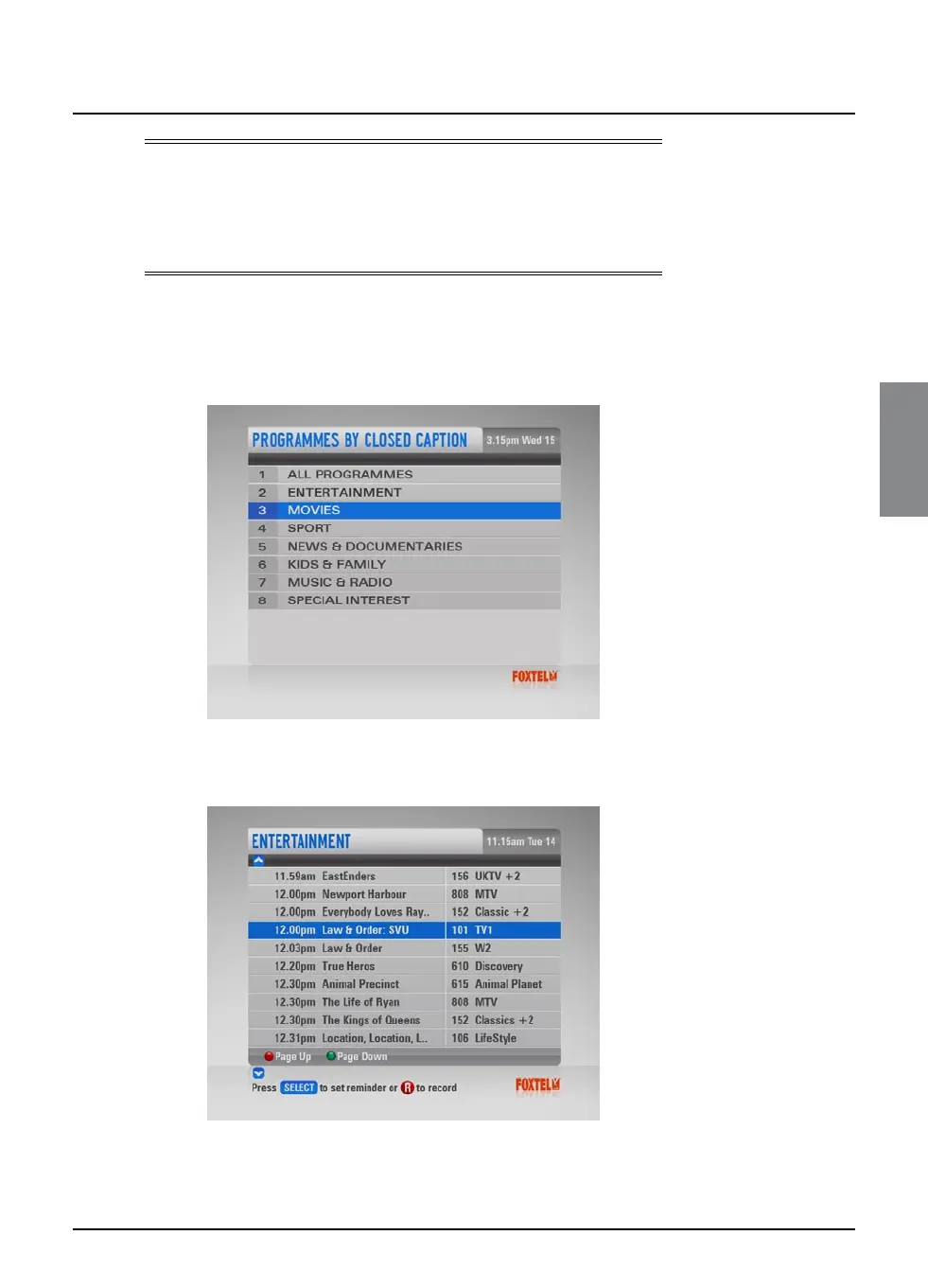
Programmes By Closed Caption
If you want to see a list of all closed captioned and subtitled
programmes, showing at a particular time, you can search by
closed caption.
u Highlight one of the genres listed, then press select.
The listings screen for that genre displays, with the programmes
listed in the order they are showing.
u To move through the list of programmes, press U or D.
u Use ch + and ch - to page through the list.



 To Next Page