FOXTEL Guide
22
Using the FOXTEL iQ
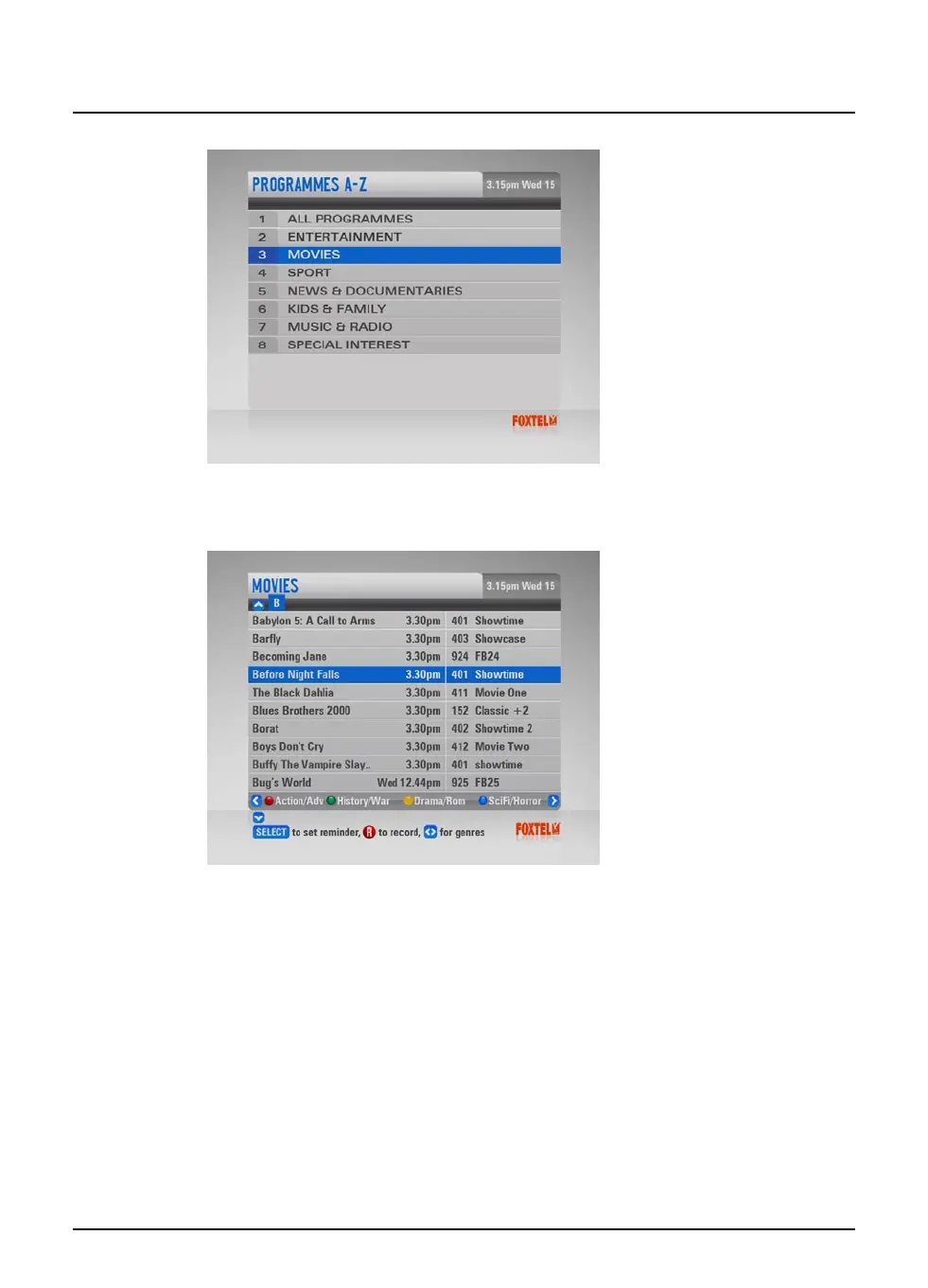
u Highlight one of the genres listed, then press select.
The listings screen for that programme genre displays, with the
programmes listed by title then showing time.
To search using Programmes by A-Z, use the remote to enter in the
first letter of the programme you are looking for.
u To jump to a letter use the FOXTEL remote number buttons
to enter the first letter of the programme; for example press
the 3 button to jump to programmes starting with ‘d’ or press
the 5 button three times to jump to programmes starting with ‘l’.
u To move through the list of programmes, press U or D.
u You can choose to view by sub-genre. Press a colour button
(shown at the bottom of the screen) to choose the sub-genre
you want.
u Different sub-genres may be available. Press L or R to view
all the available sub-genres.
u Use ch + and ch - to page through the list.



 To Next Page