Playlist
50
Using the FOXTEL iQ
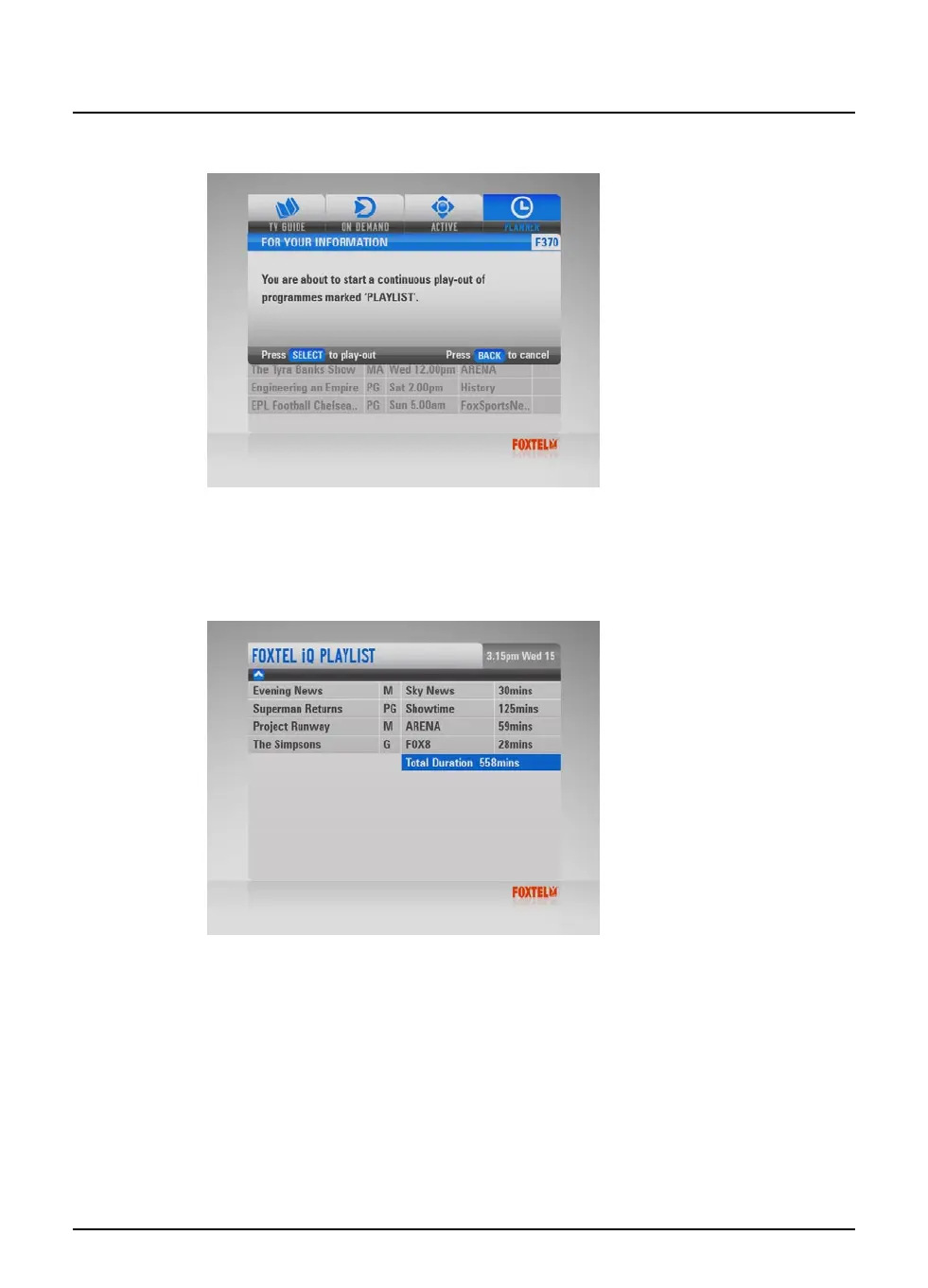
The following message then displays.
2. Press play or select to continue.
A ‘Contents Marker’ screen displays
for 20 seconds
. This shows
you the total time of your selected programme(s) and a list of the
programmes to be played out. The programmes will be listed in
the same order that you added them to the Playlist.
If there are more than ten programmes, a series of screens is
displayed.
Each programme in the Playlist is then played back in turn from
start to finish, preceded by its
i-box
(see page 13).
u Make sure you do not press any button on the remote control,
as this will stop the Playlist process.
u However, if you want to stop the Playlist process at any time,
press any button.



 To Next Page