Glossary
92
Using the FOXTEL iQ
Letterbox A description of how widescreen (16:9) programmes display on a
standard (4:3) TV.
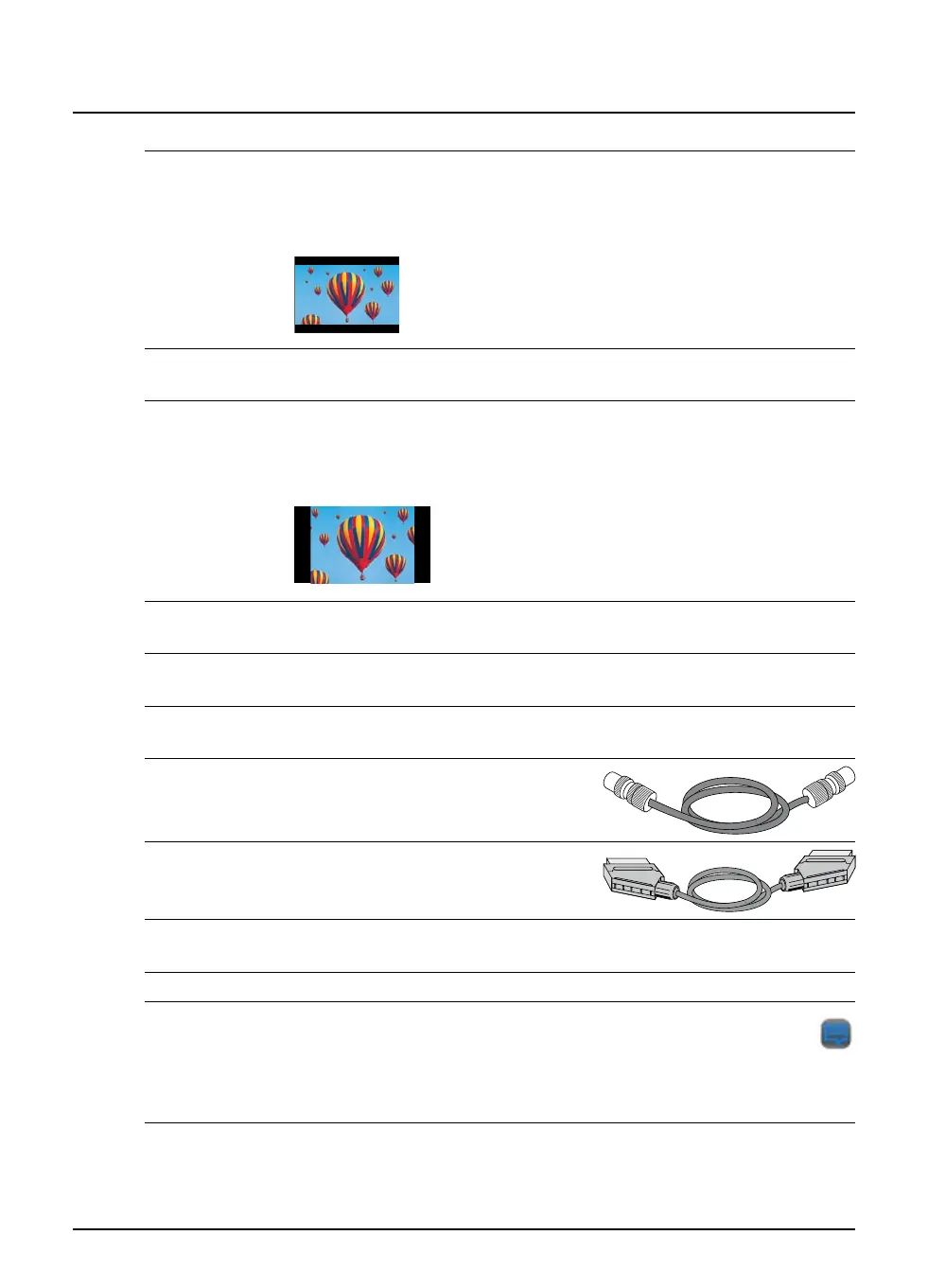
The whole of the widescreen transmission displays, but black bars will
appear at the top and bottom of the screen.
Letterbox - 16:9 programme on a 4:3 TV
MPEG The setting for standard digital stereo audio from the FOXTEL iQ’s optical
audio out and digital audio out connectors
Pillarbox A description of how standard (4:3) programmes display on a widescreen
(16:9) TV.
The whole of the picture displays, as if it were on a standard TV, with
black bars at either side of the picture.
Pillarbox - 4:3 programme on a 16:9 TV
PIN Personal Identification Number used to restrict access to certain areas of
your FOXTEL service.
Playback symbol An on-screen symbol which shows you what the FOXTEL iQ is doing. See
page 93.
Playback indicator This display, on the FOXTEL iQ’s front panel, lights up to show you what
the FOXTEL iQ is doing. See page 77.
RF lead The type of lead you use to
connect your equipment via the RF
connectors (see the diagram, right).
SCART lead The type of lead you use to connect
your equipment via the SCART
connectors (see the diagram, right).
S/P-DIF ‘Sony/Philips Digital Interface’ - the digital element of the FOXTEL iQ’s
optical audio out and digital audio out connectors.
STU An abbreviation for set-top unit, another name for the FOXTEL iQ.
Subtitles Text on your TV screen that is a transcript or translation of the
programme’s audio soundtrack, usually used for foreign-language
programmes. The Subtitles symbol (see right) displays on the i-search
banner when subtitles are available. Subtitles appear automatically. You
cannot choose whether they appear or not.



 To Next Page