i
Switch the heater booster function on or
off with the ¢ button (Y page 130).
X
To activate the auxiliary heating sys-
tem: press and hold the upper section of
the y switch for longer than 2 seconds.
The red indicator lamp in the button lights
up. The auxiliary heating heats or ventilates
the interior to the temperature that you
have set. The blower switches to the first
level.
X
To switch off auxiliary heating: press the
upper section of the y button.
or
X
Turn the key in the ignition lock to posi-
tion 0.
The red indicator lamp in the button goes
out. The auxiliary heating operates for
another 2 minutes and then switches off
automatically.
Selecting a switch-on time
Important information
You can use the on-board computer to define
up to three switch-on times, one of which can
be selected.
The yellow indicator lamp in the y button
goes out after 30 minutes, if you:
R
have selected the switch-on time and
R
turn the key to position 0 in the ignition lock
On-board computer without steering
wheel buttons
X
Turn the key to position 2 in the ignition
lock.
X
Press the y button.
The y symbol flashes in the display.
or
X
Press the 4 menu button on the instru-
ment cluster repeatedly until the y
symbol flashes in the display.
X
Use the f or g buttons on the instrument
cluster to select the switch-on time 11 to 33.
The switch-on time selected is displayed.
X
Wait 10 seconds for the standard display to
appear.
The switch-on time is selected. The yellow
indicator lamp in the y button lights up.
If you do not preselect a switch-on time,
and --:----:-- is shown in the display, this
means that the automatic switch-on mode
is switched off. The yellow indicator lamp in
the y button goes out.
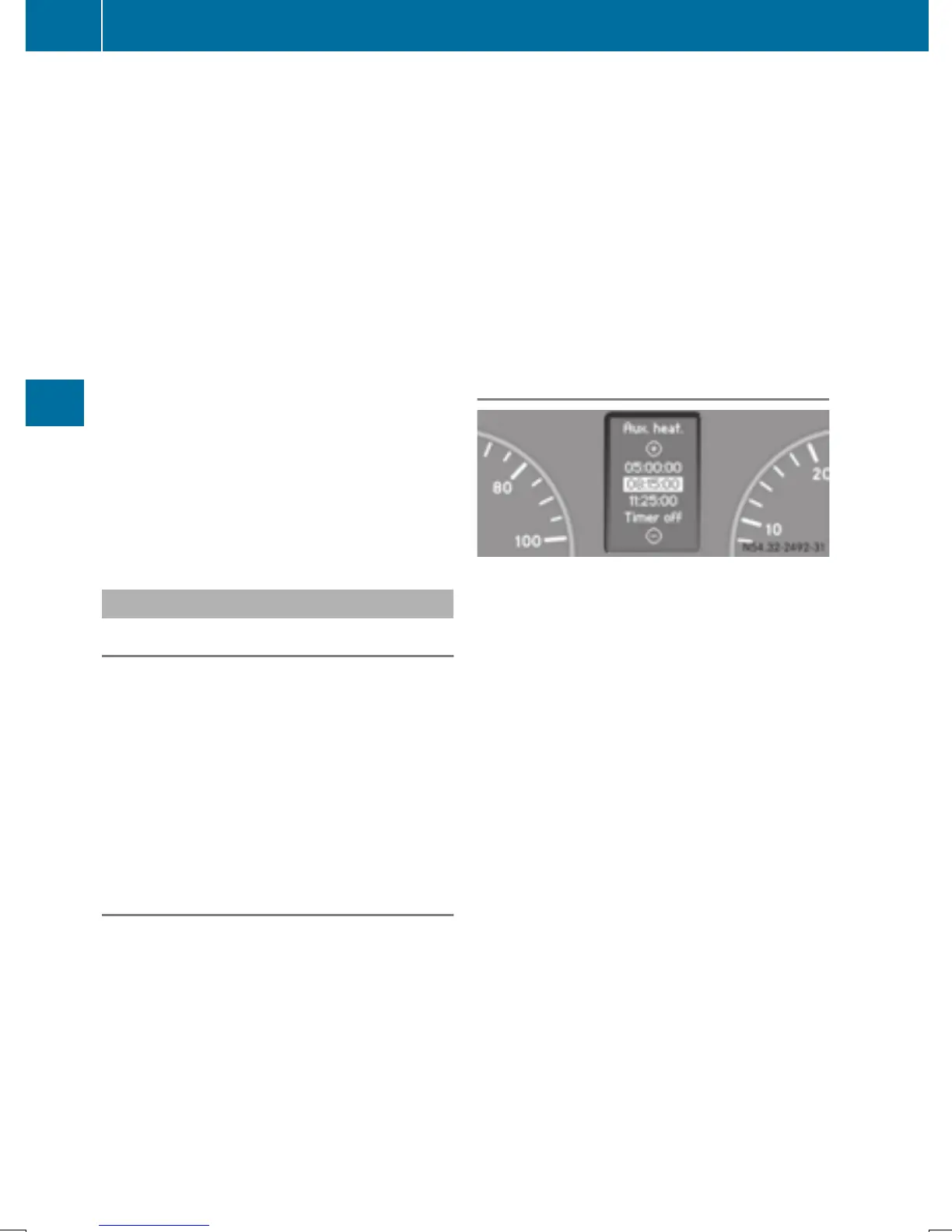
On-board computer with steering wheel
buttons
X
Turn the key to position 2 in the ignition
lock.
X
Press the y button.
The Aux. heatAux. heat submenu is shown in the
display.
If no switch-on time has been selected, the
selected switch-on time is highlighted or
Timer offTimer off is highlighted.
i
You can also access the Aux.Aux. heat.heat. sub-
menu via the SettingsSettings (Y page 188)
menu.
X
Use the W or X button on the steer-
ing wheel to select the desired switch-on
time.
Use the Timer offTimer off setting to deactivate
automatic switch-on.
X
Press the V button on the steering
wheel.
The switch-on time is selected. The yellow
indicator lamp in the y button lights up.
124
Operating the auxiliary heating system
Climate control



 To Next Page