The display in the instrument cluster is acti-
vated when you:
R
open the driver's door
R
turn the key to position 2 in the ignition lock
R
press the 9 reset button
R
switch on the lights
The display switches off automatically after
approximately 30 seconds if:
R
the key is in position 0 in the ignition lock.
R
the vehicle lighting is not switched on.
Instrument lighting
When the lights are switched on, you can
adjust the brightness of the instrument clus-
ter lighting using the f and g buttons.
X
To brighten: press the f button.
X
To dim: press the g button.
i
Vehicles with automatic headlamp mode:
the instrument lighting also adapts to auto-
matic headlamp mode.
Tachometer
!
Do not drive in the overrevving range, as
this could damage the engine.
H
Environmental note
Avoid driving at high engine speeds. This
unnecessarily increases the fuel consumption
of your vehicle and harms the environment as
a result of increased emissions.
The red band in the tachometer indicates the
engine's overrevving range.
To protect the engine, the fuel supply is inter-
rupted when the red band is reached.
Outside temperature
You should pay special attention to road con-
ditions when temperatures are around the
freezing point.
On vehicles without steering wheel buttons
(Y page 182) and on vehicles with steering
wheel buttons (Y page 187), the outside tem-
perature display is in the display.
Changes in the outside temperature are dis-
played after a short delay.
Speedometer
The speed can also be shown in the display.
You can find information on the digital speed-
ometer for vehicles without steering wheel
buttons under (Y page 182) and for vehicles
with steering wheel buttons under
(Y page 187).
i
In some countries, a warning sounds
when the vehicle reaches the maximum
speed limit, e.g. at 75 mph (120 km/h).
Trip odometer
X
To reset: make sure that the display is
showing the trip odometer if you have a
vehicle with steering wheel buttons
(Y page 187).
X
Press and hold the 9 reset button until the
trip odometer is reset to 0.00.0.
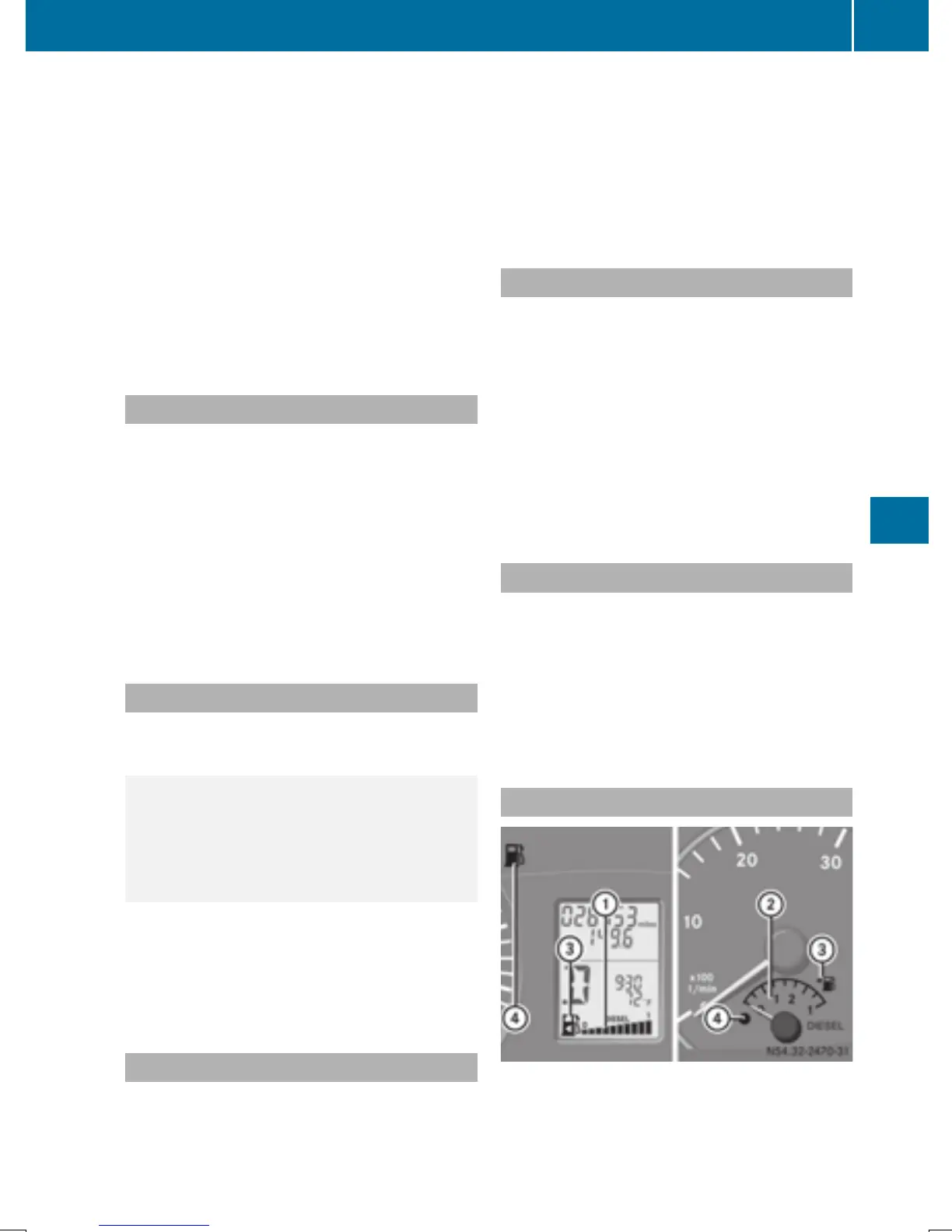
Fuel gauge
:
Fuel gage on vehicles without steering
wheel buttons
;
Fuel gage on vehicles with steering wheel
buttons
Instrument cluster
181
On-board computer and displays
Z



 To Next Page