Using the steering wheel buttons
X
Switch on the audio equipment (see the
separate operating instructions).
X
Press the V or U button repeatedly
until the station selected appears in the
display.
X
Press the 9 or : button to select the
desired station.
i
You can only store new stations on the
audio system itself. See the separate oper-
ating instructions.
You can also operate the audio equipment
in the same way as usual.
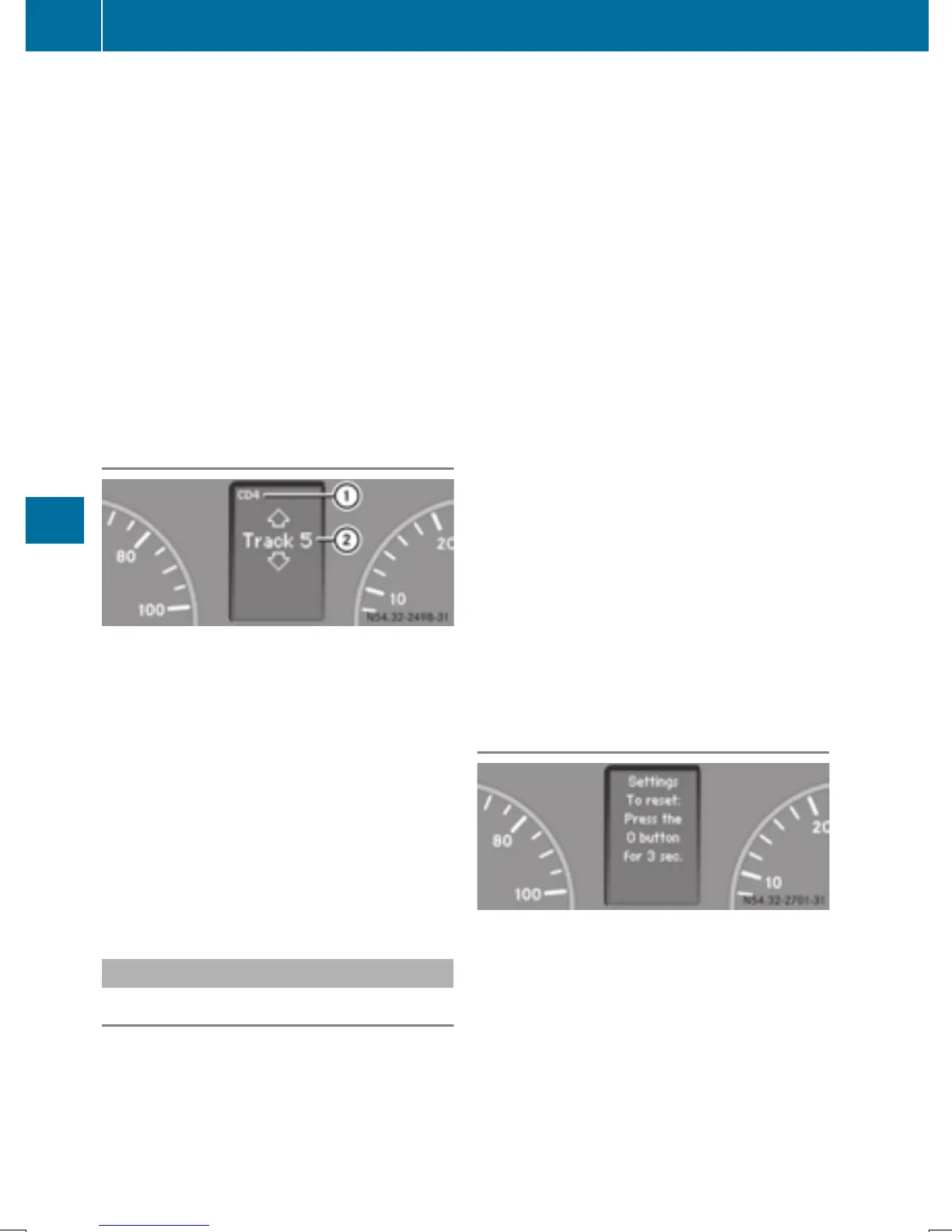
Operating the CD player
:
Current CD (with CD changer)
;
Current track
Using the steering wheel buttons
X
Switch on the audio equipment and select
the CD player (see the separate operating
instructions).
X
Press the V or U button repeatedly
until the settings for the current CD appear
in the display.
X
Press the 9 or : button to select a
CD track.
Settings menu
Introduction
In the Settings menu, the following options
and submenus are available:
R
Resetting all settings
R
Resetting the functions of a submenu
R
Instrument cluster (Y page 189)
-
Units and language settings
-
Status bar settings
R
Time(Y page 191)
R
Lighting (Y page 192)
-
Switching surround lighting on/off
-
Switching the daytime running lamps
on/off
-
Setting the exterior lighting delayed
switch-off
-
Activating/deactivating Highbeam
Assist
R
Vehicle
-
Setting the radio station selection
-
Setting the windshield wiper sensitivity
R
Stationary heating or auxiliary heating
(Y page 124)
R
Convenience (Y page 194)
-
Key-dependent settings
i
For safety reasons, it is not possible to
reset all of the functions while the vehicle is
in motion. For example, in the LightingLighting
submenu, the Daytime runn. lampsDaytime runn. lamps
function remains unchanged.
Resetting all settings
Settings menu
When the SettingsSettings message is displayed,
you can reset all functions of the submenu to
the factory settings.
188
On-board computer (vehicles with steering wheel buttons)
On-board computer and displays



 To Next Page