Using the steering wheel buttons
X
Press the V or U button repeatedly
until the SettingsSettings menu appears in the
display.
X
Press and hold the 9 reset button for
approximately 3 seconds.
You will see a message in the display
prompting you to press the 9 reset button
again to confirm.
X
Press the 9 reset button again.
The functions in all submenus are reset to
the factory settings.
i
If you want to retain the settings, do not
press the 9 reset button a second time.
The SettingsSettings menu appears again after
approximately 5 seconds.
Resetting the functions of a submenu
You can individually reset the functions of
each submenu to the factory settings.
Using the steering wheel buttons
X
Press the V or U button repeatedly
until the SettingsSettings menu appears in the
display.
X
Press the 9 button to switch to the sub-
menu selection.
X
Press the W or X button to select a
submenu.
X
Press and hold the 9 reset button for
approximately 3 seconds.
You will see a message in the display
prompting you to press the 9 reset button
again to confirm.
X
Press the 9 reset button again.
All functions in the submenu are reset to
the factory settings.
i
If you want to retain the settings, do not
press the 9 reset button a second time.
The SettingsSettings menu appears again after
approximately 5 seconds.
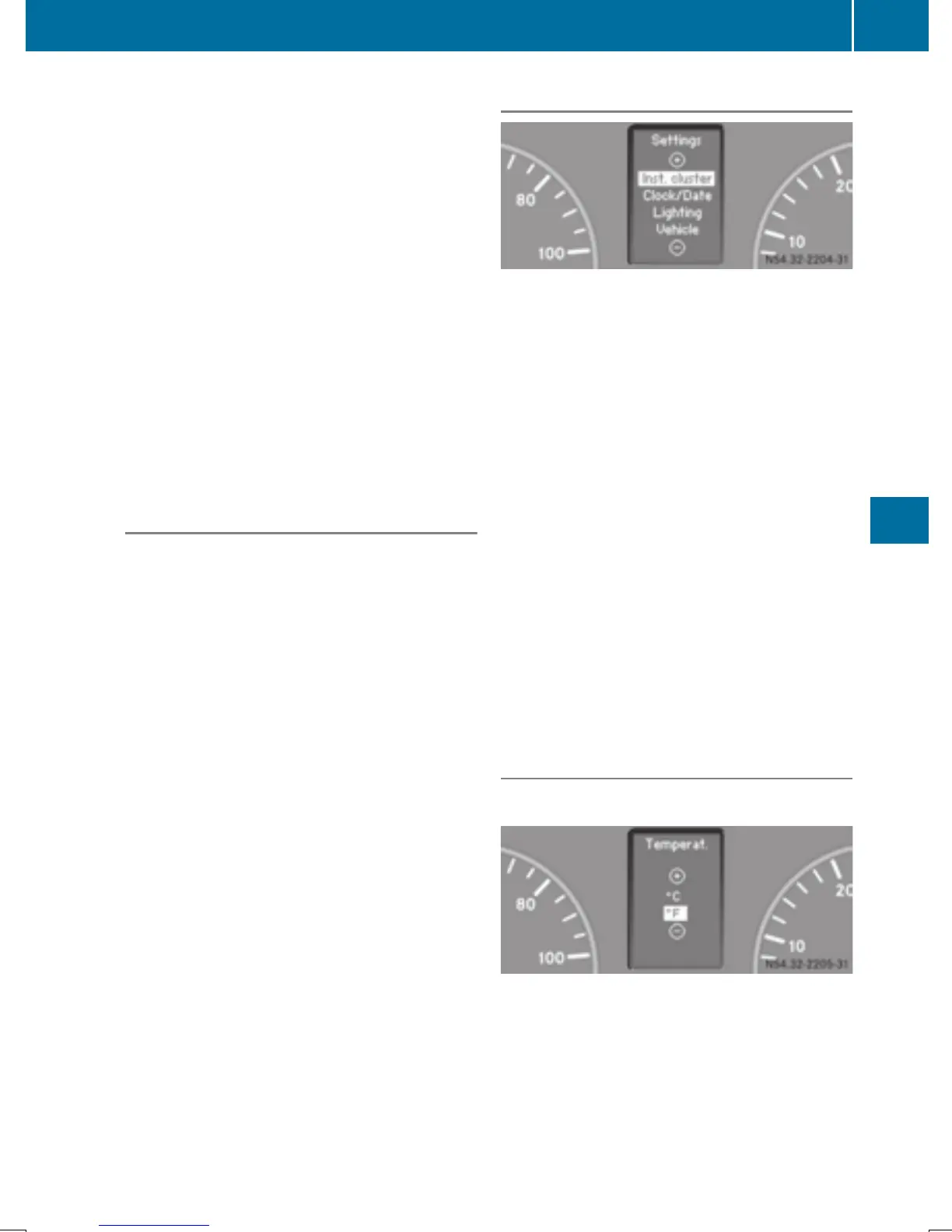
Selecting submenus
You will see the collection of submenus.
There are more submenus than can be dis-
played at the same time.
Using the steering wheel buttons
X
Press the V or U button repeatedly
until the SettingsSettings menu appears in the
display.
X
Press the 9 button to switch to the sub-
menu selection.
X
Press the W or X button to select a
submenu.
The submenu currently selected is high-
lighted.
X
Press the 9 button to select the func-
tion within a submenu.
X
Change the setting by pressing the W or
X button.
The changed setting is saved.
Instrument cluster submenu
Selecting the unit for temperature
Using the steering wheel buttons
X
Press the V or U button repeatedly
until the SettingsSettings menu appears in the
display.
X
Press the 9 button to switch to the sub-
menu selection.
On-board computer (vehicles with steering wheel buttons)
189
On-board computer and displays
Z



 To Next Page