X
Press the W or X button to select the
Inst. clusterInst. cluster submenu.
X
Press the 9 button to select the Tem‐Tem‐
perat.perat. function.
The selection marker is on the current set-
ting.
X
Press the W or X button to select the
unit for all messages in the display: °C°C
(degrees Celsius) or °F°F (degrees Fahren-
heit).
Selecting the unit for the digital speed-
ometer
Using the steering wheel buttons
X
Press the V or U button repeatedly
until the SettingsSettings menu appears in the
display.
X
Press the 9 button to switch to the sub-
menu selection.
X
Press the W or X button to select the
Inst. clusterInst. cluster submenu.
X
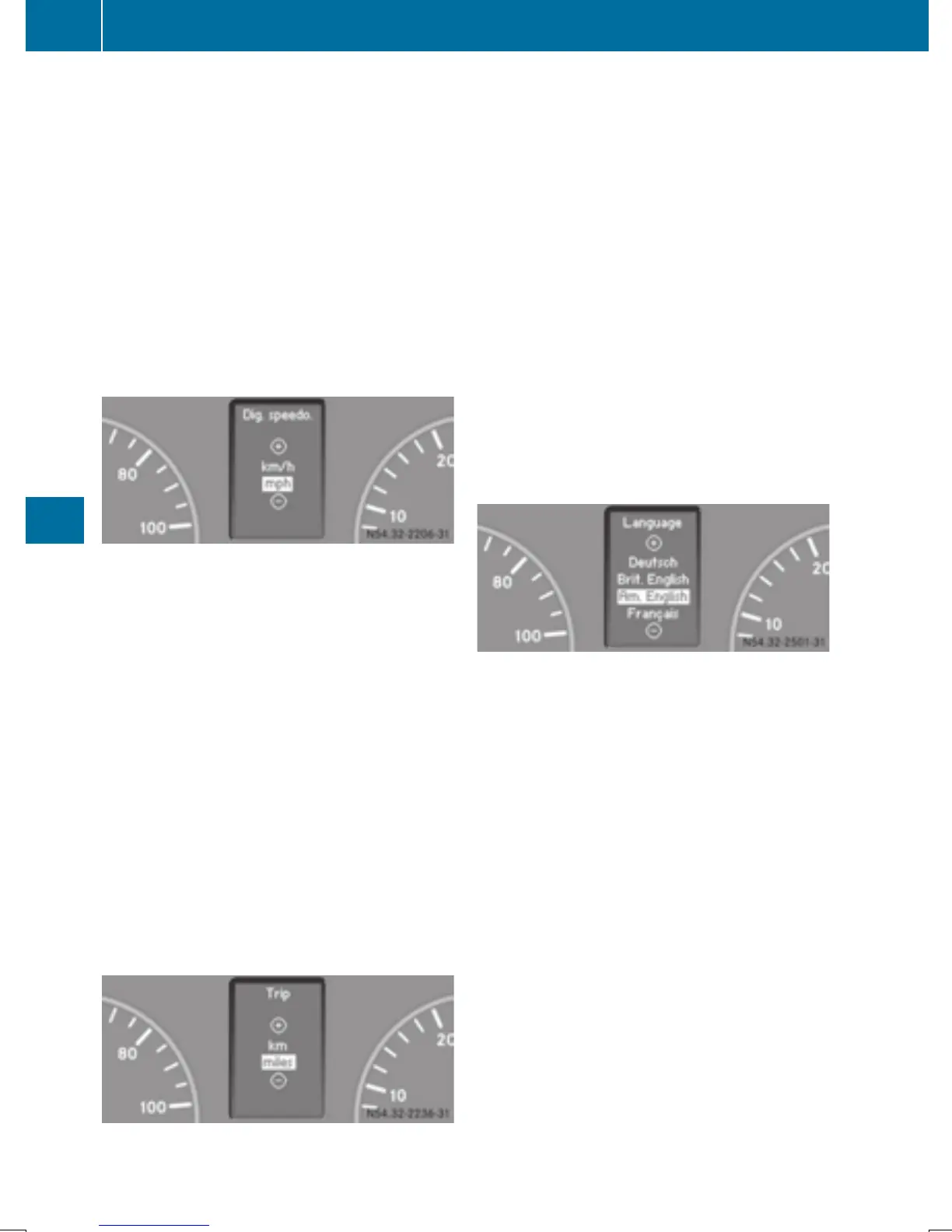
Press the 9 button to select the Dig.Dig.
speedo.speedo. function.
The selection marker is on the current set-
ting.
X
Press the W or X button to select the
unit for the digital speedometer: km/hkm/h or
mphmph .
Selecting the unit for distance
Using the steering wheel buttons
X
Press the V or U button repeatedly
until the SettingsSettings menu appears in the
display.
X
Press the 9 button to switch to the sub-
menu selection.
X
Press the W or X button to select the
Inst. clusterInst. cluster submenu.
X
Press the 9 button to select the TripTrip
function.
The selection marker is on the current set-
ting.
X
Press the W or X button to select the
unit for all messages in the display: kmkm
(kilometers) or milesmiles .
Selecting the language
The selected range of languages shown is just
an example. The range of languages available
is specific to each country.
Using the steering wheel buttons
X
Press the V or U button repeatedly
until the SettingsSettings menu appears in the
display.
X
Press the 9 button to switch to the sub-
menu selection.
X
Press the W or X button to select the
Inst. clusterInst. cluster submenu.
X
Press the 9 button to select the Lan‐Lan‐
guageguage function.
The selection marker is on the current set-
ting.
X
Press the W or X button to set the
language for all messages.
190
On-board computer (vehicles with steering wheel buttons)
On-board computer and displays



 To Next Page