The camera is in the middle of the roof above
the high-mounted brake lamp (Y page 269).
The rear view camera may show obstacles in
perspectival distortion, incorrectly or not at
all. The rear view camera cannot display all
objects located very near and/or under the
rear bumper. It does not warn you of a colli-
sion, persons or objects.
The area behind the vehicle is displayed in a
mirrored fashion, as in the rear-view mirror or
the exterior mirrors.
The function of the rear view camera may be
partially or completely impaired in the follow-
ing circumstances:
R
it is raining very heavily or snowing, or it is
foggy.
R
the parking space is located in a very dark
place.
R
the camera is exposed to very strong white
light. White stripes may appear on the dis-
play.
R
the surrounding area is illuminated with flu-
orescent light. The display may flicker.
R
if the temperature changes very quickly, for
example if you drive into a heated garage in
the winter.
R
ambient temperatures are very high.
R
the camera lens is dirty or obstructed.
R
the rear of the vehicle is damaged. In this
case, have the position and setting
checked at a specialist workshop.
The rear view camera is activated when you
engage reverse gear R.
You can find information on cleaning the cam-
era in the "Maintenance and care" section
(Y page 269).
Working mode
ADR (working speed governor)
General notes
When activated, ADR automatically increases
the engine speed to a preset speed or a speed
you have set.
i
After a cold start, the idling speed of the
engine is increased automatically. If the
preset working speed is lower than the
increased idling speed, the working speed
is only reached once the engine has com-
pleted the warm-up phase.
It is only possible to activate ADR with the
vehicle stationary and the parking brake
applied.
The selector lever of the automatic trans-
mission must be in position P.
Activating/deactivating ADR
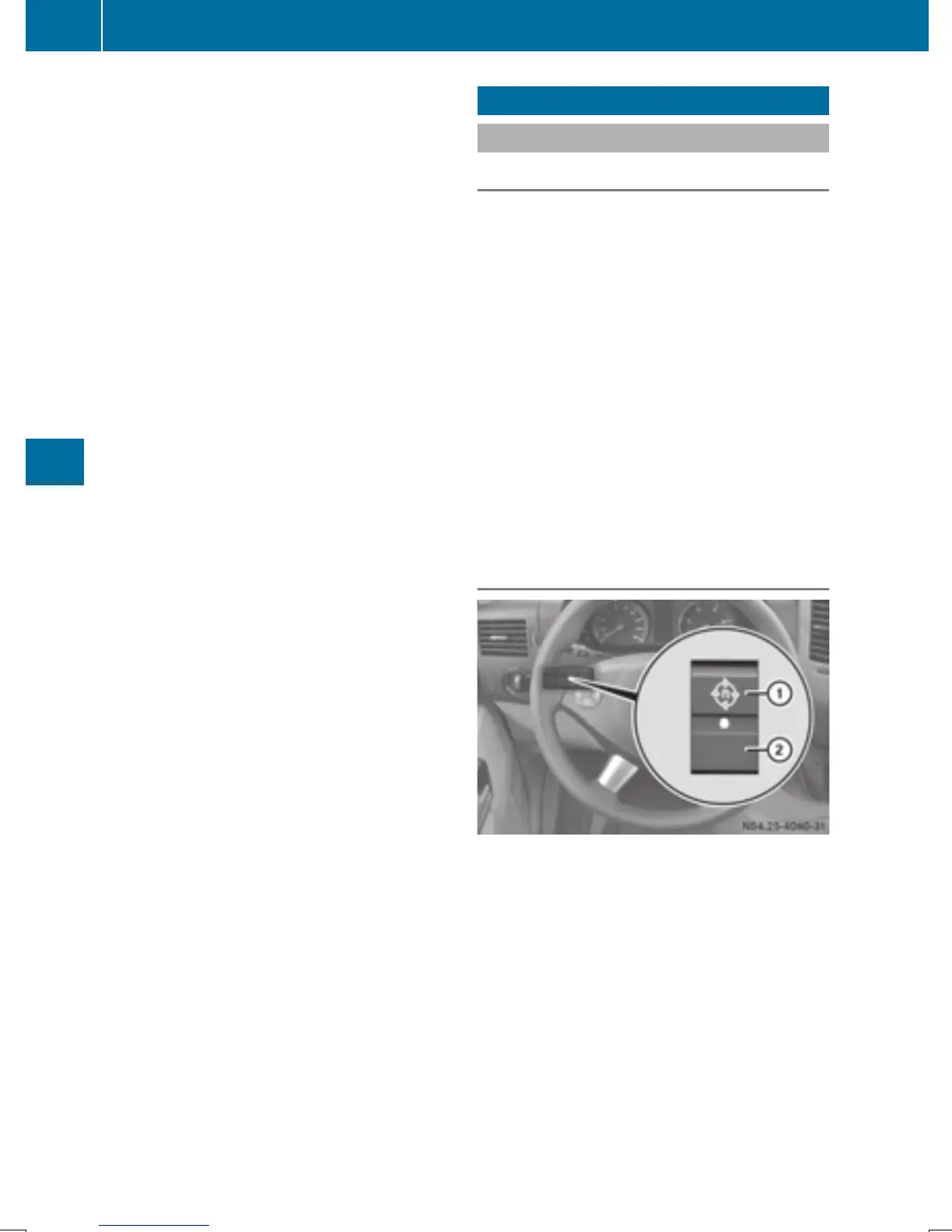
X
To activate: press upper section : of the
E switch while the engine is running.
The indicator lamp in the switch comes on.
The K indicator lamp in the instrument
cluster lights up or the display shows the
following message: Operating speedOperating speed
governor activegovernor active.
X
To deactivate: press lower section ; of
the E switch while the engine is run-
ning.
The indicator lamp in the switch goes out.
172
Working mode
Driving and parking



 To Next Page