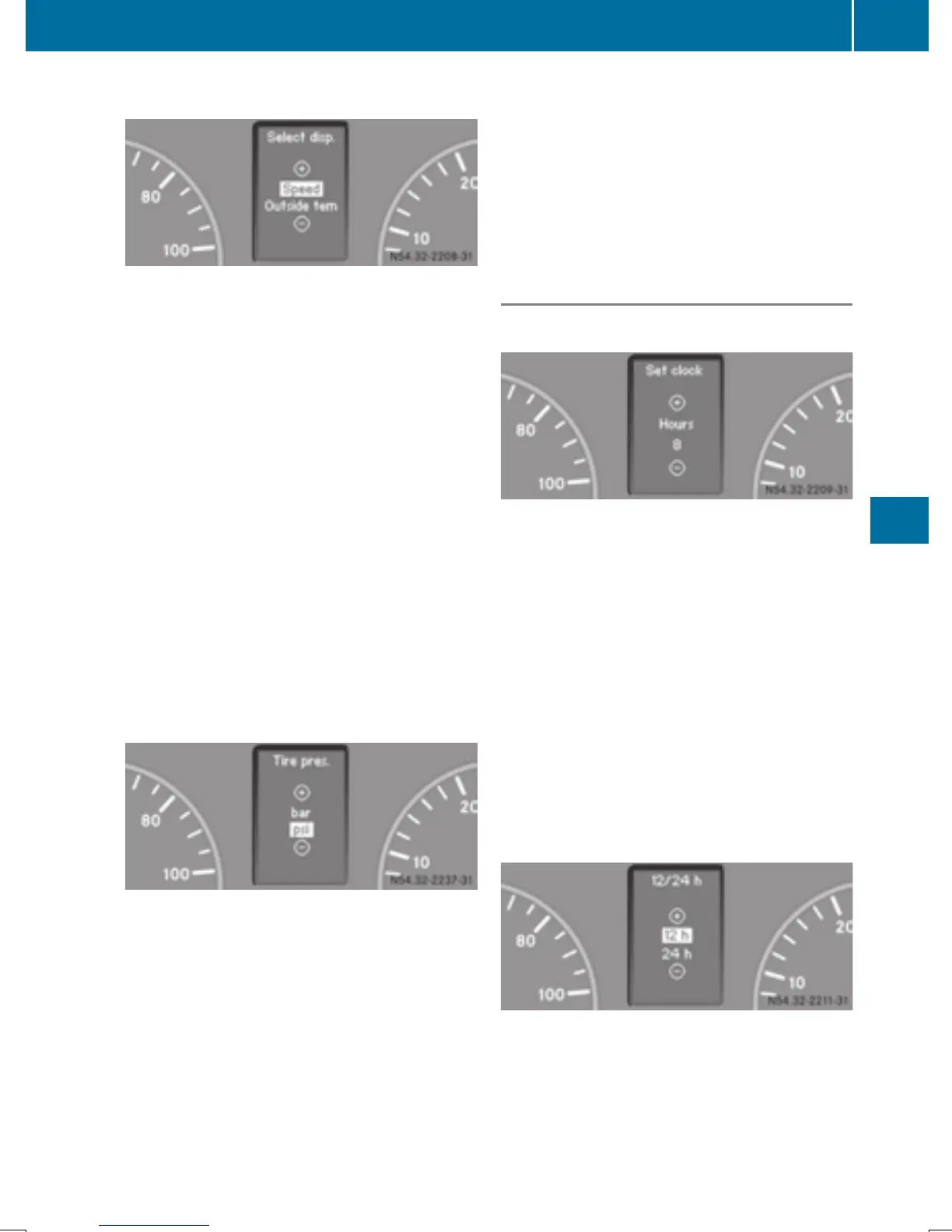
Selecting the display for the status bar
Using the steering wheel buttons
X
Press the V or U button repeatedly
until the SettingsSettings menu appears in the
display.
X
Press the 9 button to switch to the sub-
menu selection.
X
Press the W or X button to select the
Inst. clusterInst. cluster submenu.
X
Press the 9 button to select the
Select disp.Select disp. function.
The selection marker is on the current set-
ting.
X
Press the W or X button to select
whether to display the outside temperature
or the speed (digital speedometer).
The selected display is then shown perma-
nently in the lower part of the display.
Selecting the unit for the tire pressure
Using the steering wheel buttons
X
Press the V or U button repeatedly
until the SettingsSettings menu appears in the
display.
X
Press the 9 button to switch to the sub-
menu selection.
X
Press the W or X button to select the
Inst. clusterInst. cluster submenu.
X
Press the 9 button to select the TireTire
pres.pres. function.
The selection marker is on the current set-
ting.
X
Press the W or X button to select the
unit for the tire pressure in the display:
barbar or psipsi.
Clock/Date submenu
Setting the time
Using the steering wheel buttons
X
Press the V or U button repeatedly
until the SettingsSettings menu appears in the
display.
X
Press the 9 button to switch to the sub-
menu selection.
X
Press the W or X button to select the
Clock/DateClock/Date submenu.
X
Press the 9 button to select SetSet
clockclock HoursHours or MinutesMinutes .
X
Press the W or X button to set the
values.
Selecting the time format
Using the steering wheel buttons
X
Press the V or U button repeatedly
until the SettingsSettings menu appears in the
display.
X
Press the 9 button to switch to the sub-
menu selection.
On-board computer (vehicles with steering wheel buttons)
191
On-board computer and displays
Z



 To Next Page