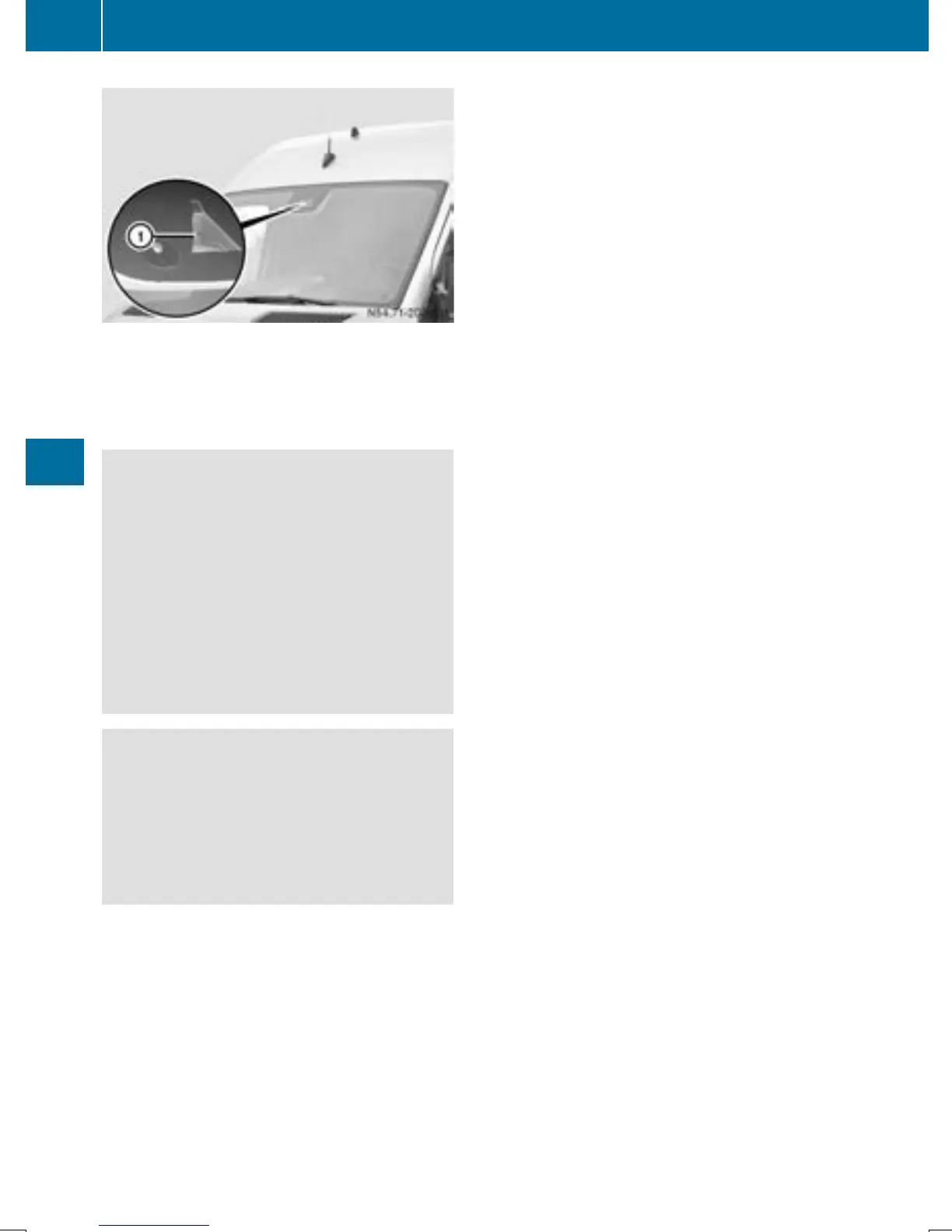
:
Lane Keeping Assist camera
Lane Keeping Assist supports you from
speeds of approximately 40 mph(60 km/h).
Important safety notes
G
WARNING
Lane Keeping Assist may not always clearly
recognize lane markings.
In this case, Lane Keeping Assist may:
R
give an unnecessary warning
R
not give a warning
There is a risk of an accident.
Always pay particular attention to the traffic
situation and stay in lane, in particular if
warned by Lane Keeping Assist.
G
WARNING
The Lane Keeping Assist warning does not
return the vehicle to the original lane. There is
a risk of an accident.
You should always steer, brake or accelerate
yourself, in particular if warned by Lane Keep-
ing Assist.
If you fail to adapt your driving style, Lane
Keeping Assist can neither reduce the risk of
accident nor override the laws of physics.
Lane Keeping Assist cannot take into account
road, weather or traffic conditions. Lane
Keeping Assist is only an aid. You are respon-
sible for the distance to the vehicle in front,
for vehicle speed, braking in good time and for
staying in your lane.
Lane Keeping Assist does not keep your vehi-
cle in its lane.
The system may be impaired or may not func-
tion if:
R
if the vehicle is incorrectly loaded
(Y page 240)
R
there is poor visibility, e.g. due to insuffi-
cient illumination of the road, or due to
snow, rain, fog or spray
R
there is glare, e.g. from oncoming traffic,
the sun or reflection from other vehicles
(e.g. if the road surface is wet)
R
the windshield is dirty, fogged up, damaged
or covered, for instance by a sticker, in the
vicinity of the camera
R
no, or several, unclear lane markings are
present for one lane, e.g. in a construction
area
R
the lane markings are worn away, dark or
covered up, e.g. by dirt or snow
R
the distance to the vehicle in front is too
small and the lane markings thus cannot be
detected
R
the lane markings change quickly, e.g.
lanes branch off, cross one another or
merge
R
the road is narrow and winding
R
there are highly variable shade conditions
on the road
A warning may be given if a front wheel
passes over a lane marking. In addition, a
warning tone sounds and the à indicator
lamp in the instrument cluster lights up.
Activating/deactivating Lane Keeping
Assist
Lane Keeping Assist is automatically activa-
ted when you start the engine.
X
To deactivate: press the j button in
the center console (Y page 37).
On vehicles without steering wheel but-
tons:
OFFOFF flashes briefly in the display and the
à indicator lamp in the instrument clus-
ter flashes and then lights up continuously.
On vehicles with steering wheel but-
tons:
166
Driving systems
Driving and parking



 To Next Page