Using the steering wheel buttons
X
Press the V or U button repeatedly
until the SettingsSettings menu appears in the
display.
X
Press the 9 button to switch to the sub-
menu selection.
X
Press the W or X button to select the
VehicleVehicle submenu.
X
Press the 9 button to select the WipeWipe
sensorsensor function.
The selection marker is on the current set-
ting.
X
Press the W or X button to adjust the
sensitivity of the rain/light sensor.
The levels are graded as follows:
R
Level 1Level 1: high sensitivity – wiping begins
even in light rain
R
Level 2Level 2: moderate sensitivity
R
Level 3Level 3: low sensitivity – wiping only
begins in heavy rain
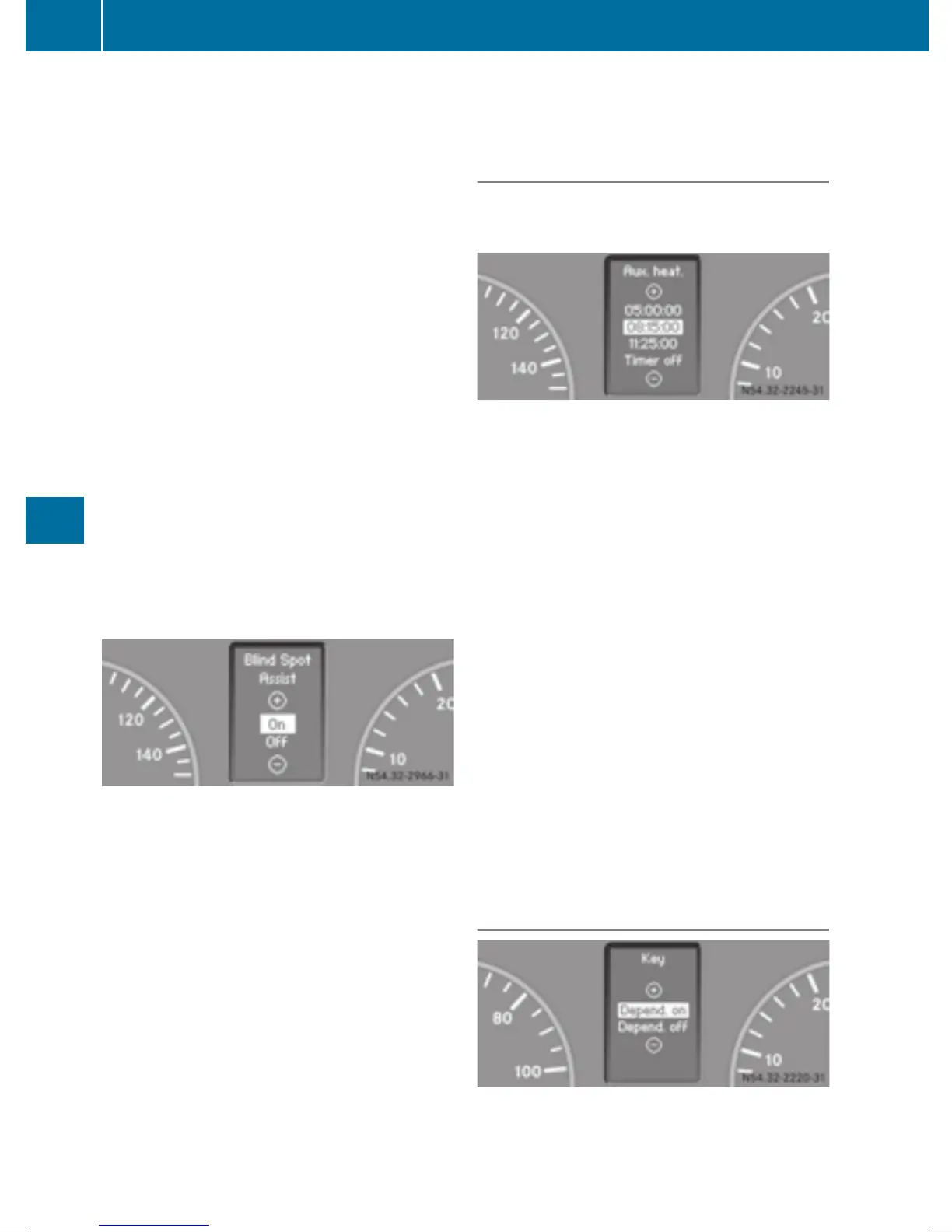
Activating/deactivating Blind Spot Assist
Using the steering wheel buttons
X
Press the V or U button repeatedly
until the SettingsSettings menu appears in the
display.
X
Press the 9 button to switch to the sub-
menu selection.
X
Press the W or X button to select the
VehicleVehicle submenu.
X
Press the 9 button to select the BlindBlind
Spot AssistSpot Assist function.
The selection marker is on the current set-
ting.
X
Press the W or X button to switch
Blind Spot Assist OnOn or OffOff .
For further information about Blind Spot
Assist; see (Y page 163).
Heating submenu
Selecting the switch-on time for the aux-
iliary heating
Using the steering wheel buttons
X
Press the V or U button repeatedly
until the SettingsSettings menu appears in the
display.
X
Press the 9 button to switch to the sub-
menu selection.
X
Press the W or X button to select the
HeatingHeating submenu.
X
Press the 9 button to switch to the
Aux. heat.Aux. heat. submenu selection
(Y page 124).
The selection marker is on the current set-
ting.
X
Press the W or X button to set the
desired switch-on time.
Use the Timer offTimer off setting to deactivate
automatic switch-on.
X
Press button V.
The switch-on time is selected.
Convenience submenu
The KeyKey function allows you to define whether
settings for some submenus are stored with a
key dependence.
194
On-board computer (vehicles with steering wheel buttons)
On-board computer and displays



 To Next Page