114 Operating Manual TX150 S6
Non-hot-plug components CSS components
Ê Connect all power plugs to the power outlets.
Ê Press the on/off key to start up the server.
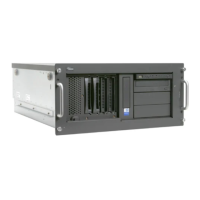
8.2.6.2 Closing the server - rack model
Figure 50: Mounting the top cover
Ê Position the top cover in such a way that it protrudes approxiate 2 cm at the
rear (1).
Ê Push the top cover all the way forward (2).
Ê Fasten the top cover with two screws (3).
Ê Place the rack model in the rack as described in section “Inserting the
server” on page 57.
Ê Reconnect all the cables on the rear of the server.
Ê Connect all power plugs to the power outlets.
Ê Press the on/off key to start up the server.
3
2
1



 To Next Page
 Loading...