TX150 S6 Operating Manual 37
Hardware installation Setting up the floorstand model
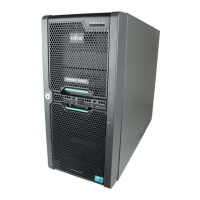
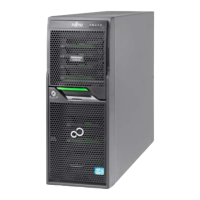
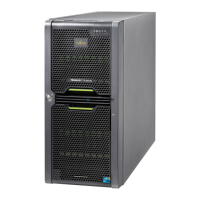
4.2 Setting up the floorstand model
Ê Set up the server.
I Note that on floorstand models with hot-plug power supply units, for
safety reasons (risk of tipping) the anti-tilt bracket supplied must be
fitted on the rear of the server (see section “Mounting the anti-tilt
bracket” on page 38).
V CAUTION!
– The device must be protected from direct sunlight.
– The required minimum distances for operation and maintenance
areas must be adhered to.
– The server must be accessible at the rear for connection to other
devices (e.g. memory subsystem).
– The mains plug must be accessible easily and safely.
– There must be a clearance of at least 200 mm in front of and
behind the server to ensure adequate ventilation of the
subsystem.
Ê Wire the server. Follow the instructions in sections “Connecting devices to
the server” on page 60 and “Notes on connecting/disconnecting cables” on
page 63.
Ê Connect the server to the mains (see section “Connecting the server to the
mains” on page 61).



 To Next Page
 Loading...