4. AIS OPERATION
4-8
5. Select [ETA], then push the ADJUST knob.
6. Using the ADJUST knob, set the estimated day of the month to arrive, then push
the ADJUST knob.
7. Select [DESTINATION], then press the left button.
8. Using the ADJUST knob, set the destination in alphanumeric characters, then
push the ADJUST knob. (Max. 20 characters)
9. Select [DRAUGHT], then push the ADJUST knob.
10. Using the ADJUST knob, set the ship’s draught, then push the ADJUST knob.
11. Select [CREW], then push the ADJUST knob.
12. Using the ADJUST knob, set the number of crew on-board, then push the AD-
JUST knob.
13. Close the menu.
Continued from previous page.
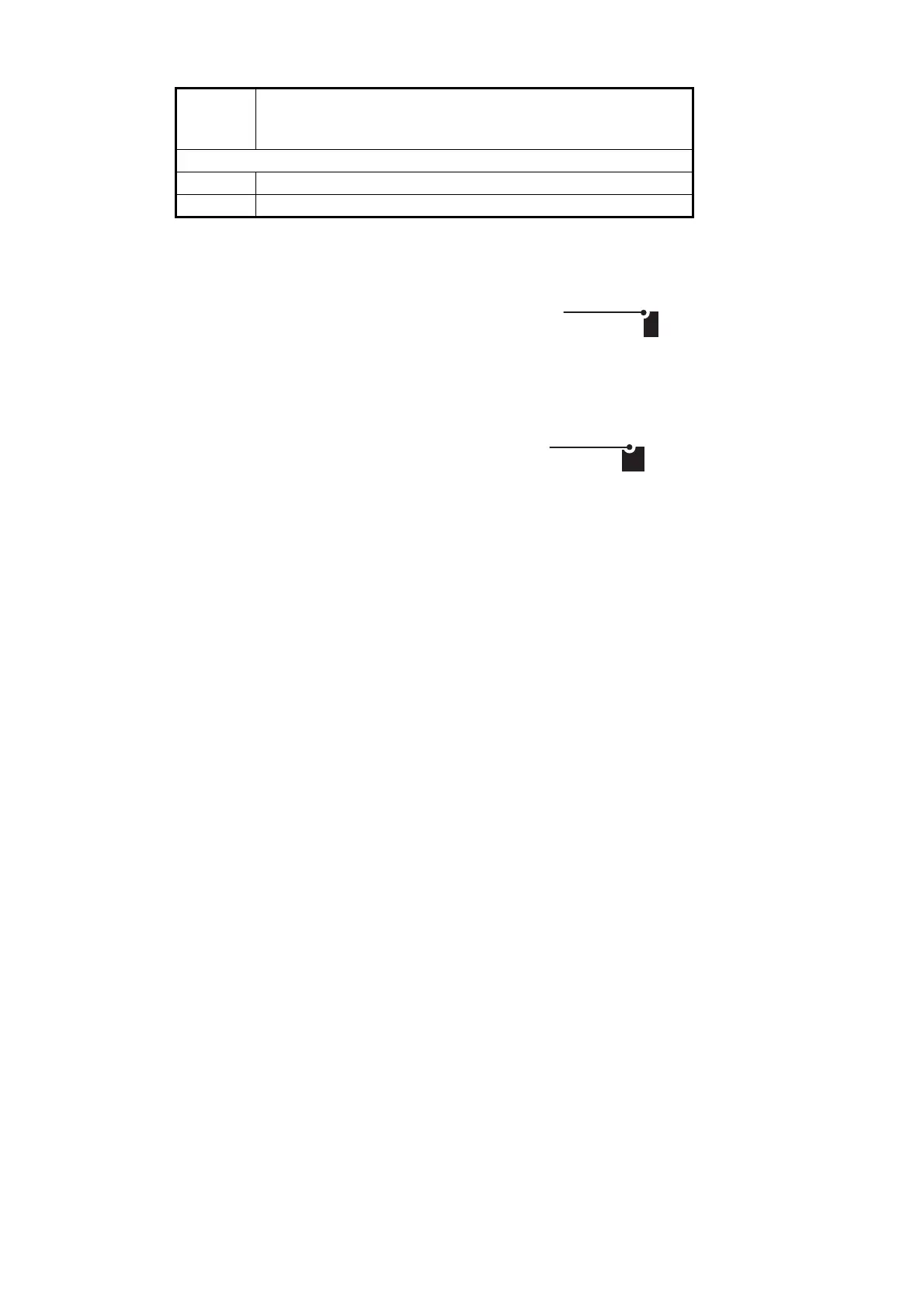
14 AIS SART (No use)
15 AIS SART TEST
Nav
Status
No.
Meaning
08
Currently selected digit is highlighted by the cursor.
Rotate the
ADJUST
knob to adjust the day.
Push the
ADJUST
knob to move to the next digit.
GOLD COAST
Currently selected character is highlighted by the cursor.
Rotate the
ADJUST
knob to select the desired character.
Push the
ADJUST
knob to move to the next character.






 To Next Page