1. OPERATIONAL OVERVIEW
1-12
1.12 How to Set Own Ship’s Speed
The TT and azimuth stabilized presentation modes require own ship speed input and
compass signal. The speed can be entered from a log (STW, SOG) or GPS (SOG) or
manually on the menu.
Note: Where the own ship speed exceeds 99.9kn, the displayed speed is "99.9kn".
1.12.1 Automatic speed input (log or GPS navigator)
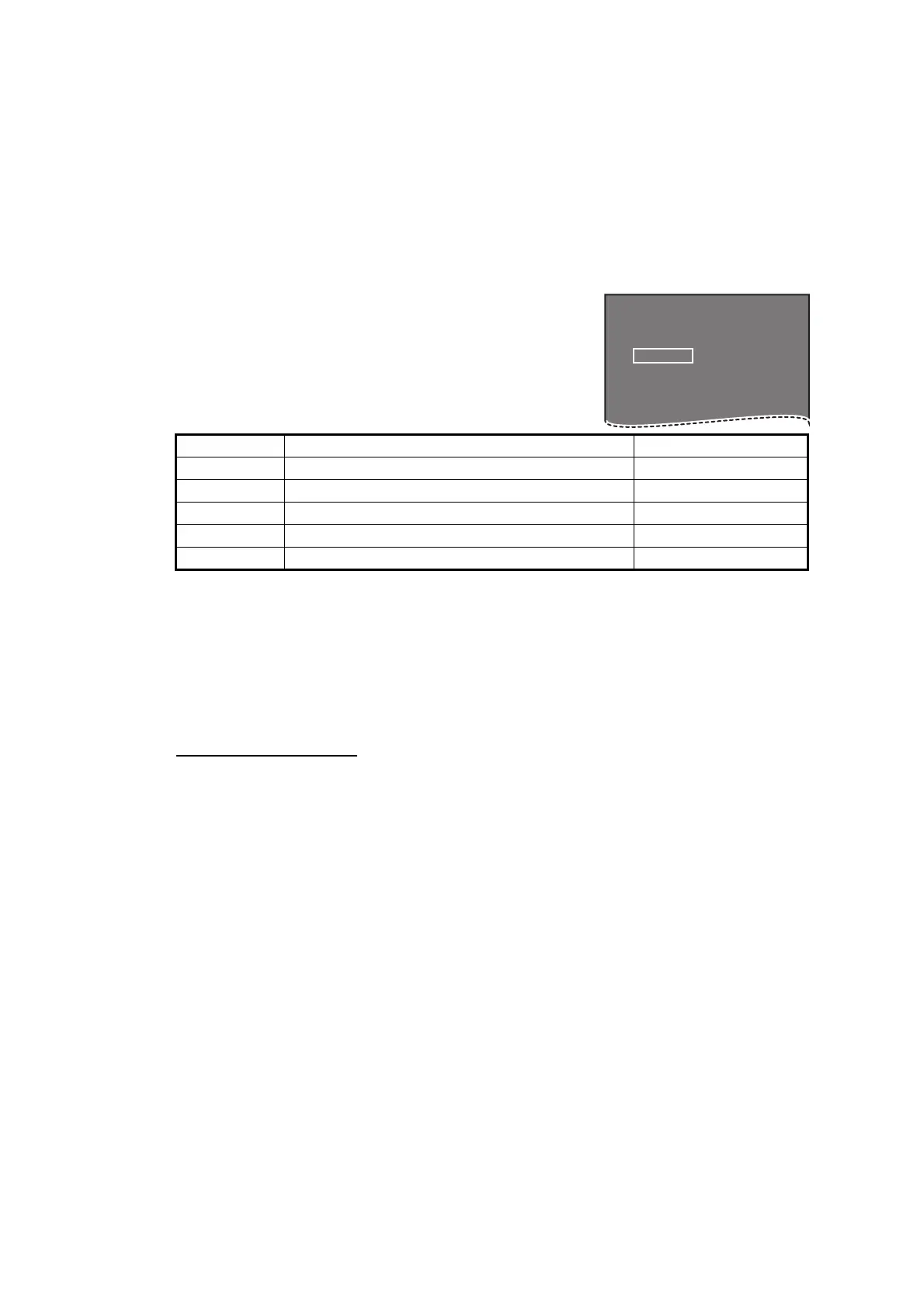
1. Select the [SPD] box at the top right corner of the
screen, then press the right button. The [SPEED]
box menu appears.
2. Select [SHIP SPEED], then push the ADJUST knob.
3. Select the appropriate source for automatic speed in-
put, then push the ADJUST knob.
*: Set and drift may be required to display [LOG (BT)] correctly in deep waters. To
change set and drift do the following:
4. Close the menu.
Notes on speed input
It should be noted that in determining a target's aspect by radar, the calculation of its
true track is dependent on the choice and accuracy of the own ship's course and
speed input. A ground-stabilized target plot may accurately calculate the ground track
of the target, but the target's heading may be significantly different from its track when
experiencing set, drift or leeway. Similarly, a sea stabilized target plot may be inaccu-
rate when own ship and the target, are experiencing different rates of set, drift or lee-
way.
Selection Explanation Stabilization Mode
[LOG (BT)]* Log, speed over ground (SOG) Ground stabilization
[LOG (WT)] Log, Speed Thru Water (STW) Sea stabilization
[GPS] Speed input by GPS navigator Ground stabilization
[MANUAL] Manually input speed Sea stabilization
[REF] Echo-referenced speed input Ground stabilization
1) From the [SPEED MENU], select [SET DRIFT], then push the ADJUST knob.
2) Select [ON], then push the ADJUST knob.
3) Select the set angle, then push the ADJUST knob.
4) Select the drift speed, then push the ADJUST knob.
• IMO Resolution A.823(19) for TT recommends that a speed log to be interfaced with
a TT should be capable of providing through-the-water speed (forward speed).
• Be sure not to select a [LOG] option when a speed log is not connected. If the log
signal is not provided, the ship speed readout at the top of the screen will be blank.
In the event of a log error, enter speed manually.
• The [SPD] is shown as "*.* kn" and the label "LOG(BT)" or "LOG(WT)" (in yellow-or-
ange) appears and the alert buzzer sounds if no log signal is present for 30 s.
• When the speed input in use is interrupted or lost, the system automatically changes
to another speed input (stabilization reference) and outputs the "SPD SOURCE
CHG" alert.
• On the IMO type with AIS in use, [MANUAL] and [REF] are shown in gray to indicate
they are not available for selection.
• A single-axis water log cannot measure speed when the wind is coming from the lee-
way direction.
[SPEED MENU]
1 SHIP SPEED
LOG(BT) / LOG(WT) /
GPS / MANUAL REF
2 MANUAL SPEED
0.0KN










 To Next Page