1. OPERATIONAL OVERVIEW
1-33
STERN UP mode
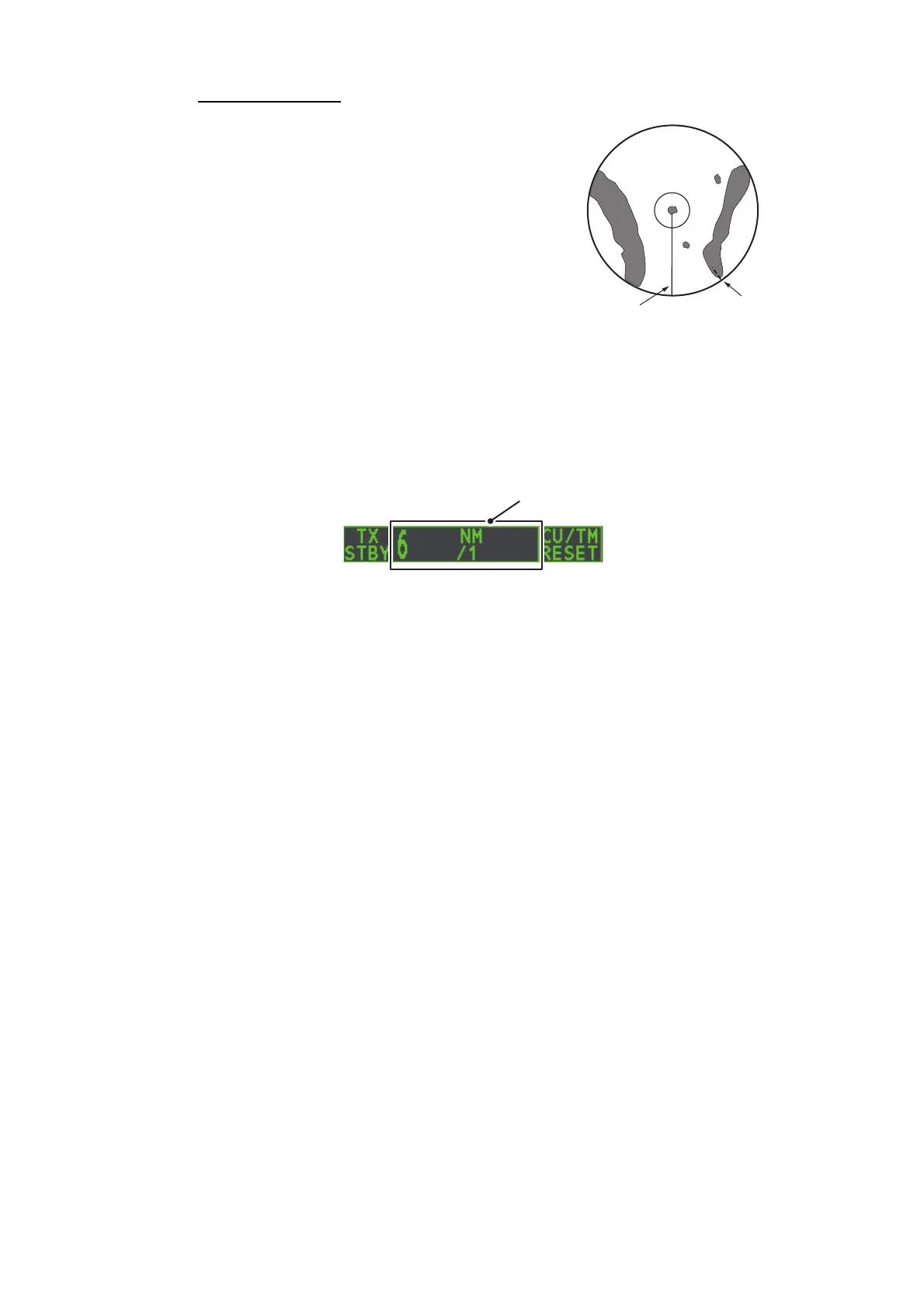
The STERN UP mode rotates the HEAD UP
mode picture, relative and true bearings and
display graphics 180°. This mode is useful on
dual-radar tugboats when backing up; one ra-
dar shows HEAD UP and another shows
STERN UP. To enable the STERN UP mode,
turn on [STERN UP] on the [OPERATION]
menu.
1.30 How to Select a Range Scale
The selected range scale, range ring interval and pulselength are shown at the upper
left corner on the screen. When a target of interest comes closer, reduce the range
scale so that it appears in 50-90% of the display radius.
1. Place the cursor in the [RANGE] box at the top left corner of the screen.
2. Press the left button to lower the range; the right button to raise the range.
You can also select the range by rotating the ADJUST knob then pushing the AD-
JUST knob when the cursor is inside the range box.
Range Box










 To Next Page