1. OPERATIONAL OVERVIEW
1-74
1.51 How to Select a Display Mode (For Non-IMO
types Only)
Non-IMO type radars of this series have two display modes available:
• Standard display mode: The operational display area, box functions, data display,
etc. are shown in a standard (IMO compliant) manner.
• Simple display: The display is echo-focused.
Follow the procedure below to change display modes.
1. Open the [MAIN MENU].
2. Select [ECHO], then push the ADJUST knob. The [ECHO] menu appears.
3. Select [ECHO AREA], then push the ADJUST knob.
4. Select the appropriate setting, then push the ADJUST knob.
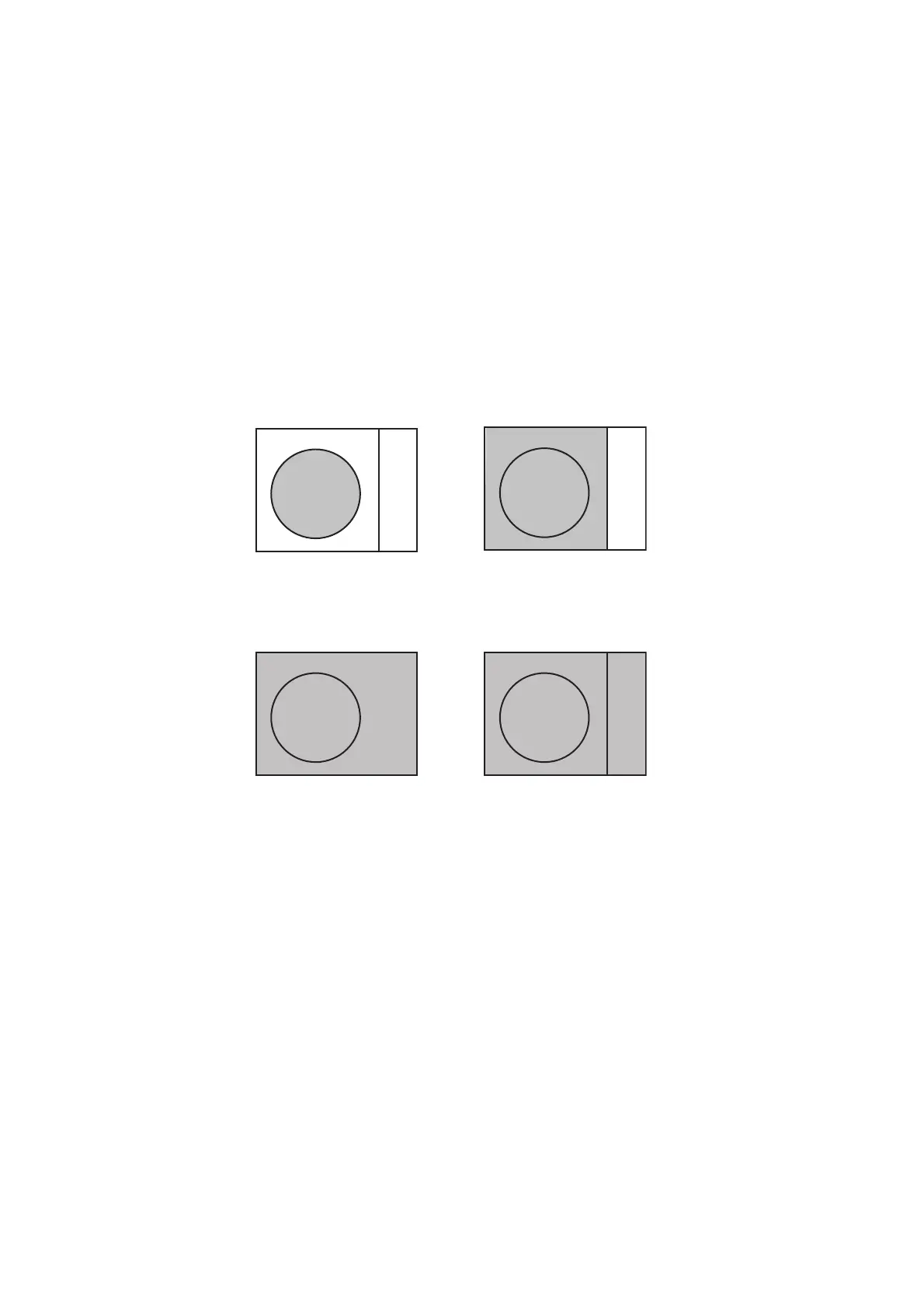
• [CIRCLE] mode: The echoes are displayed inside a circle on the screen.
• [WIDE] mode: The echoes are displayed in a square area, but are not displayed
in the data display area.
• [SIMPLE] mode: The display is echo-focused, menu boxes and the data display
are simplified.
• [ALL] mode: The echoes are displayed across the entire screen.
5. Close the menu.










 To Next Page